
Editing an audio podcast doesn’t require much, especially when you are searching for a display. After all, it’s just audio that is being blasted into the eardrums of your listeners. But a video podcast is a whole other concept. Instead of just audio, you must consider the video part as well. It sounds easy but there is a whole lot to break down. Luckily for you, we are here to go over some of the most basic features you should keep in mind when picking the right monitor for video podcast editing.
Resolution
You are going to need a monitor that offers great resolution, but it has a bit of a caveat. Most people are currently using 1920 x 1080 resolution display, which is considered “high definition” and is often absolutely fine for media. But a lot of people watch podcasts on their smartphones and tablets as well. The resolution on an iPhone tends to be 2868 x 1320, while an 11” iPad Air offers a 2360 x 1640 resolution. This is important to note because if you edit in 4K, there is a chance that some of the detail gets lost when reduced to a lower resolution. On top of that, the full aspect ratio of your edit will not cover the full screen of the iPhone or iPad. So, while it is nice to have a 4K display, it isn’t always necessary, especially if you are just recording people talking.

Make sure you consider the resolution you are recording in, the aspect ratio, and the frames per second as well. In some cases, platforms like YouTube can easily support 4K resolutions but at the cost of bandwidth. Some viewers might not see the full breath of the video because they are watching on much smaller screens.
But, as my father used to say, you’re better off having too much than too little. A 4K display, despite being a bit overkill, will be able to handle everything up to 4K resolution and even handle lower resolution video editing as well. When working with different applications, you must make sure that you are editing in the right resolution to retain the details you want.

You also can’t go wrong with a decent 1440p display as well. These are the halfway mark between 1080p and 4K resolutions, making them incredibly detailed. Displays sporting the 1440p resolution are also accompanied by faster refresh rates so you get a nice, well-rounded experience. In a lot of cases, the 1440p resolution display will be just fine.

There is one other consideration to make when it comes to your picture and that is the color space. It is an advanced feature and there are tons of different color spaces out there. I can’t necessarily tell you which one is best because some people just have their favorites. The one thing you should look out for is the percentage of that color space that is supported. For example, 99% of sRGB color space means the monitor covers 99% of the entire sRGB range.
Size and Aspect Ratio
While the resolution is important, it is also important to think about the actual size of the monitor and the aspect ratio. I tend to associate these together because they are relative to each other. The overall size of the display and the aspect ratio will determine how big your digital canvas is.

Think about the software you are using and how many on-screen features are present at any given time. Having a larger display gives these tools more room to breathe. On top of that, having an aspect ratio larger than the traditional 16:9 will extend your work area without fully compromising the space.

Personally, I like working in the 21:9 aspect ratio. I find the extra width of my display gives me more room to access certain tools in various programs. I can keep the action front and center while having my timeline along the bottom extend to the furthest reaches of the screen to keep better track of where I am, what I am editing, and what else is present within it.
Audio Quality
Some displays feature built-in speakers. It is rare but it happens from time to time. These speakers tend to not be too powerful and usually sit within the 2W range. Professional editors will use external speakers or professional headphones to listen to the audio they are editing, but if you’re in a pinch, sometimes the built-in speakers are really nice to have.
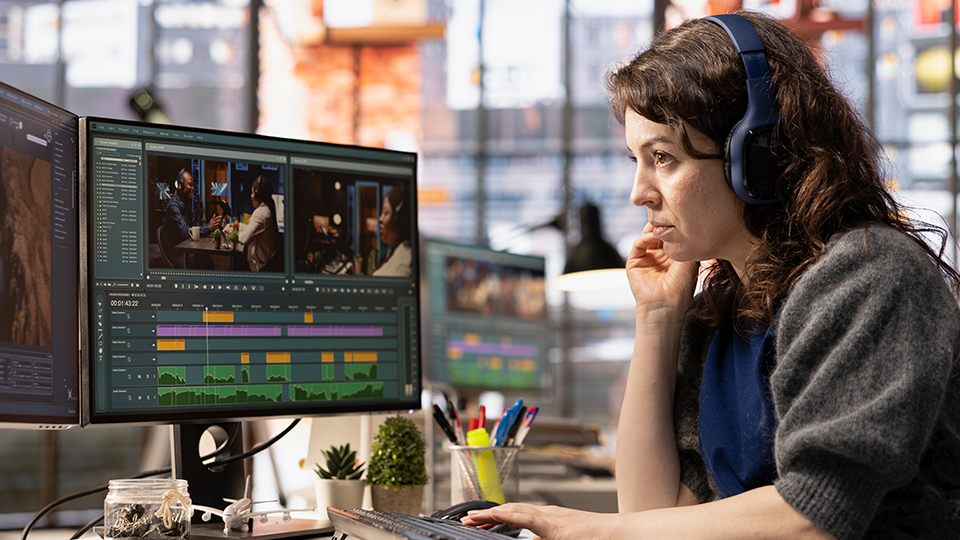
Those are the most important considerations to make when purchasing a monitor for video podcast editing. There are more than a handful out there that would be absolutely perfect for your setup. Head over here and start looking around for the displays that best suit your needs!
