
When processing photos for clients, you probably want to get in and out of the editing bay as quickly as possible. But it can be challenging to find the right professional display or monitor that fits into your workflow and budget. Don’t worry, we’re here to help with three things to keep in mind when considering a professional display. That way, you can find the perfect look and get back to shooting.
Color Accuracy
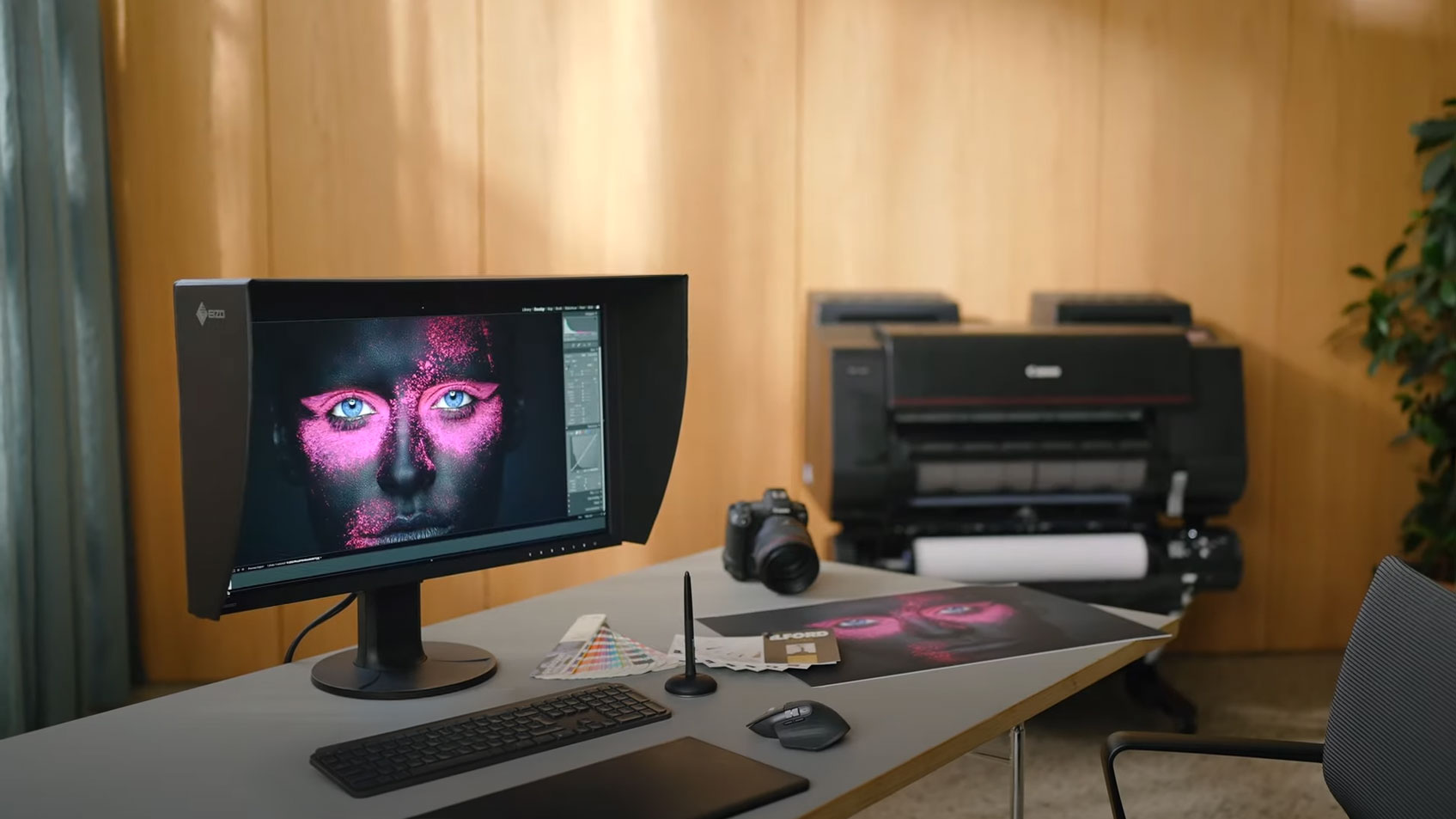
Whether it's weddings, portraits, or street photography, the most important factor is always color. With this in mind, we recommend a monitor like the 27" EZIO ColorEdge CG2700X 4K monitor, which features a built-in color calibration sensor and is factory calibrated for 99% coverage of the Adobe RGB gamut, making it ideal for print format. The sensor can be configured to automatically calibrate the display at a designated time, and it only takes about three minutes. A separate sensor reads the lighting conditions of the room and adjusts the monitor's gradation, color, and brightness settings to match, so you can get straight to editing instead of spending time fiddling with the color setting.
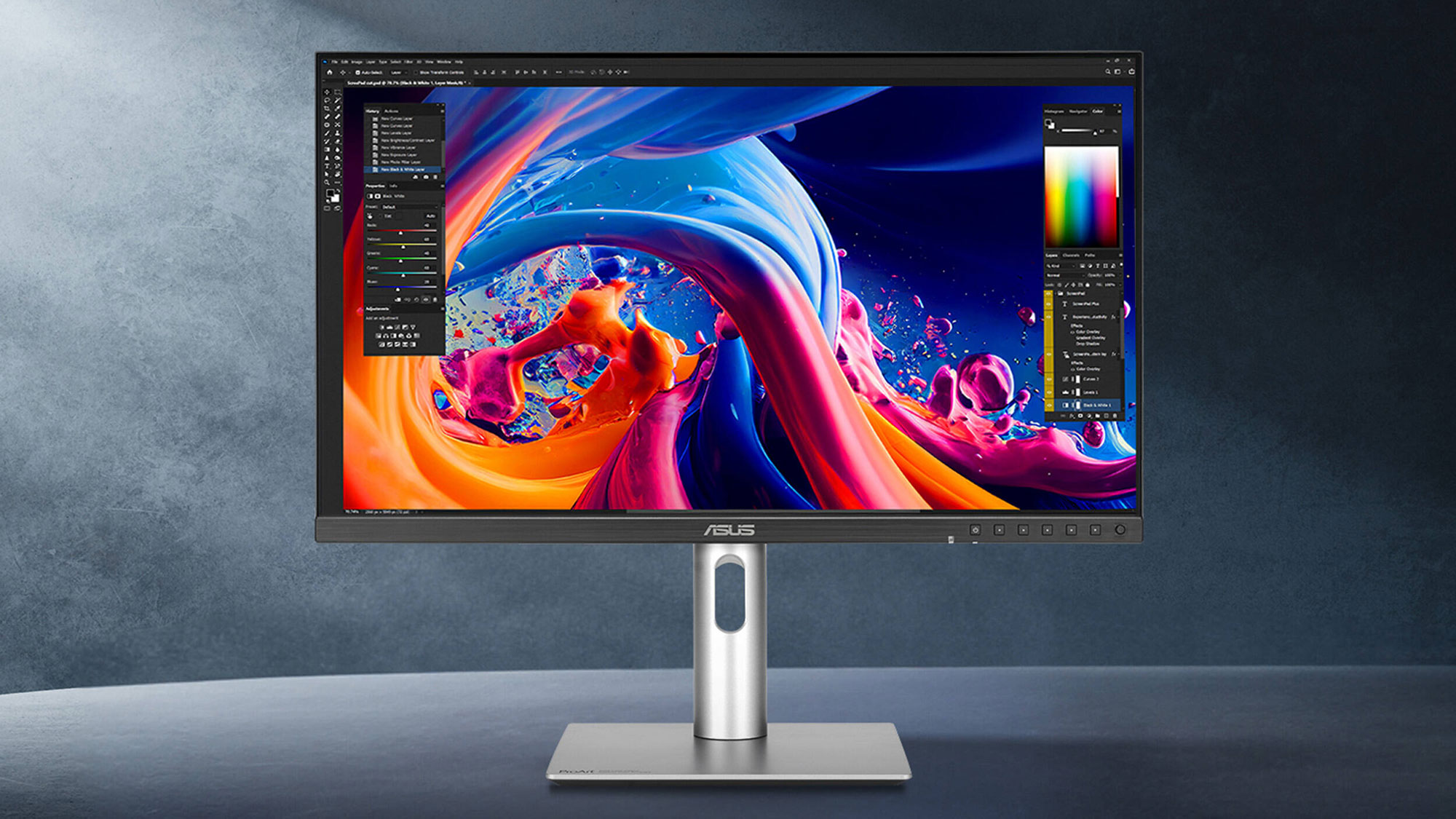
OLED displays such as the 31.5” ASUS ProArt Display OLED PA32DC 4K Monitor are also worth checking out. Unlike the traditional IPS panel found in the EZIO ColorEdge and similar displays, OLED monitors don’t have a backlight. Instead, they run electricity through individual Organic Light Emitting Diodes (OLEDs), which deliver improved image quality, faster response, and deeper contrast with no backlight bleeding. For example, the ProArt Display OLED features a stunning 1 million:1 contrast ratio with a 0.1 ms response time. It is also calibrated for Delta E <2 color accuracy, covering 99% Adobe RGB and DCI-P3 gamut. A built-in motorized flip colorimeter works alongside the ASUS ProArt Calibration and Calman and Light Illusion ColourSpace CMS software to ensure color accuracy.

However, the improvement in quality is not without some drawbacks. Firstly, OLED displays are considerably more expensive than traditional IPS monitors. Also, even though the technology has fast caught up, many OLED displays aren’t as bright as IPS monitors. But perhaps the biggest issue is OLED’s higher vulnerability to burn-in, which is when bright static elements are left on the screen for so long that they become permanently visible on the screen. However, it takes hours for these elements to burn in, and there are plenty of ways to help avoid it – like using screen savers and varying your content layout – but it’s still worth thinking about as you choose your monitor.
Size and Resolution
When working with photographs, bigger is almost always better. At a minimum, we recommend at least a 27" display with a 4K resolution, like the ASUS ProArt OLED PA27UCDMR, which is factory calibrated for Delta E <1 accuracy with 99% DCI-P3 and 100% sRGB coverage. Thunderbolt 4 connectivity allows you to daisy chain a second display for an improved workflow. If your budget supports it, pick up the 32" ASUS ProArt OLED PA32UCDMR-K monitor for a larger screen size and included ProArt CaliContrO Colorimeter.

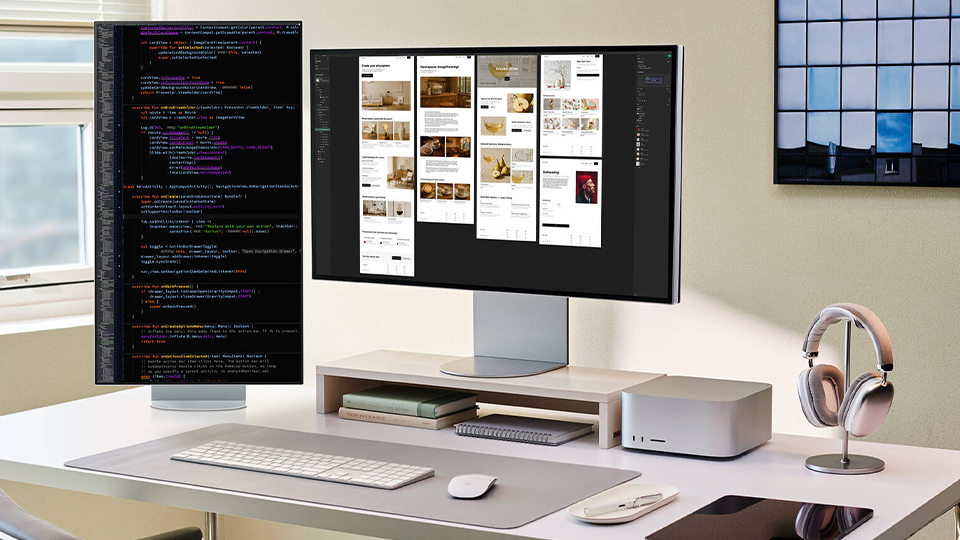
Higher resolutions let you clearly see sharp details while allowing you to fit more windows onto your desktop. This is especially important when working with large print formats using 45MP or better cameras, making the 27" Apple Studio Display XDR an obvious choice. Its 5K UHD 5120 x 2880 resolution Retina screen supports Apple's Extreme Dynamic Range (XDR) technology, which delivers a 1 million:1 contrast ratio and a 2000-nit peak brightness level using a mini-LED backlight with 2304 dimming zones. Apple's True Tone technology uses an ambient light sensor to adjust the color intensity of the display to match your environment. We also suggest picking up the Tilt- and Height-Adjustable Stand for added comfort.

If you're interested in working at 6K UHD 6016 x 3384 resolution, then check out the 32" ASUS ProArt PA32QCV, which delivers vivid color while enhancing your workflow with a Thunderbolt 4 hub. Other 6K HDR monitors include the 32" LG UltraFine evo Nano, which features 98% DCI-P3 and 99% Adobe RGB coverage, a 2000:1 static contrast ratio, and 450 nits brightness. Both the ProArt PA32QCV and the LG UltraFine support built-in daisy chaining. So, if your space allows it, you may want a dual or more monitor configuration to help better organize your windows and applications.
Budget
As a rule, you should go for the best color accuracy and highest resolution monitor your budget allows. That's because it's usually better to make a one-time investment that you can stick with as your needs grow instead of having to spend extra time and money to upgrade later. But we realize that it can be difficult to afford a top end display when you're just starting out in your career.
That being said, the 27" BenQ PD2732U 4Kdisplay provides professional quality visuals without burning a hole in your wallet. It's calibrated for Delta <2 accuracy with 99% Adobe RGB and DCI-P3 coverage, and is designed to match the color output of your MacBook. Thunderbolt 4 daisy chaining and an included Hotkey Puck G3 module allows you to adjust up to three connected monitors at once. If you'd like a larger screen size, the 32" BenQ MA320UG delivers similar color performance with a 4K nano gloss screen. Both feature a built-in KVM that lets you control multiple devices in picture-by-picture and picture-in-picture modes with a single mouse and keyboard.

Another monitor well worth considering is also the ASUS ProArt Display PA27JCV. Sporting a 3000:1 contrast ratio, 500 nits peak brightness, and Delta E <2 accuracy with 99% DCI-P3 / 100% sRGB coverage, this 27" 5K display is ready for creating professional content. It also includes 10 presets that let you switch between Native, sRGB, Adobe RGB, and other color modes. The LuxPixel anti-glare, low-reflection (AGLR) coating is designed to minimize reflections while maintaining colors accuracy and sharp details for a paper-like effect. It also features a built-in KVM for enhanced multitasking.
For more information about these professional displays, including additional features, specs, and highlights, be sure to check out their detailed product pages.
