
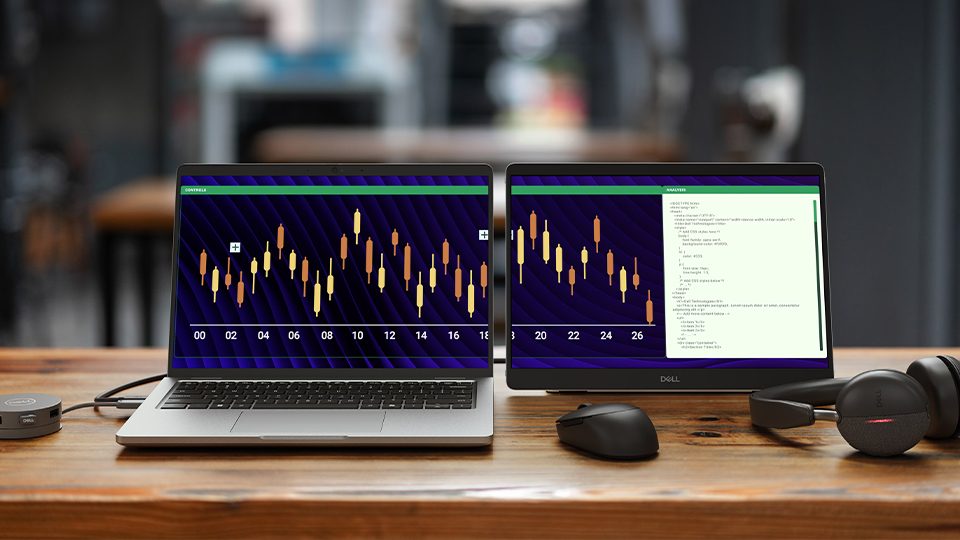
Working on a single screen is tough, especially when you’re out on the road. No matter how big your display is, a second screen always helps with multitasking. This is where the Dell Pro 14 Plus portable monitor comes into play. Lightweight and compact, the Dell Pro 14 is a travel-friendly solution designed to help expand your productivity when you’re on the go. Let’s see how it holds up.
Specs and Compatibility
The Pro 14 Plus gives you 14” of screen real estate with a 16:10 aspect ratio for some extra verticality. The in-plane switching (IPS) panel sports a 1920 x 1200 resolution with 60 Hz refresh rate, which is what I would consider the bare minimum for a portable display. It also supports a 1500:1 contrast ratio, 400 nits brightness, and meets 100% of the sRGB color range across the 16.7 million colors that can grace the display at any time. It does have a 7 ms grey-to-grey (GtG) response time, which is absolutely fine for this type of device.
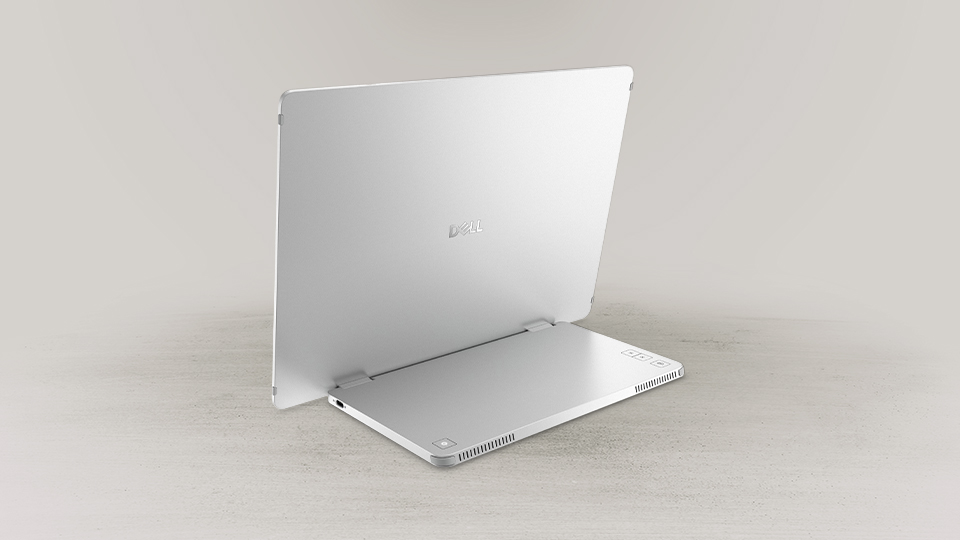
The Pro 14 Plus features a hinge at the bottom that leads into a small base that’s complete with two USB-C ports and some basic controls for power, input, and brightness. With the included cable, you can connect your device to the Pro 14 Plus quickly and easily. Because the USB-C ports are split between the left and right side of the base, you can easily place this portable monitor on any side of your host laptop. Also, because of the hinge, the display can easily fold up and be stored away within a case or backpack for travel. What I find cool is how the display has a sensor inside it that detects the orientation, enabling you to use it in either portrait or landscape modes.
When I connected the display to my computer, I noticed some solid color performance along with a nice, clean resolution that perfectly complimented my laptop. Thanks to the integrated DisplayPort technology support, I could also duplicate my smartphone’s display onto the Pro 14 Plus using the included cable.
Work and Play
If you like to play as much as you work, the Pro 14 Plus has a nifty trick up its sleeve. You can connect various gaming devices to the portable monitor as long as that device uses DisplayPort video output. Devices like the Valve Steam Deck, a handheld PC device, can use the Pro 14 Plus as a larger display. While the response time of the monitor is a bit higher than most gaming enthusiasts would like, it does the job quite well. Ghosting and other effects are not seen here either, which is a huge plus. This makes the Pro 14 Plus incredibly versatile.
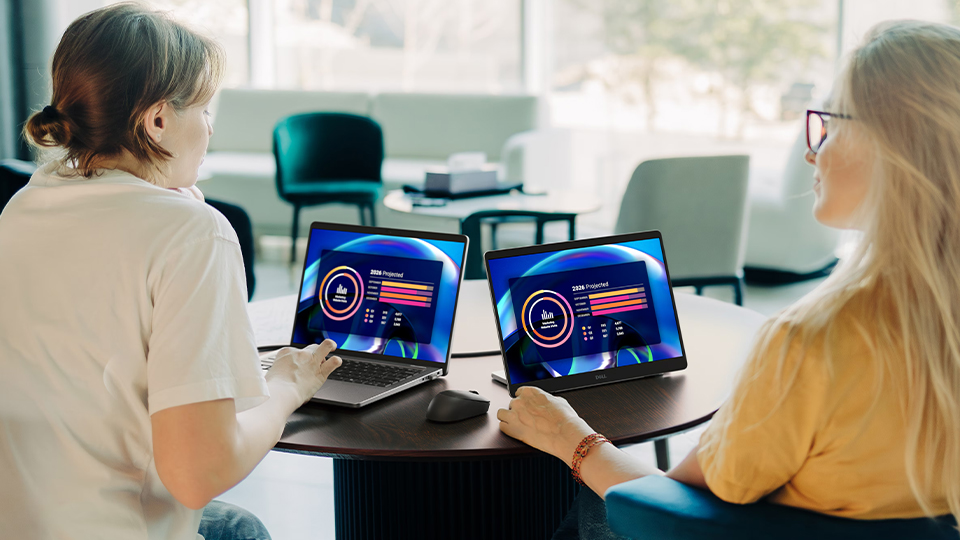
Additionally, the dual USB-C port design supports power passthrough. You can connect a power adapter to one USB-C port while the other goes to the host device. This enables you to charge your laptop, phone, tablet, and handheld gaming PC while in use.
Finally, I must fully recognize what Dell has done here when it comes to the overall design of the device. It weighs in at just under 1.36 pounds; you’ll barely notice the additional mass in your backpack. The packaging weighs more than the display itself. It is super thin because all the hardware is stored within the base section of the display. It also has some solid ventilation if things ever get too hot.
Conclusion
Looks can be deceiving, and what I once thought was a run-of-the-mill portable monitor turned out to be one of the coolest devices I experienced this year. It looks basic and plain but there is so much packed into this neat, lightweight device. It is simple, clean, and it works wonderfully right out of the box. If you are in the market for a nice, slim, and sleek portable display, you can’t go wrong with the Dell Pro 14 Plus.
