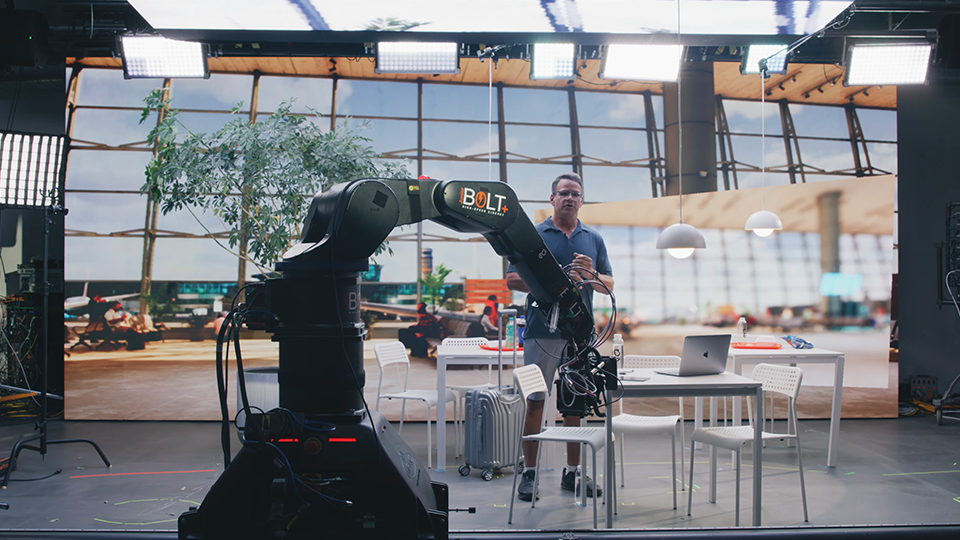
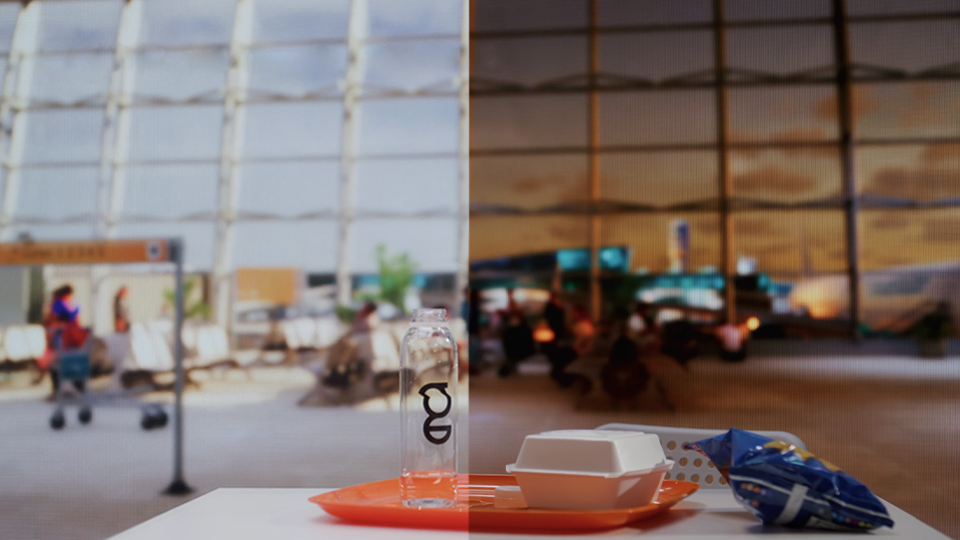
On-set virtual production (OSVP) is the real-time mixing of live-action footage with computer-generated imagery to create amazing in-camera visual effects (ICVFX). These days, most OSVP happens on a volume, a studio space with seamless LED panels (or cabinets, as they’re known in OSVP) grouped together to display rendered images that are then captured live in-camera alongside human talent. These cabinet configurations can be as simple as a flat backdrop stacked from the ground up, and as complicated as a full curved 360° wrap hung from trusses and merged with special ceiling and floor cabinets to allow the camera to shoot in any direction. Whether you’re starting small or aiming high, today we’re explaining some core concepts to keep in mind as you assemble your first virtual production volume.
Where do you start with a volume?
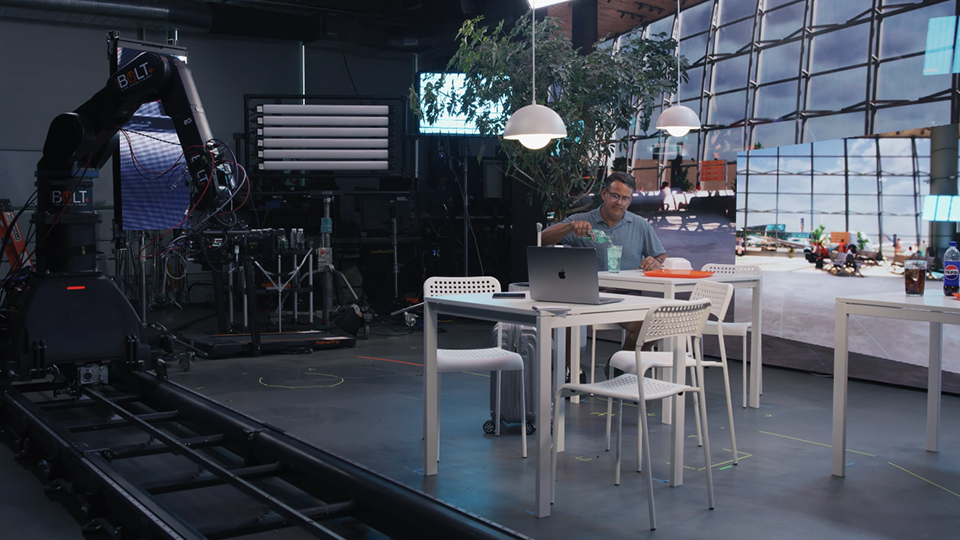
The first step is going to be choosing a place to build your volume. It is possible to develop more of a travel rig that can be repackaged and consistently moved to new locations, but you’ll need at least one space for initial set-up, testing, and calibration. Unlike a traditional cyclorama (or “cyc”) wall, you don’t want to build right up to any of the edges of the room. Instead, make sure to leave at least a couple feet between all sides of the LED volume and the walls of the space to account for processor units and ventilation, as cabinets can produce a lot of heat. Once you know the approximate size you want the volume to be, you can start researching panel options and see how many you’ll need in order to complete your volume.
What are the technical requirements?
That brings us to specs. Panels built for OSVP have much higher technical capabilities than standard LED panels built for digital signage and events. OSVP cabinets typically have a pixel pitch of P3 (aka 3mm) or smaller so that individual pixels aren’t noticeable even when shooting incredibly close to the panel. They should also have a constant brightness of 1200 and 1500 cd/m² or higher, as well as a ceiling brightness of at least 6000& cd/m², to be able to properly recreate daylight scenes. Other key features include a wide DCI-P3 color gamut coverage (+90%) to work with a range of codecs, anti-reflective coating to prevent glare, viewing angles of at least ±80°, and a refresh rate of 3840Hz or higher. Popular cabinet brands include ROE Visual, Planar, ARwall, and Absen.
What are the other key components?
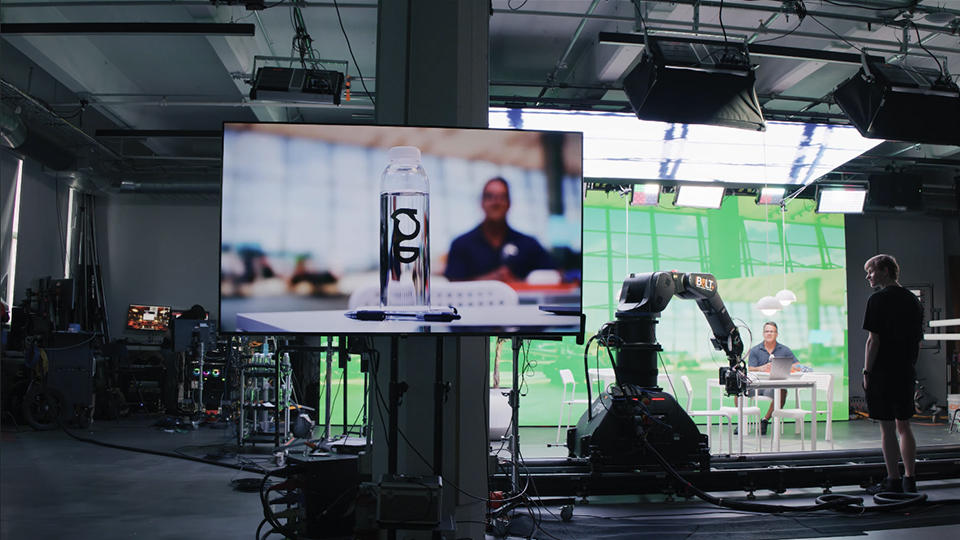
Another key component of a volume is the media server that feeds content to the cabinets, takes in information from the camera, and sends out the final image. Popular options include PIXERA and disguise. If you want to use virtual content rendered out in real time, you’ll need rendering software like Unreal Engine. If you’re using static pre-rendered content, you can deploy a simpler VP-ready media software like MadMapper. The entire media server can technically be software run off a regular PC, but custom-built hardware servers with lots of GPU will be more reliable. You’ll also need at least one LED processor/controller to adapt the content from the server to the LEDs. Brompton, Megapixel, and NovaStar are the key brands for these.
What kind of camera do I need?
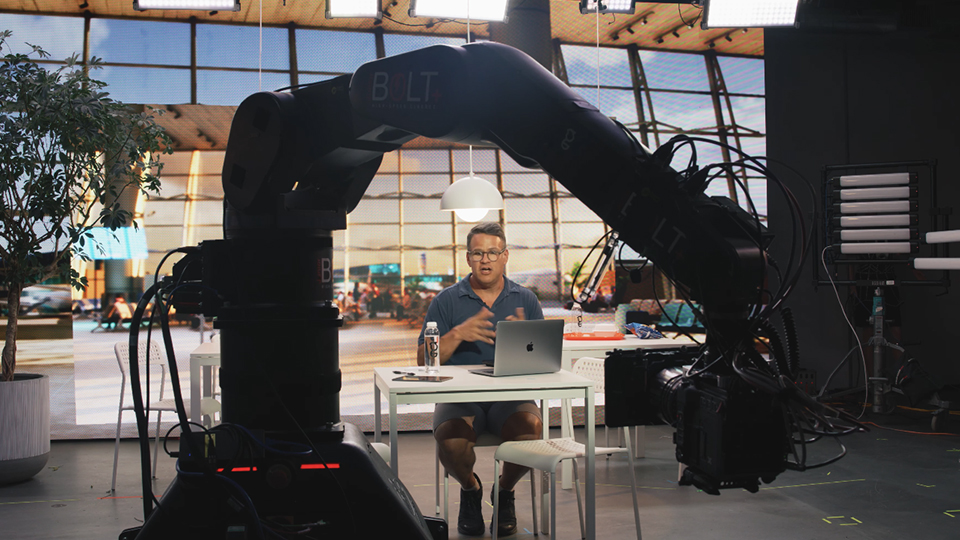
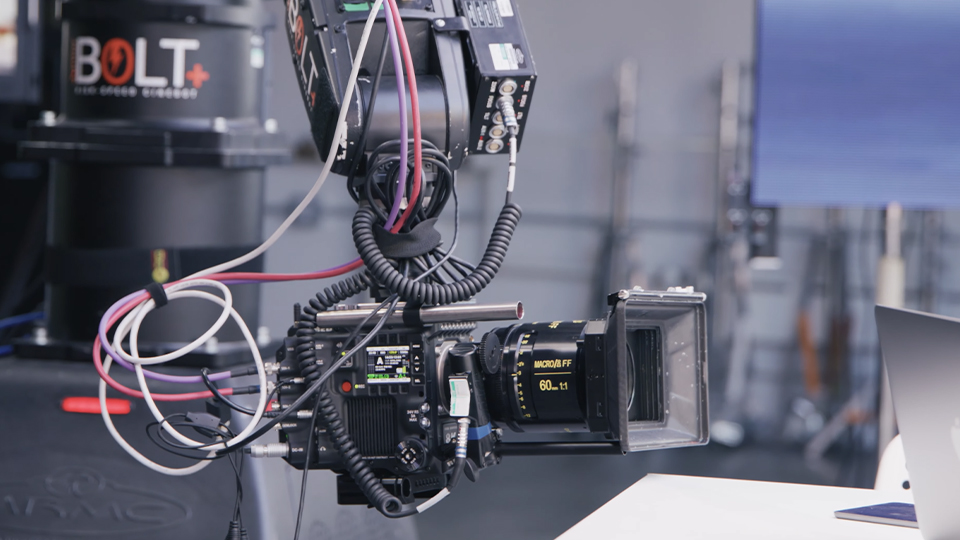
To prevent tearing or glitching, try to use a camera with a global shutter or readout speeds of less than 18ms. The camera should also have timecode and genlock in/outs to keep everything in sync. Some cameras and lenses will have tracking systems built-in, especially PTZ cameras with FreeD protocols, but most will need external tracking systems added on. Options for that include stYpe, OptiTrack, Mo-Sys, and HTC VIVE. These tracking systems send camera and lens info back and forth to the media server so that the rendering software and final image output are always matched up. Smartphone apps with built-in tracking and rendering are emerging but aren’t yet up to the technical specs of a true OSVP workflow.
What else should I keep in mind?
LED volumes often consume huge amounts of electricity, so make sure to leave money in your budget for monthly power costs and map out your circuits in advance with a qualified electrician. When estimating power needs, don’t forget the servers and processors too. You may require a distribution box for larger builds. Additionally, you’ll definitely want some IBL (image-based lighting) LED panel lights with RGB capabilities and DMX control protocols so you can link them to your media server and have real-time adaptive lighting. How and where you rig these lights should be factored into your initial build-out. If you’re wanting to create your own rendered backdrops from actual locations, look into photogrammetry and gaussian splat solutions like XGRIDS. For doing motion capture with actors and replacing them with virtual doubles, check out specialized MOCAP software like Rokoko. All of these virtual production elements have infinite layers of customizability, so it’s important to take your time and do your research at the start of a volume build, not figure things out as you go.
Discover what The Studio can do for you using this link to describe your project in as much detail as possible.
If you’d like to learn more about Virtual Production, check out our other guides and articles on B&H Explora!

