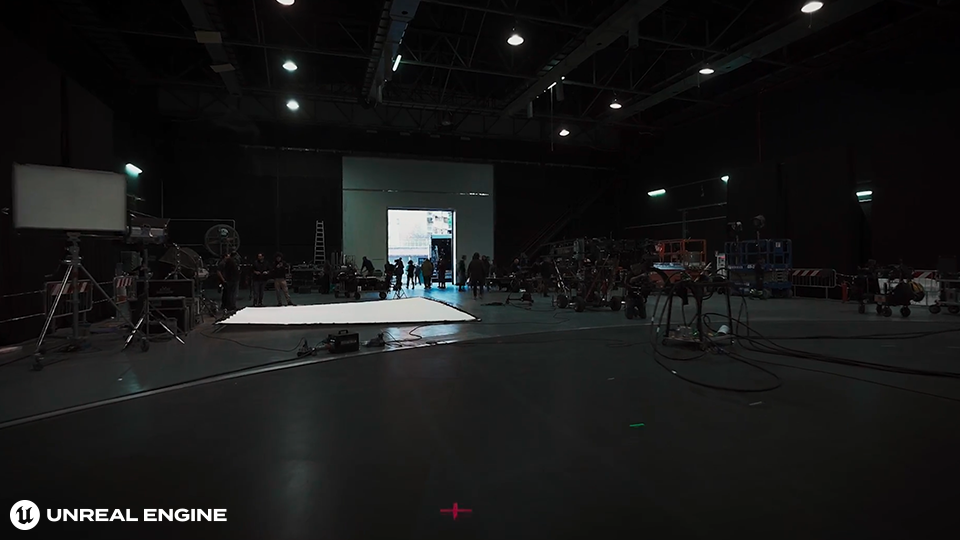
Your virtual production (VP) system isn't just playing back high-resolution video in the background. To work as believable 3D your system must be able to render in real-time and in high frame rate realistic 3D environments. To create and playback these environments you need creation software.
What Is Unreal Engine?
Simply put, it is an advanced real-time creation tool that powers your virtual production. It is based on 3D computer graphics gaming engine, and I remember playing Unreal as a multiplayer first-person shooter game, way back in the early 2000s. However, in the time between then and now, Unreal Engine has grown to become a powerful tool for the creation of virtual imagery for backgrounds and LED Volumes.

Better than Rear Screen Projection
Unlike the rear screen projection systems of old, which were limited in how the camera could move, and any camera moves had to be shot and then played back, which meant the actors would have to time their movements and actions to the footage playing in the background. Usually this would be done for shots of characters driving, shot head-on from the hood of the car, pointing at the actor “driving” the car, the camera framing locked off precisely to see the actor and the background road. It could make for a fairly odd effect when the actor started to turn the car after the footage in the background showed the car had already started turning.

Similar issues happen when the camera starts to move while filming on a rear projection stage. First, it will shoot off the rear projection screen, destroying the effect. Second, the perspective (or “parallaxing”) of the background won't change as the camera moves, which ruins the effect, as we have spent out entire lives fusing 2D images (one from each eye) in our brain to see in 3D, and so instinctively we know when something doesn't feel right. virtual production is able to take the information of the Unreal Engine 3D environment, the camera information, and the camera's position to generate a realistic environment in real time and then move the VP background to coincide with how a real environment would look to a moving camera, freeing the filmmaker from the lock off rear screen shots.
Unreal Advances
Live action television shows like The Mandalorian and Westworld have used Unreal Engine to help create the worlds that the characters exist in. Unreal creates the images using millions of polygons to create film quality backgrounds and apply cinematic lighting to those backgrounds, creating a realistic setting of the fantastic.
Create your location in a 3D program, or feed Unreal Engine the data from your location scans and let it fashion a 3D world from the data. Then, and this is the key to the realism, when shooting with your camera, you feed lens, and iris, and focus information, as well as camera position and movement information into your Unreal system.
The system then plots the position, camera facing direction, and movement of the camera in real time, and at high frame rates, and it adjusts the background as the camera moves to sell the effect that your talent is actually in the 3D environment playing on the LED volume or wall.
Alternatives to Unreal Engine
Unreal Engine is just one of the tools available to you. It seems to be extremely popular, and many early adopters of virtual production have become comfortable and proficient with it. However, there are alternatives worth checking out.
One such alternative is Unity, which is excellent for backgrounds with a more stylized quality. Both Unity and Unreal Engine work with Assimilate Live FX, which coordinates and controls your virtual background and IBL (image-based lighting).

Blender is another choice, and if you are familiar and comfortable with Blender, then there are options for exporting the Blender assets for integration with Unreal Engine 5 so you can keep working with Blender. Plus, as Blender is open source, someone is probably working on adding such features as camera position tracking, and camera data inclusion which will help when using Blender for VP.
Traditional Blue/Green Screen
One thing you learn when you start compositing is that reflections on your subject and translucent material are extremely difficult to composite. I tried to composite wine spilling onto a scene using a green screen—big mistake as the purplish color of the wine combined with the green background and that combination just destroyed the key. Yes, I could have shot against white and used a luma key instead but I was young back then and didn't know. Still, that example highlights the issues you encounter when using a traditional blue/green screen approach when shooting translucent or shiny objects.

Sci-fi movies and shows, for example, rely heavily on green screen/blue screen effects to create the sense of reality for the audience. Shows for television tend to have shorter production schedules and tighter budgets than movies, so avoiding postproduction becomes extremely beneficial and on-set virtual production (OSVP) is a huge timesaver as there's no post work to replace the blue/green screen with your background.
The Mandalorian
A lead character wearing a shiny highly reflective costume that is just going to have so much green and blue contamination that every frame will have to be rotoscoped by hand if using traditional blue/green screen compositing. While a little cleanup is expected for composite shots, doing virtually every frame is very expensive and time consuming, blowing your budget and schedule. This is where VP comes into play. Playing the virtual background on your virtual volume the background is already in the same shot with your talent, so no need for post compositing.

Best of all no blue/green spill or contamination to worry about, as all the reflections from the virtual background and reflections and highlights on the characters from image-based lighting (IBL) are captured when you shoot the scene, resulting in far less postproduction time and cost, and a wider choice in costumes, as there is no need to worry if the costume has too much green or blue content, or is too reflective to pull a clean key without rotoscoping.
Conclusion
Virtual production is already an established production method, but it is still early and one can only wonder what the future will bring. Software tools such as Unreal Engine, Blender, and Unity will keep pushing the boundaries of live action virtual production. For more on virtual production, check out our other guides and articles on the B&H Explora page!

