So, you've gotten all the hardware you need to start podcasting—the mics, production console, interface, boom arms, sound treatment, the works—but your audio quality still isn't quite as professional sounding as top podcasts. Even a recording in a well-treated room with the most expensive microphones will often need a little extra push to sound its best, especially in the crowded and competitive market of podcasting.
When shopping for plug-ins, always look for a sale, and always make sure to try out the plug-in before buying (most companies will give a 7–14-day free trial with full functionality). In this guide, we'll go over some of the most popular software and post-processing plug-ins used in podcasting so you can get the best sound possible.
First Things First: Recording Software
Podcasts can be recorded on any digital audio workstation or digital recording software. The industry standard of professional recording is Pro Tools, but plenty of people use free software like Audacity or GarageBand to record professional level podcasts. It really comes down to what you're most familiar with and what you have the easiest access to.
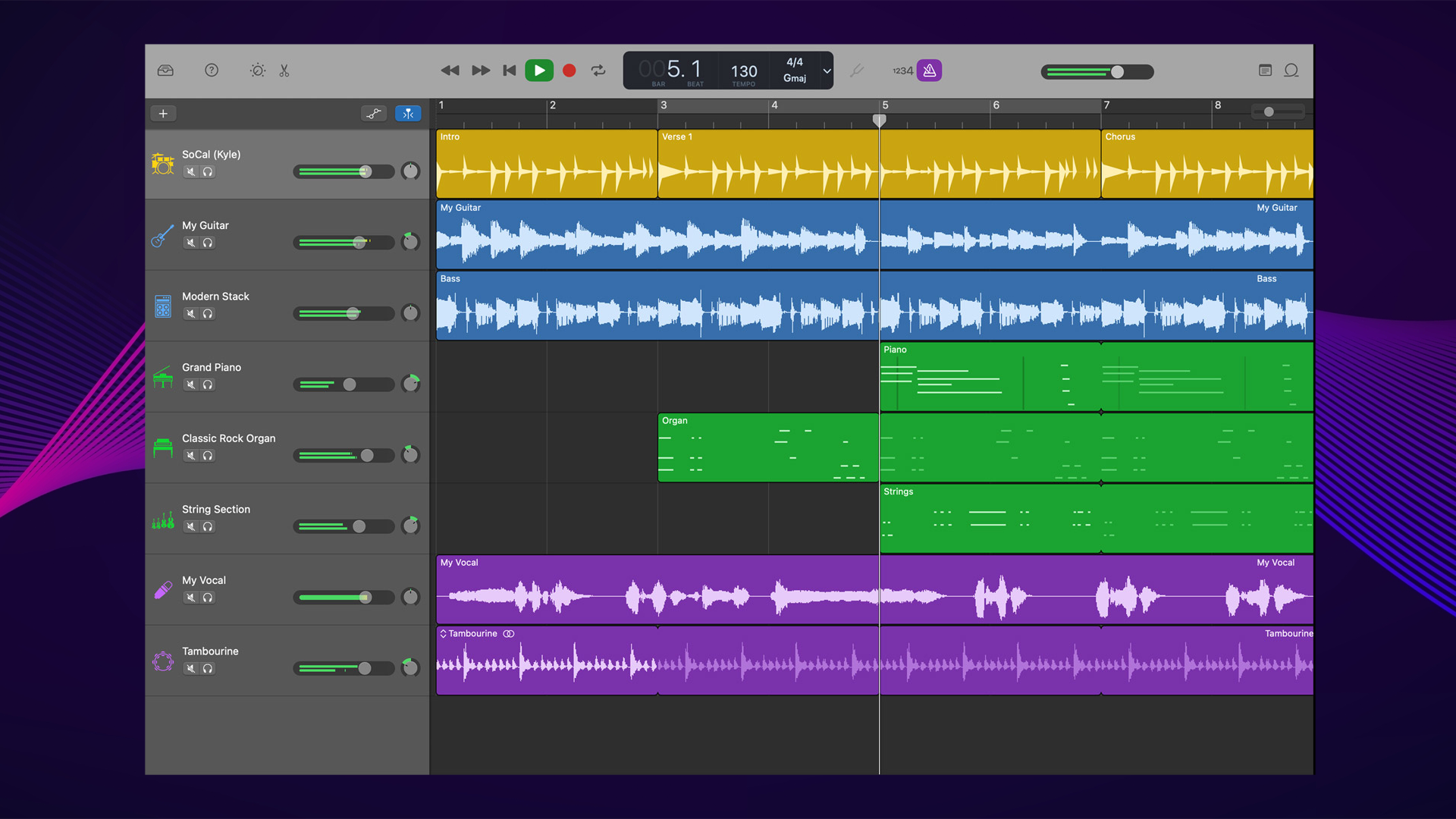
There exists software specifically designed to handle podcasting, radio production, voiceover, and audiobook editing, such as Hidenburg, Riverside, and (if you're working corporate) Adobe Audition. This kind of software streamlines the environment of a traditional DAW, making it better suited for spoken word editing rather than music creation. Some of these more podcast focused audio editors have automated loudness management, making your audio comply with industry loudness standards at the touch of a button (see our guide to metering for more info).
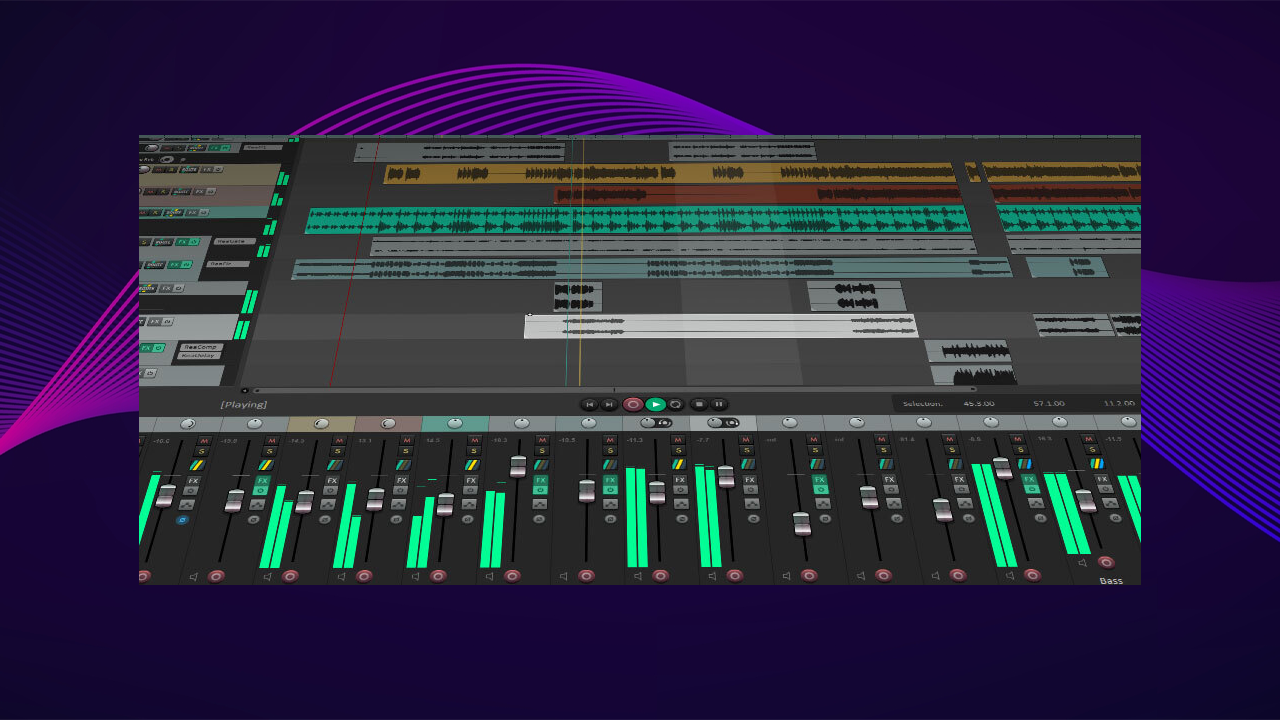
Other popular choices include Reaper, Logic Pro, and Spotify for Podcasters—but you can make a professional sounding podcast on whatever software you'd like (especially after reading the rest of this article).
Plug-Ins for Post
Most DAWs and audio editing software will come with some of the basic tools you'll need to edit a podcast: EQ, compression, etc. But there are some essential types of plugins that are extremely useful when editing podcasts—particularly noise reduction and de-essers.
You'll find that iZotope and their products will be discussed thoroughly in this article—it has become the industry standard audio restoration and vocal mixing tool with suites of plug-ins—but there are many other great options that exist. We'll focus on podcast/broadcast specific plug-ins first before discussing more universal tools you may need.
Audio Restoration and Noise Reduction
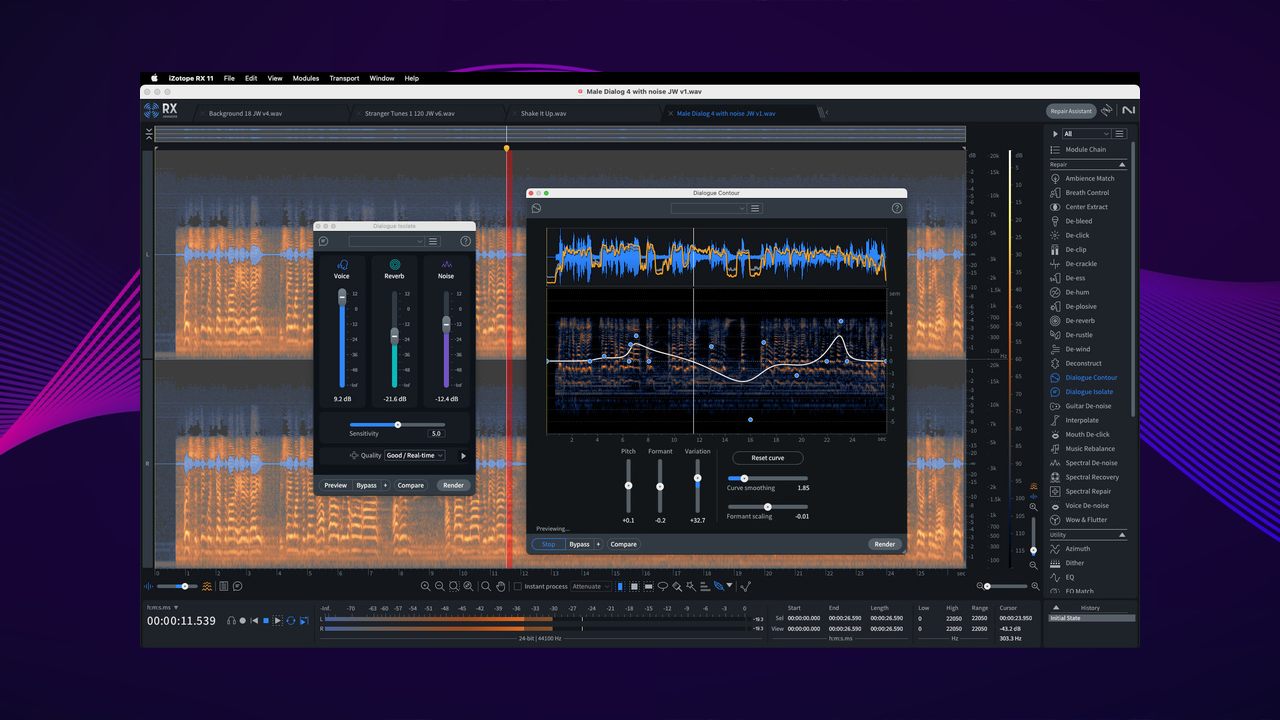
Noise Reduction may be one of the most important tools in a podcast editor's toolbelt, as it will remove background noise like fans, AC units, or any ambient persistent sound that would tank the production value of your podcast. Some types of noise reduction are meant to remove cracks, clicks, and pops within a recording, and reverb reduction plug-ins can remove harsh room noise and unwanted reflections from an untreated or poorly treated room. There are also some recently developed and powerful AI-based noise reduction tools that have been extremely popular and effective.
iZotope RX 11 is the go-to choice with its great suite of tools for repair and restoration, including voice De-noise, De-reverb, De-plosive, De-ess, De-click, De-Clip, De-hum, De-bleed, and more. There are three levels of RX 11: Elements, Standard, and Advanced (check out their website for comparisons). Currently, RX is the industry standard and even though it's pricey, you can't go wrong with this impressive piece of software.
Waves offers AI-powered noise reduction with its collection of Clarity Vx Noise reduction and reverb removal plug-ins at different professional levels, as well as traditional tools likes the Waves NS1 Noise Suppressor, W43 Noise Reduction, and WNS Noise Suppressor, all applicable noise reduction tools with specific applications. Those looking for more specific tools may want to check out these plug-ins.
Channel Strips
Channels strips can be a useful all-in-one tool for podcasters, simplifying the setup for both live and post-production purposes. A channel strip is a single plug-in that comes with many different processors like EQ, compression, noise gates, expanders, de-essers, etc. It is particularly a great tool for live broadcasting as it has everything you need to sound great in one UI panel (although the complexity of the UI can be daunting compared to single function plugins).
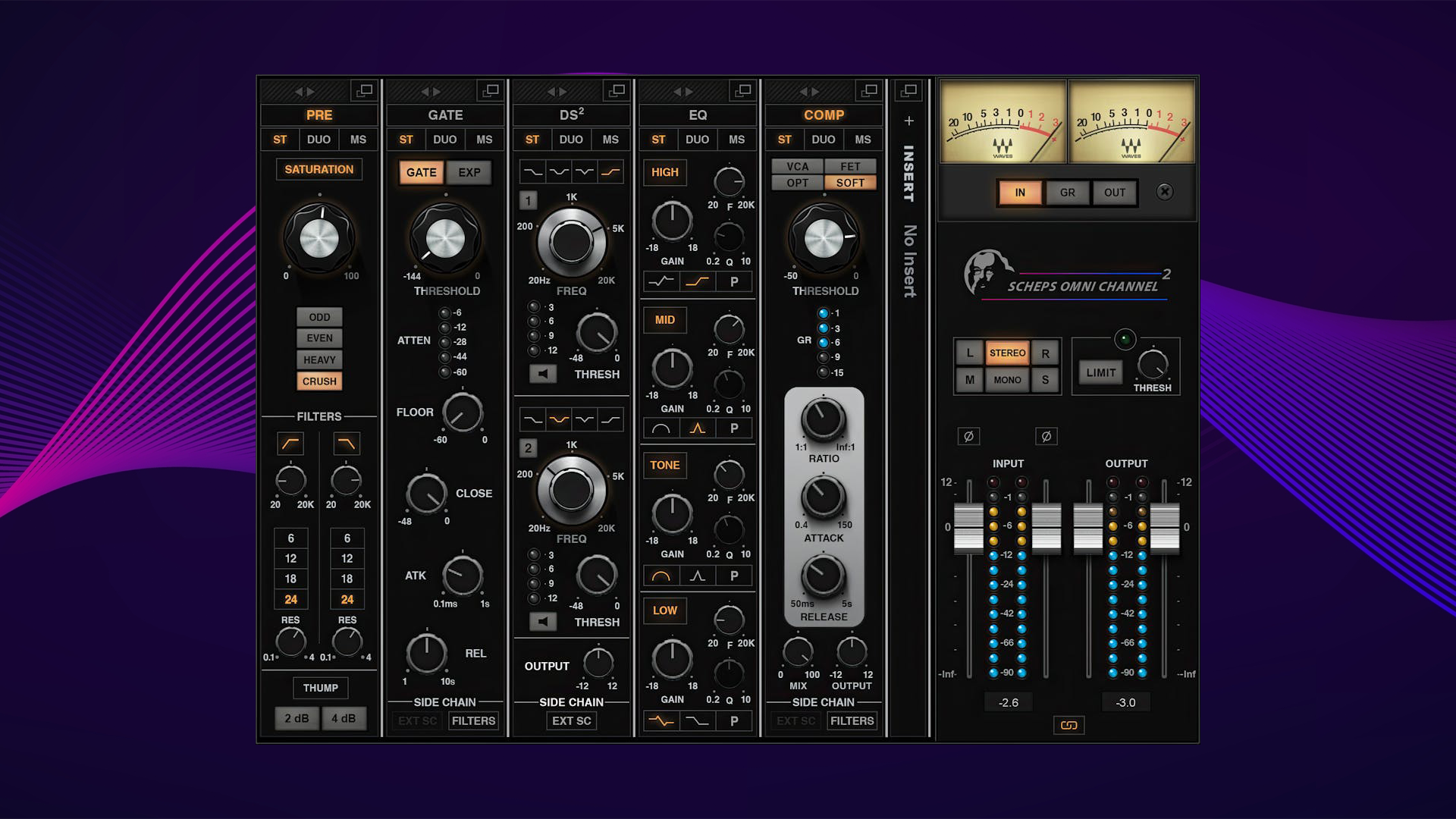
The Waves Scheps Omni Channel channel-strip is one of the most popular tools used for vocal production and broadcasting as it has everything you need to have radio-ready vocals by itself. With a preamp, compression, EQ, two types of de-essers, a gate/expander, stereo and Mid/side operation, and an insert slot for additional plug-ins, the Scheps Omni Channel is perfect for any vocal recording environment.
Other considerations are any channel strip made by or emulating the SSL 4000 series or the UAD API Vision Strip, both modeled after legacy vintage channel strips and are great for vocals and any sort of music production.
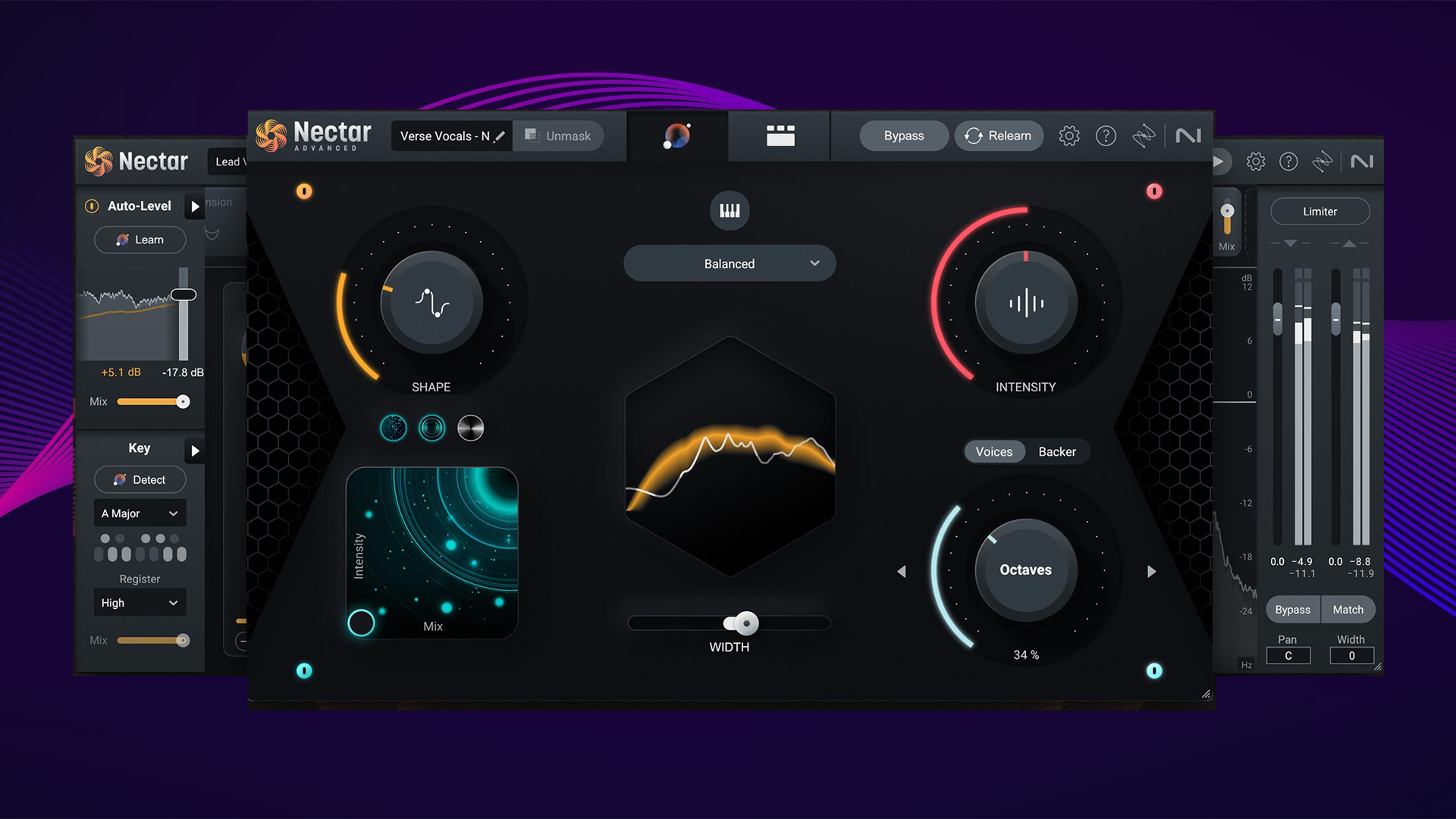
Another consideration is iZotope Nectar 4, which isn't a channel strip per se; rather it's a collection of feature-rich modules created specifically for vocal mixing. You can use it to create your own channel strip and vocal chains.
Leveling and Dynamics
Getting levels correct is key to creating a professional sounding, consistent podcast. You don't want your broadcast to be too quiet compared to the competition, and you don't want it to be so loud as to fatigue your listeners' ears. You especially don't want the volume to peak and trough throughout the recording, making it hard to follow.
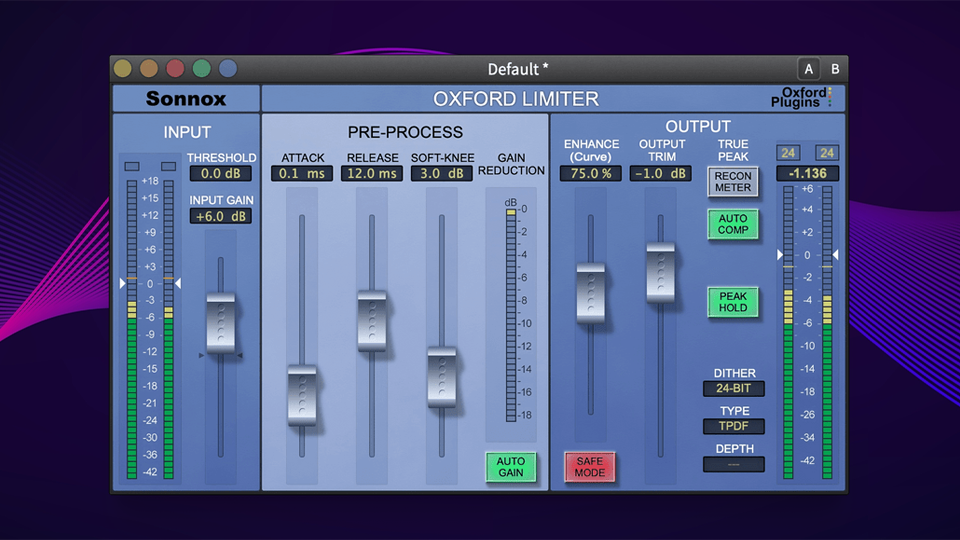
A common tactic of preserving consistent levels throughout a podcast recording is using compressors and limiters. While these tactics are useful in many cases, podcasters should look to leveling riders to more authentically mix the levels of their inputs without injecting the coloration and harmonic distortion that comes naturally with those tools. Compression and limiting should be used sparingly and in the end of a post-procession chain for mastering, not to level out a mix while recording. FabFilter's ProC2 and the Oxford Sonnox Limiter are great examples of mastering tools for your podcast.
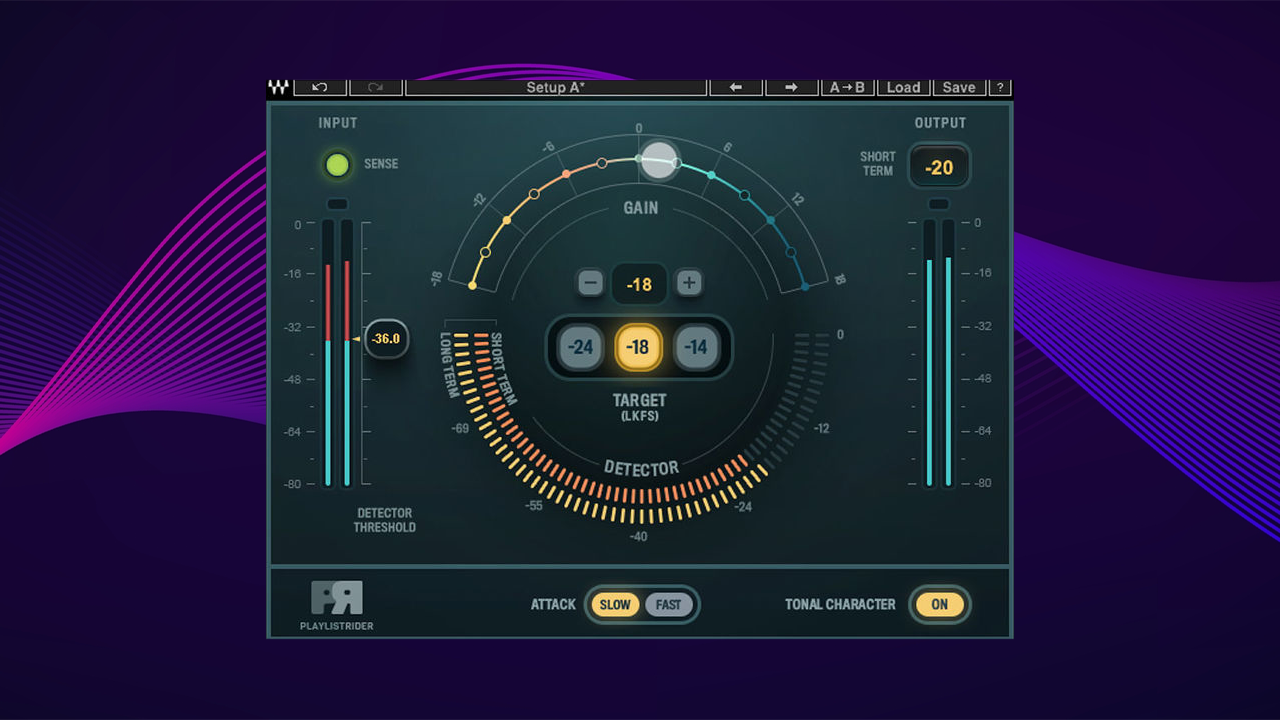
Plug-ins like Waves' Playlist Rider Auto-Leveling Plug-in and Vocal Rider makes it easy to control the levels of individual tracks in your mix, even in real-time, making it perfect for live-streaming. These plug-ins relieve the engineer from having to manually ride a physical or virtual mixing console fader for consistent levels on DAW track, making it much easier to have a workable product right out the gate.
Metering
Metering your podcast is the final step you'll have to consider before submitting your work for distribution. Today's most popular podcast distribution sites will have loudness standards measured in LUFS, or Loudness Unit Full Scale—and while these sites will normalize the volume of your content automatically, this can lead to some weirdness in the final product if you don't have your ducks in a row.
Many podcast and V/O centric software utilities will have automatic normalization built into their product (such as the aforementioned Hindenburg and Riverside audio production workstations), making leveling to the industry standard -14 or -16 LUFS as simple as a keystroke (but its still worthwhile to run the mix back to make sure there are no anomalies). Outside of that there are a few popular leveling tools you should consider.
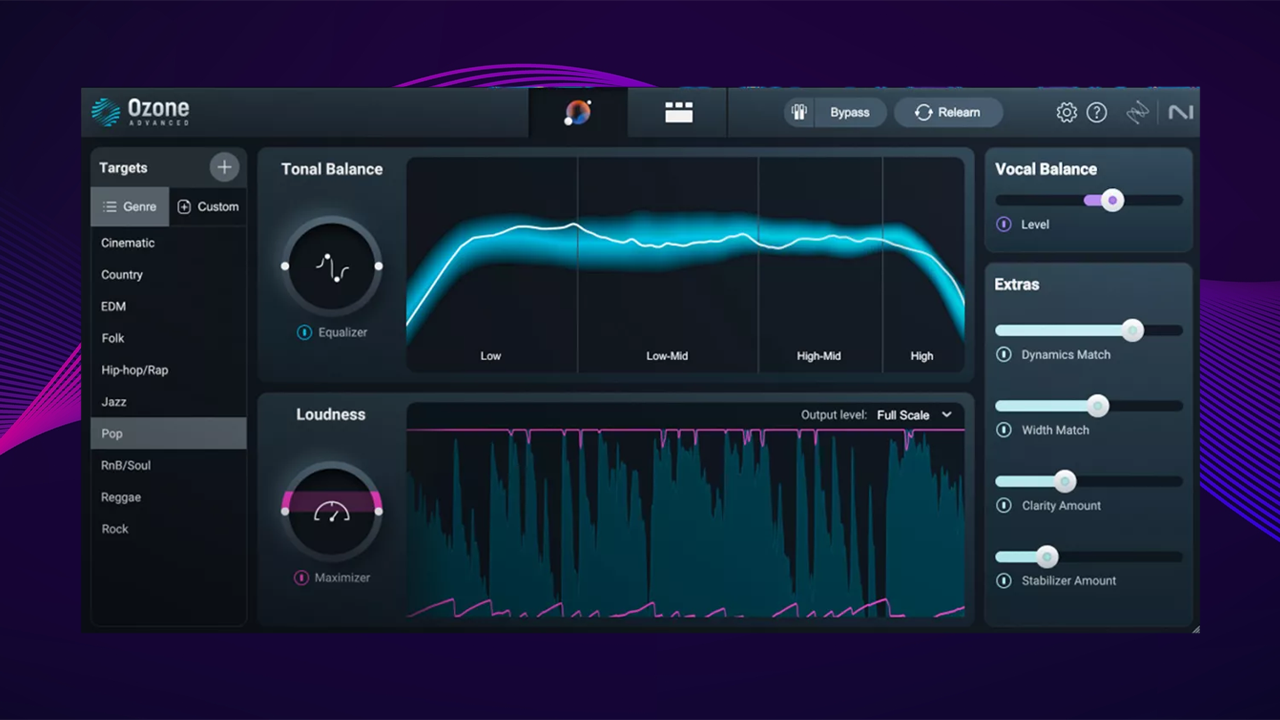
One of the most popular (and free!) tools is the YouLean Loudness Meter, which will analyze and display the perceived loudness of your podcast over any amount of time you decide. Some great paid options are the Waves WLM Plus Loudness Meter, the meter found in iZotope Ozone (a mastering suite similar to RX 11), and Metric AB, considered to be one of the industry standards.
Bundles and Specialty Plug-ins
There are bundles of plug-ins specifically tailored for content creation such as the Waves Content Creator Audio Toolkit which comes with a loudness meter, noise suppressor, playlist rider, and vocal FX processor. You may also consider purchasing a high-quality bundle of basic tools such as the FabFilter Pro Bundle. Both these bundles will give you everything you need to get started podcasting at a professional level (given the time to acclimate yourself with the tools of the trade).
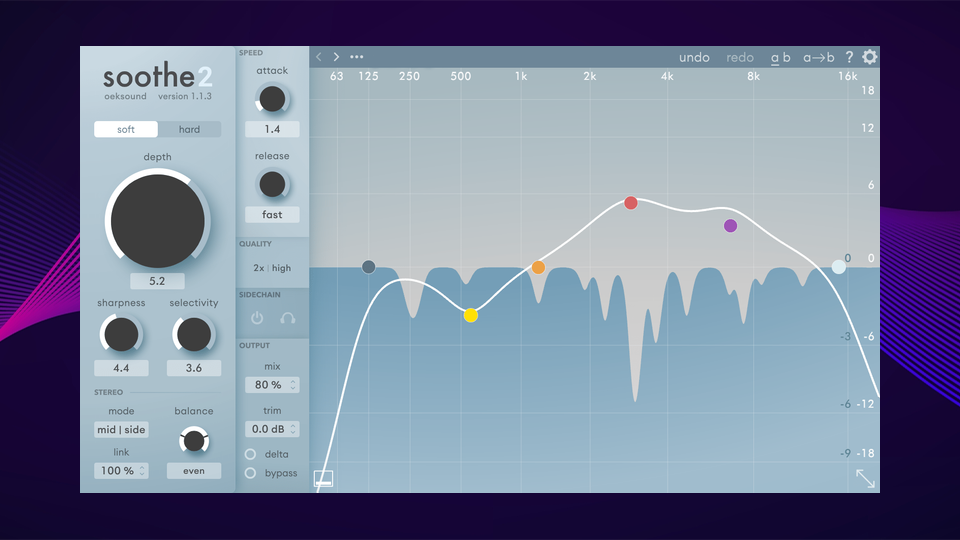
An immensely popular de-esser and clean-up tool is Oeksound's Soothe 2, a dynamic resonance suppressor that automatically removes harshness and sibilance from any sound dynamically and automatically. It's a bit pricy and doesn't go on sale often but it is a great upgrade tool for any podcaster or audio engineer. All Okesound plugins can find a home in a podcaster's suite of tools.
Other plug-ins to consider are saturators, distortion modules, and exciters, for more experimental use. Things like the classic (and free) Softube Saturation Knob, Oxford Inflator, and modules found in iZotope Nectar, Ozone, and RX can all be creative tools to help your podcast stand out.
Conclusion
When shopping for plug-ins, always be discriminate with your purchases—look for sales, and always try out the plug-in before purchasing. While all of the plug-ins I've mentioned in this list have a great reputation, make sure they work best for what you're trying to achieve—the extras can come later. If you need any more assistance with setting up your podcast, don't hesitate to reach out to our experts at B&H, either online or at our midtown Superstore!
