
Blending a high-resolution video display with live action, real-time computer graphics, camera tracking, and game engine software to create immersive environments, virtual production is rapidly transforming the face of video production. To streamline your VP or XR (extended reality) stage setup, consider getting a jump start with the help of a turnkey VP package.
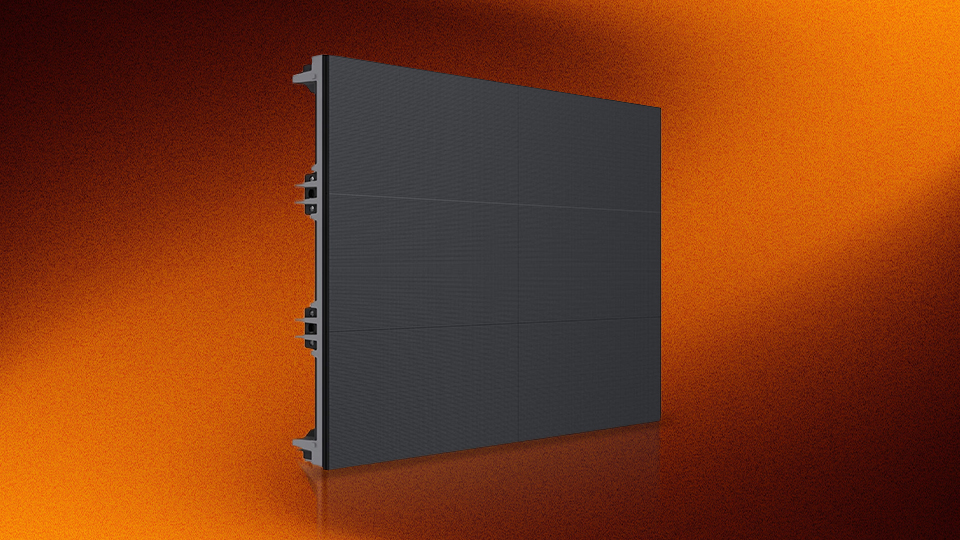
These systems typically comprise an LED volume wall, control system, video processor(s), LED cabinet supports, and power and data cables. Additional components can include a touchscreen controller, camera tracking system, spare parts, transport cases, as well as installation, maintenance, and training services.
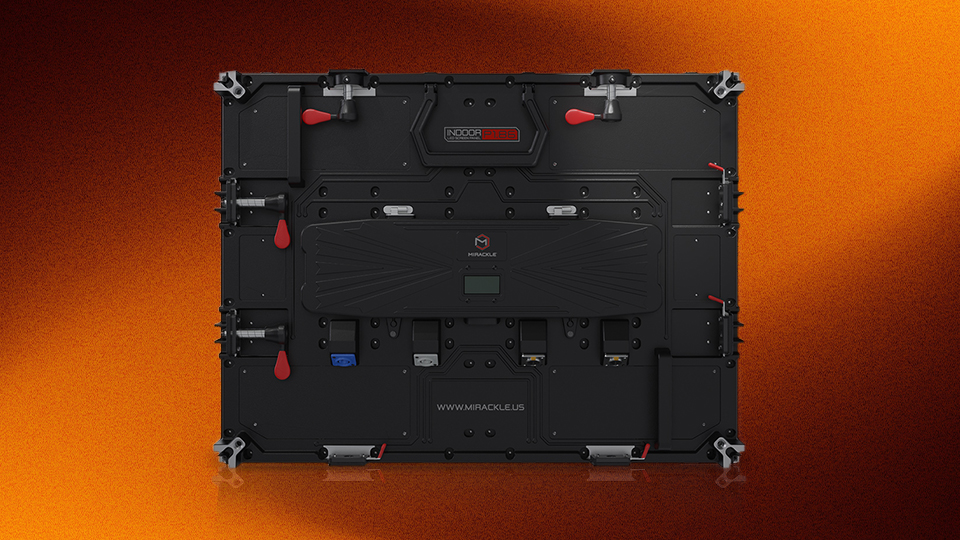
LED Displays and Cabinets
Ranging in size from 8 x 6’ to an impressive 25 x 11’ or larger, the LED display walls in these kits are made of seamlessly linked panels which in turn are comprised of smaller, replaceable modules. Key parameters to look for include the pixel pitch, maximum resolution, refresh rate, maximum brightness, color depth, and viewing angle.
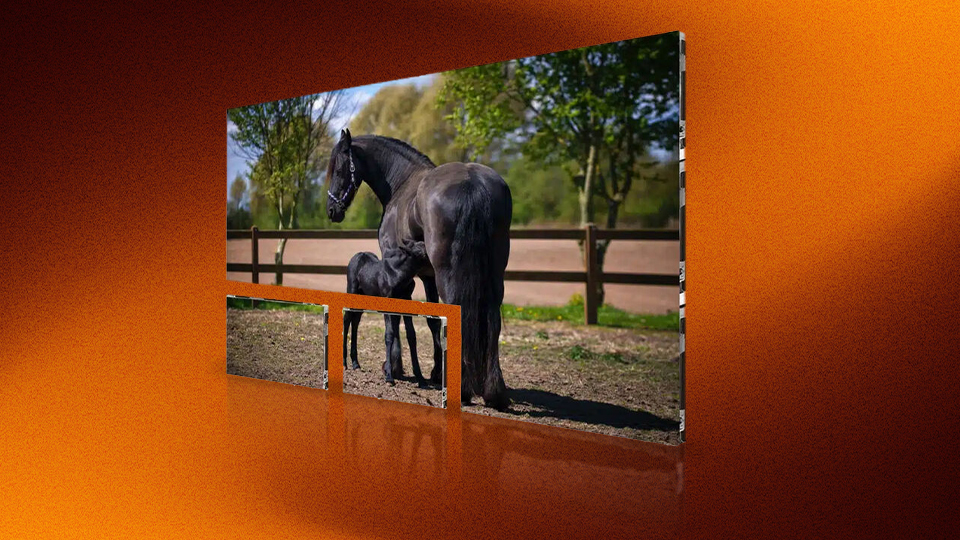
A measurement of the distance between pixels, pixel pitch size can range from 1.53 to 2.6mm, with closer pixels producing a finer screen resolution. Keep in mind that the pixel pitch influences how close to the LED display footage can be captured, with the smaller sizes allowing closer minimum distances. The display’s resolution measures the lines of pixels, horizontally by vertically. The higher the resolution, the crisper your image will be, so larger displays will display content better. However, a finer pixel pitch can compensate for a relatively lower resolution when working in a smaller space with your talent positioned closer to the display.
Look for a high refresh rate like 7680 Hz which enables the screen to minimize artifacts and reproduce the smooth movements that are key to believable live motion, action sequences, and ICVFX (in-camera visual effects). Compare that to a standard home screen that usually refreshes at a rate of 60 images per second (60 Hz), and you can see how impressive the higher Hz rate is.
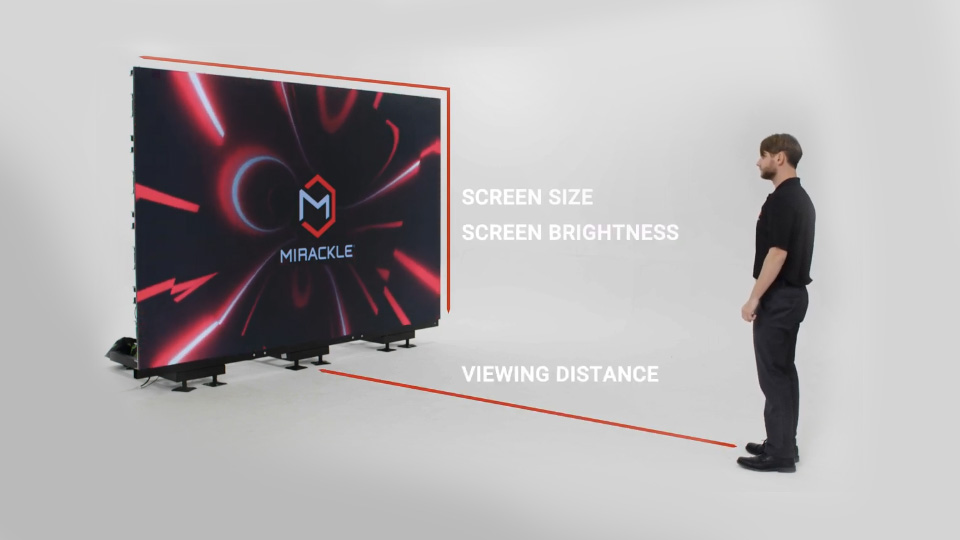
Screen brightness is key, especially when creating a brightly lit scene or one with daylight exteriors being used as background. Note that the “calibrated brightness” of a screen indicates the highest level attainable by all the LEDs in a display ̶–the “maximum brightness” may not apply to all pixels.
Support for higher color bit depths like 16-bit, multiple standards of HDR (high dynamic range), and advanced color spaces like DCI-P3 will ensure the most accurate and nuanced onscreen color reproduction.
The viewing angle refers to how far from a straight-on axis the screen can be viewed clearly. Angles of 160˚ or greater are preferable for LED display walls so that your camera need not be positioned at a right angel to the screen.
Processing and Control
Video processors are the work horses of virtual production, stitching images together across multiple panels, scaling the video output to fit the display size, and controlling the LED output as needed. Controllers work with the panel’s receiving cards to apply commands. Some controllers handle processing as well while others are used with separate processor units. Processors and controllers in these kits are matched for compatibility with the included panels, but advanced users can expand or upgrade these units if desired. Pixel-mapped lighting, camera tracking, and ICVFX are all processing-heavy techniques that may require a customized setup. LED display control methods include web-based UI, tablet apps, and dedicated touchscreen kiosk options. Note that while most of these kits come complete, some are designed to be used with a separate with a controller and processor.
Support Systems and Display Design
Are you setting up in an existing stage that has a ceiling-mounted truss support? Many kits are available for truss-based setups on professional stages. For more basic spaces or a temporary installation, it may make sense to opt for a freestanding floor support system. Curved display walls provide a deeper, wraparound background for your live talent but keep in mind that they may require specific mounting systems.
For smaller scale productions, there are compact setups with a single display mounted on a hydraulic stand, making it easy to raise or lower it to the desired height for your talent.
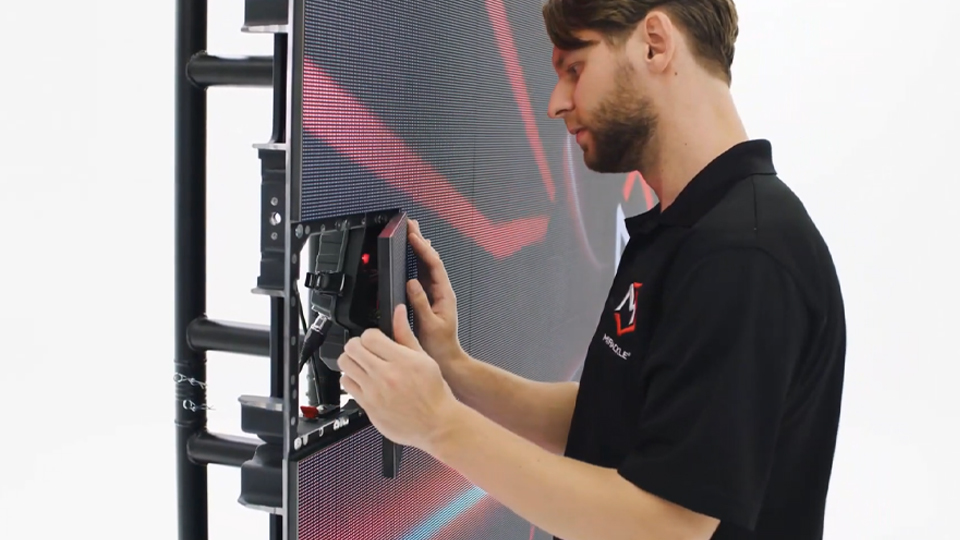
LED display design features to consider include environmental protection ratings for shoots involving water dispersion, minimum and maximum temperature tolerances for exterior use, and front and/or rear panel access for quick maintenance on set. Most displays feature magnetic panel assembly with some offering cable-free setup.
Included Components
Select turnkey kits include camera tracking systems used to sync the movement of the camera with the action playing back on the LED volume wall and in creating ICVFX (in-camera visual effects). These tracking systems employ markers, lens calibration, data receivers, and processors using dedicated software.
They enable precise camera tracking by capturing the exact position of the camera as it moves around the stage. Tracking can also incorporate lens metadata like focal length, aperture, focus settings and more. Used in more complex setups, multi-tracking is the ability to track lights or props in addition to camera tracking.
Additional Options
Software licenses are included with these kits with some manufacturers offering additional options like “white glove” or other premium installation services, training (in hourly or daily increments), and maintenance as well. Transport cases, extension cables, and redundant power supplies are additional options to explore for your kit depending on your stage setup and location.
If you’d like to learn more about additional aspects of virtual production, check out our other guides and articles on B&H Explora!
