
Looking to learn more about the LED volume walls used in the burgeoning field of OSVP (on-set virtual production)? These walls are a key component of the process, serving as true-to-life backgrounds, sets, and locations for OSVP. Volume walls are composed of multiple LED displays (also called cabinets) that are seamlessly joined together to form a custom-size screen on which your background footage and real-time graphics are shown. Here, we’re going over key specs for the most visible component, the displays themselves.
Configuration
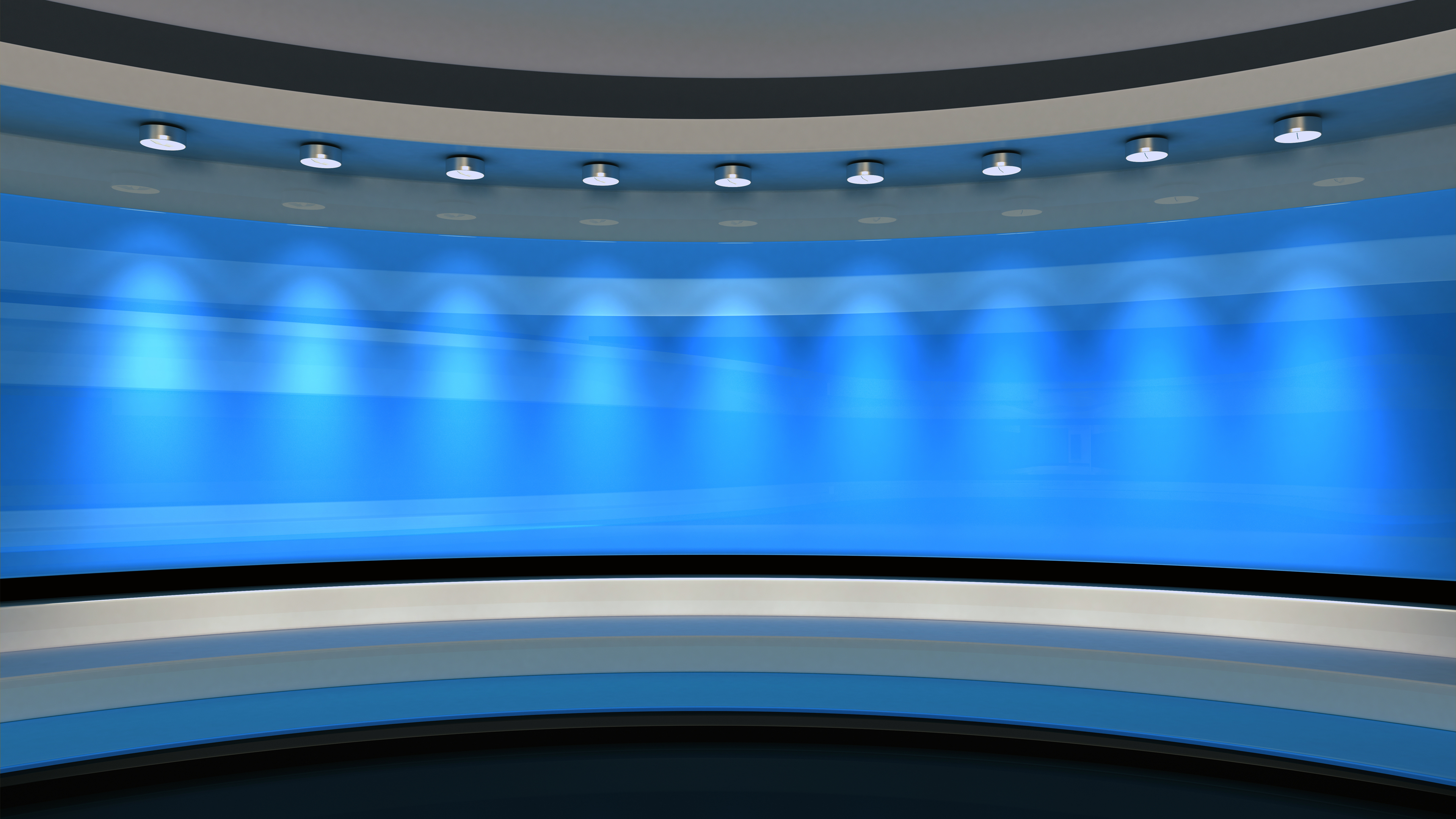
The first step is to decide the intended configuration for your panels. Will they be flat in the background? Curved? Extending into the ceiling or floor? With greater complexity comes greater costs, but smaller systems can lead to headaches if you’re trying to shoot content with full-body shots or multiple people in the scene. In addition, if your floors or walls are interactive, you’ll have to decide on their max load capacity, typically measured in lb/sq. ft. Do not try to use standard VP cabinets on the floor! While simpler configurations might lead you to consider turnkey systems, more complex set-ups will demand customization.
Panel Dimensions
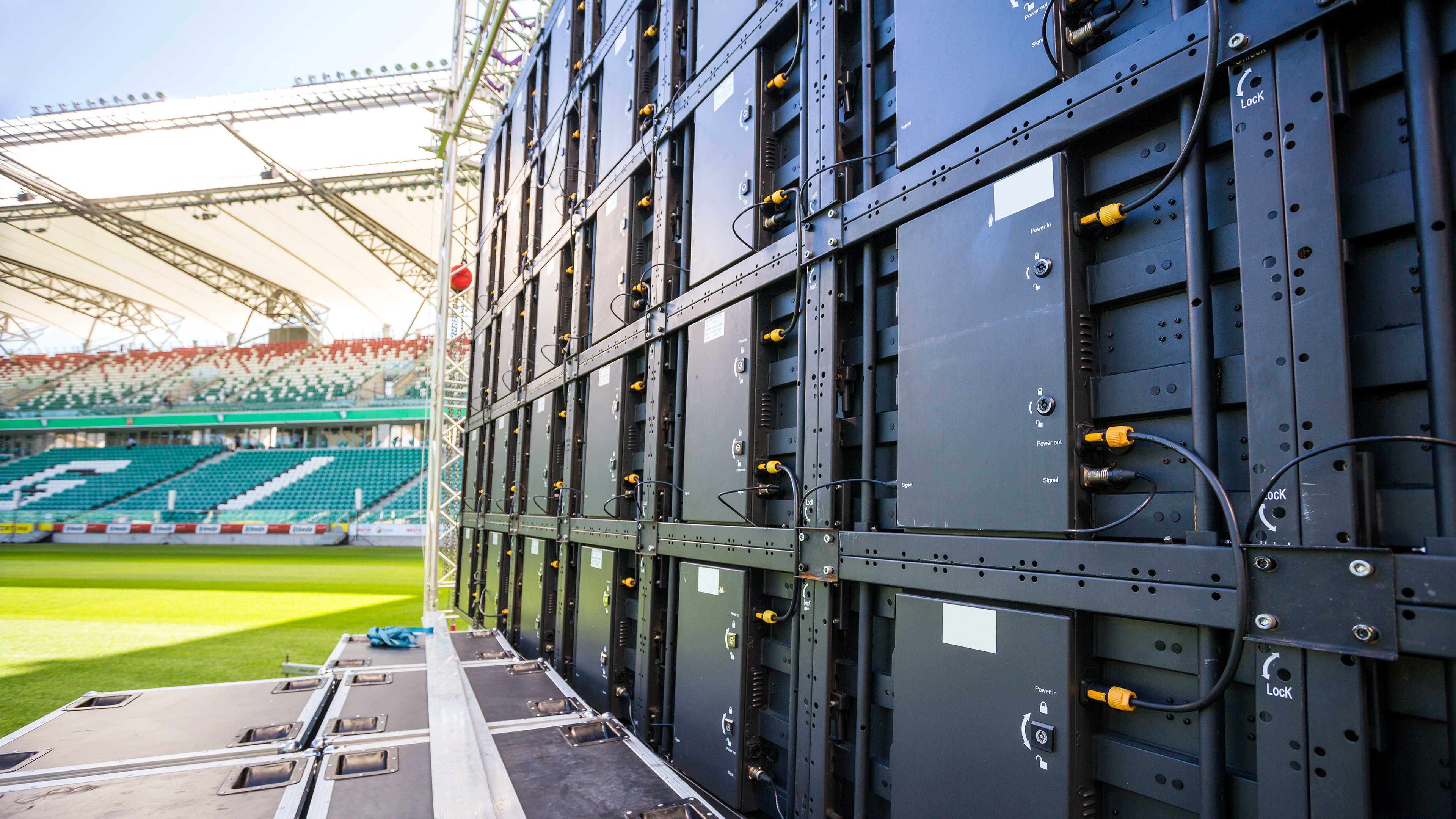
So let’s say you decide to source components individually. While an entire wall might measure anywhere from 3 x 3’ to 25 x 25’, the individual cabinets that make up the wall will still only measure around 19 x 19” and 27 x 27”, that is why panel dimensions are typically presented as H x W in inches. For countries using metric, 500mm x 500mm is considered a standard size. The depth and weight of the panels can vary, so check the specs if you’re facing tight clearance or worried about a display getting too heavy. By keeping the panels small, the overall set-up becomes much more repairable and adaptable.

Pixel Pitch
The pixel pitch measures the distance between pixels, with smaller distances resulting in finer resolution and detail. The most common pixel pitch sizes for virtual production are 1.8mm, 1.9mm, and 2.5mm, which are often written as P1.8, P1.9, and P2.5. Anything larger than 2.6mm can start to look distracting when seen in focus on camera, so try to stick to small pixel pitches. This is a big separation point between true VP-ready panels compared to digital signage. If you’ll only be shooting the wall from a distance, buying panels with a larger pixel pitch can be a smart way to save money, but it will limit your potential use cases.
Maximum Resolution
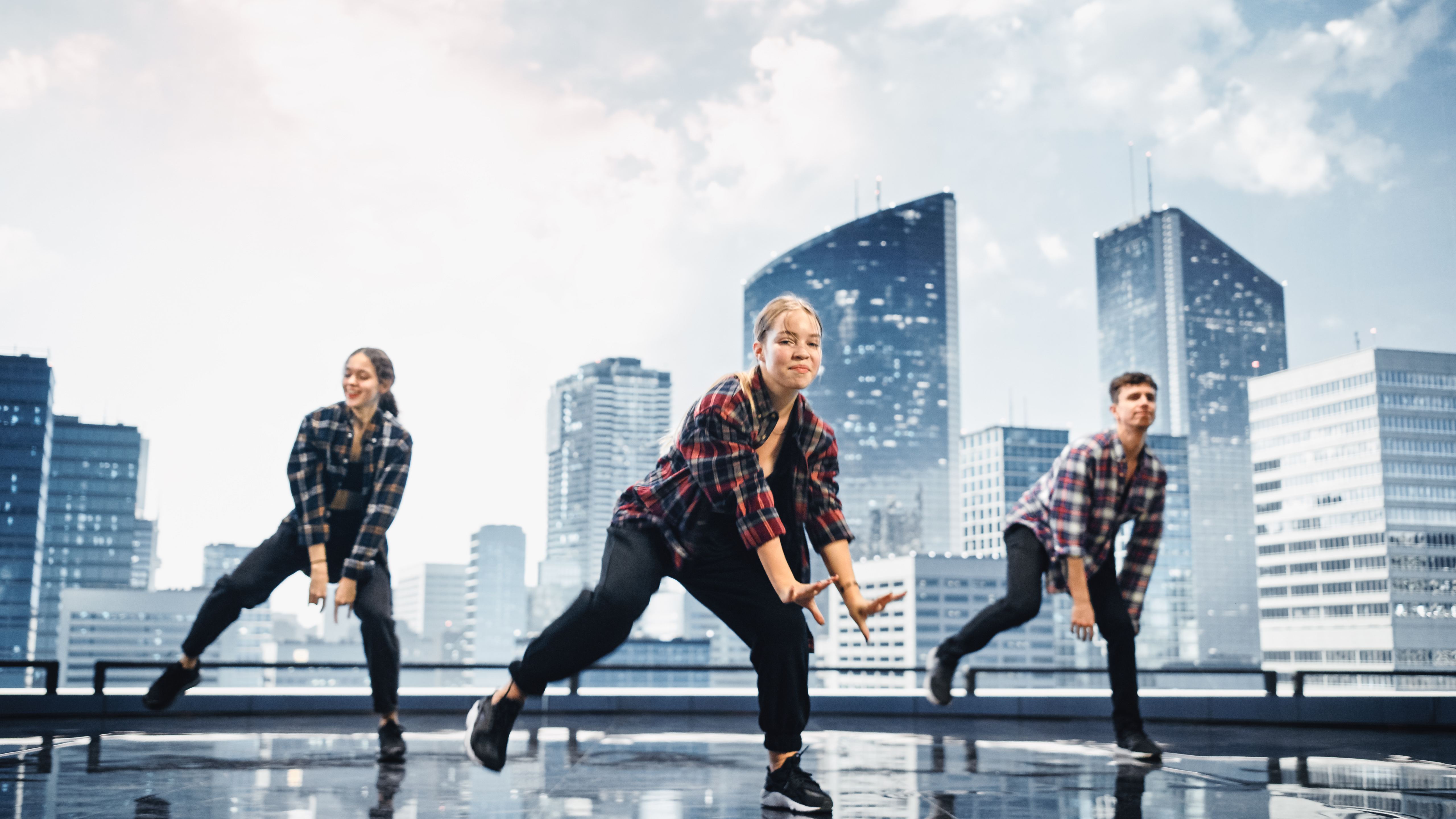
Maximum resolution, displayed as Horizontal x Vertical, is the number of pixels the cabinet can display. Coming from high resolution computer monitors, these numbers can seem small at first, typically somewhere in the 150 to 500 range, but it’s important to remember how tiny each cabinet is. Once your cabinets are linked together to form a complete wall, the overall resolution will be much higher. Again, if you’re going to get close to cabinets with a camera, a higher overall resolution is necessary.
Maximum Brightness
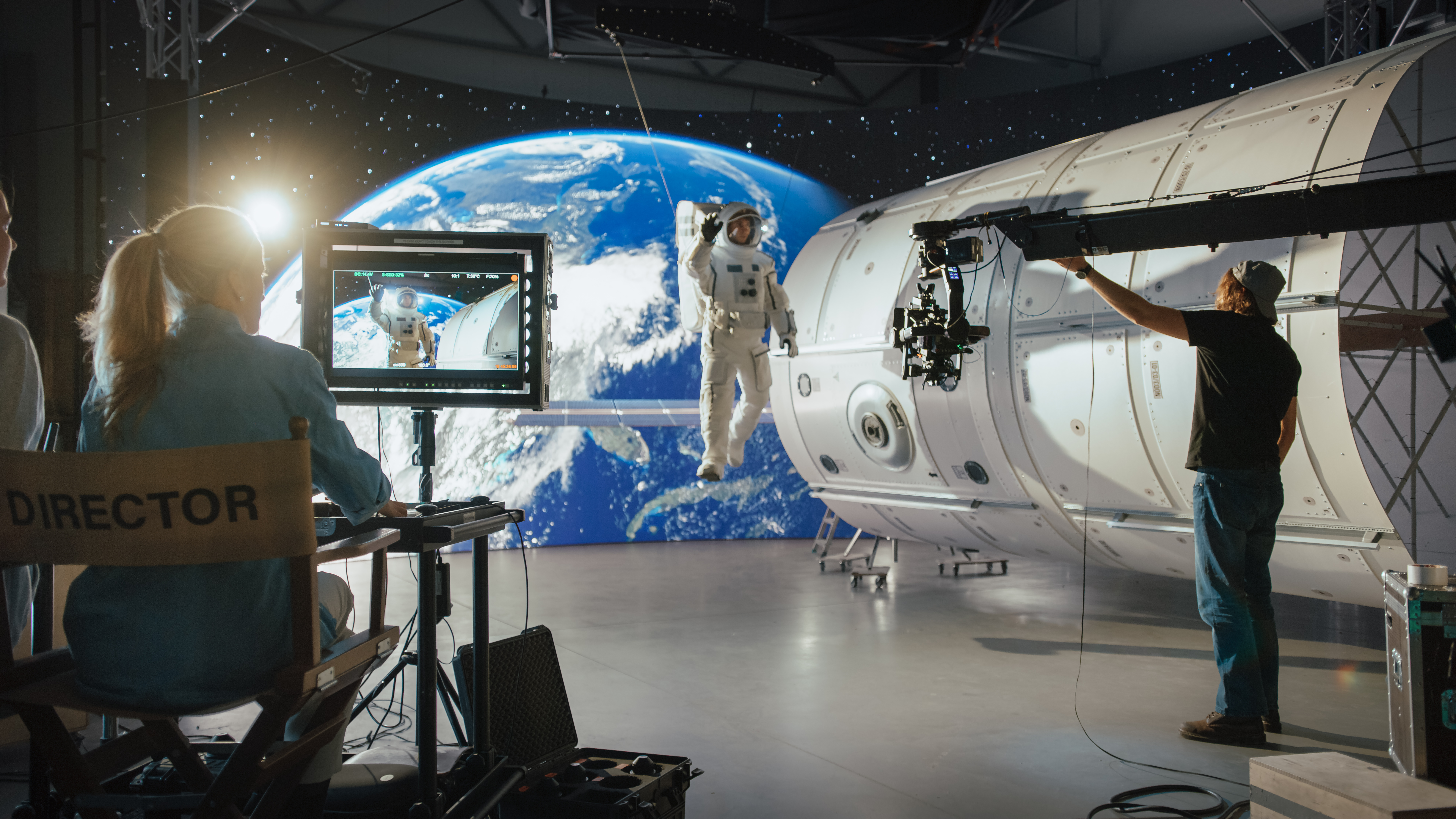
Displayed in nits, a cabinets maximum brightness will typically sit between 600 and 5000 cd/m2. That is a wide range, so this spec is particularly important to weigh when designing a system. If you want your wall to be able to simulate sunlight, try to stay above 2500 cd/m2. If you’re mostly shooting interiors and night scenes, maximum brightness can stay lower. Remember to also check the Calibrated Brightness of the cabinet, which indicates the highest level that all the pixels can achieve. The Maximum Brightness for some cabinets might be restricted to a certain number of simultaneous pixels.

Refresh Rate
Another key spec is the native refresh rate in hertz. This can span an even larger range, often falling between 60 and 16,000 Hz. If you’re going to have fast-moving backgrounds displayed on the wall, aim for refresh rates above 7500 Hz. That will mean fewer artifacts, smoother movement, and a much more seamless, immersive experience. If you’re shooting slow-motion content, a high refresh rate is especially key to prevent any tearing or banding. If your backgrounds are mostly static or slow-moving, a lower refresh rate might not be a dealbreaker.
Color Depth
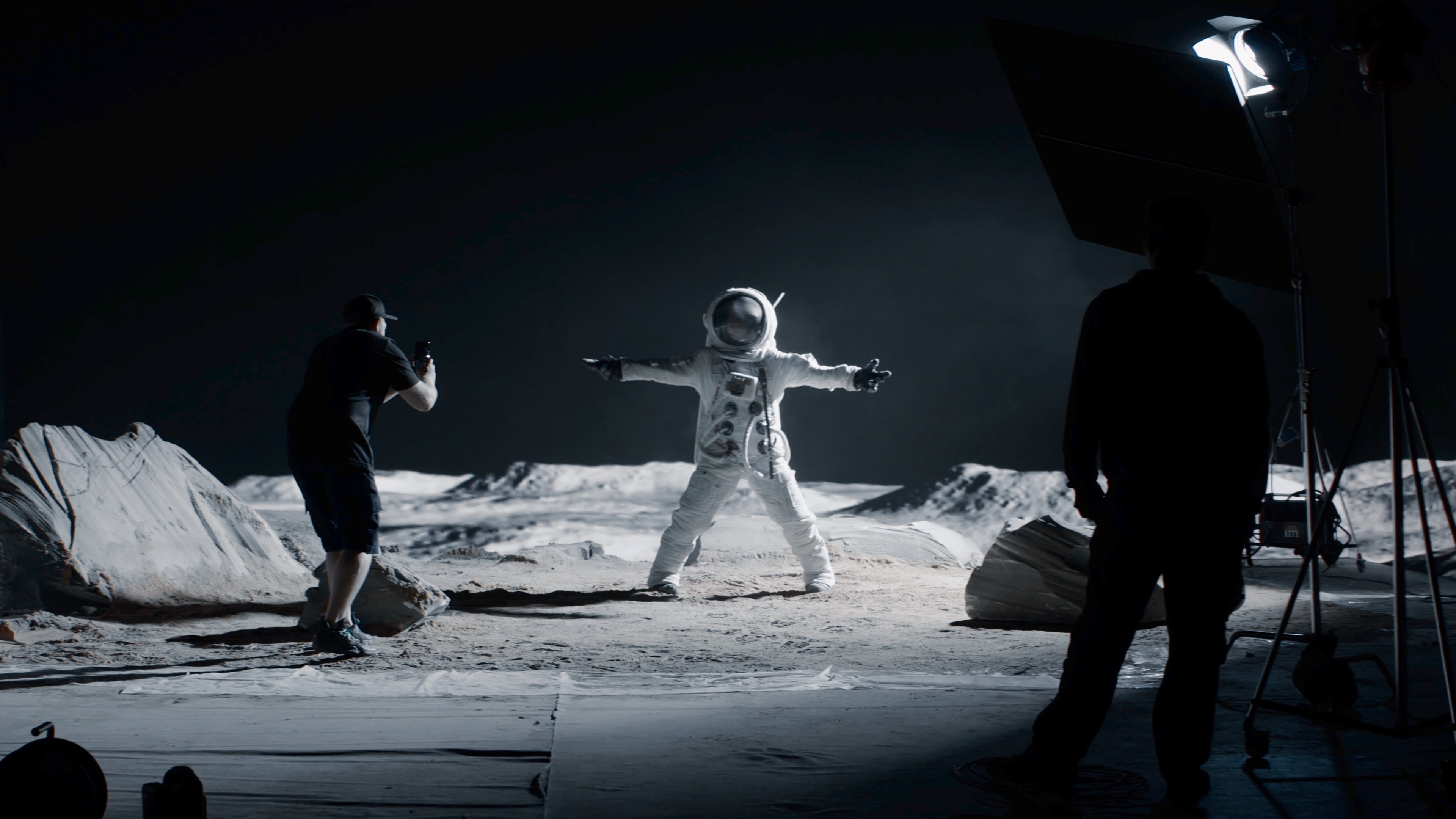
While 10- and 12-bit color remain the standard for much of video production, 14- and 16-bit color depth has become the new bar for high-end virtual production. The result is richer colors, more accurate skin tones, and a much more flexible final image. Other factors to consider here include HDR (high dynamic range) support, and support for advanced color spaces like DCI-P3. You will need processors that can handle the same level of color information as your cabinets, thus why so many processors only support specific panels.
Viewing Angle
Displayed as Horizontal x Vertical in degrees, your viewing angle represents how far you can be from primary axis of the panel and still see a clear image. Aim for 160˚ or greater to give yourself more shooting flexibility, especially with wider shots. Smaller viewing angles can lock you into only shooting your wall from certain positions. Measurements for the viewing angle take into account both brightness and color accuracy, enabling z-axis camera movement by keeping the image totally consistent.
Processor Compatibility
Keep in mind that some volume processors only work with certain LED cabinets. That is because the cabinets have a receiver card that need to get information from the processor. Before you lock in your cabinet choice, check compatibility with the manufacturer of your LED volume processor. Alternatively, pick a processor first, then shop recommended cabinets. The biggest names in the processor space right now are Brompton, Novastar, and Megapixel, so their offerings are a good place to start.

Additional Features
Other primary practical concerns are the panel’s maximum power consumption, typically between 100 and 800 watts, as well as the maximum number of panels that can be hung or stacked together. More specialized features to consider include anti-reflective technology, water resistance, and temperature resistance. Is the panel serviceable from the front and the rear? What material is its frame made out of? Answers to questions like these might not appear on an item page but reach out to The Studio or the item’s manufacturer and they should be able to help.
If you’d like to learn more about additional aspects of Virtual Production, check out our other guides and articles on B&H Explora!
