
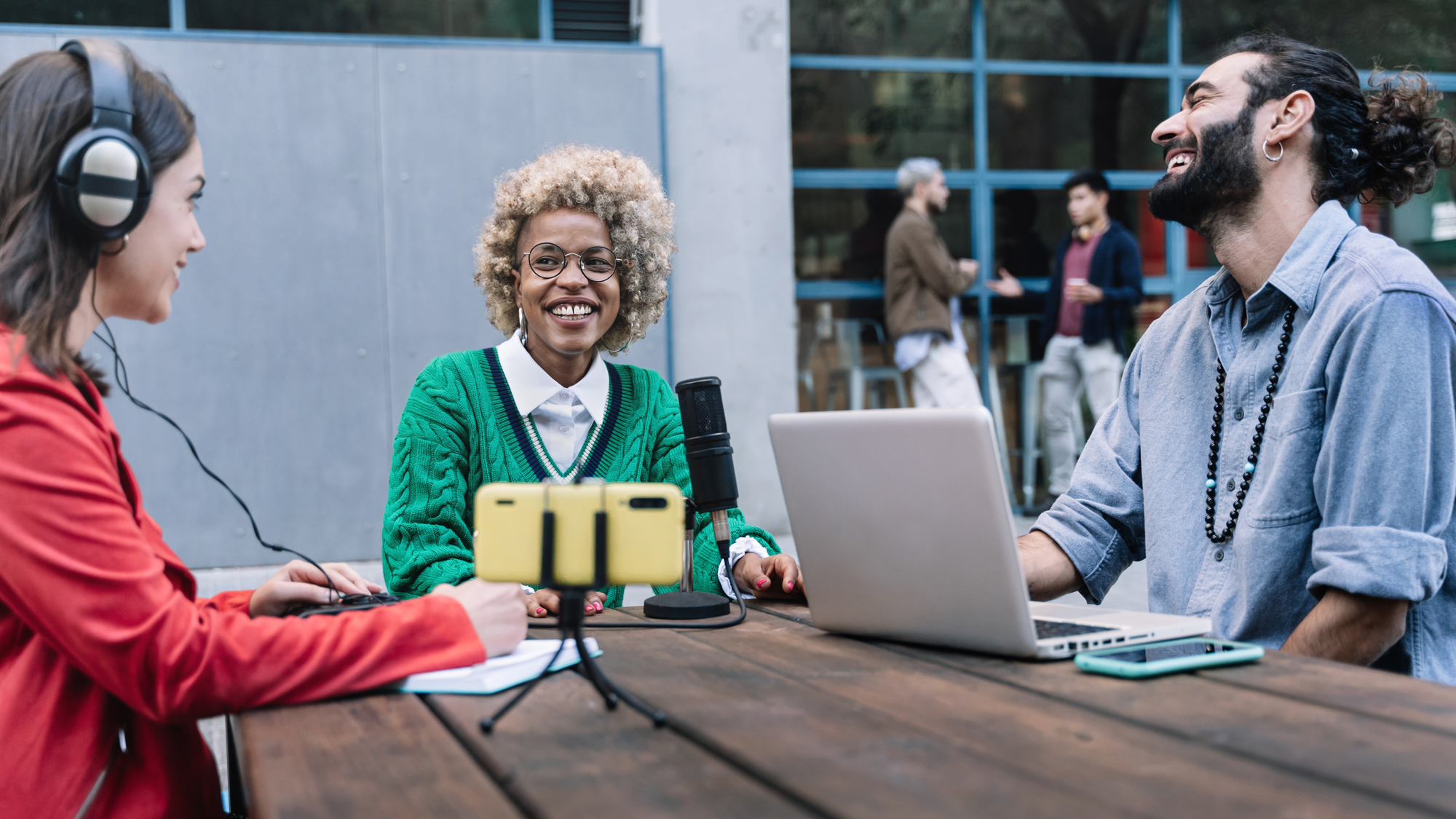
While it may be easy to prop your phone against a stack of books and hit record, the resulting video podcast might not be quite what you had in mind. So what exactly separates a smartphone camera from a standalone professional camera, and what are the most important factors to weigh if you’re considering an upgrade?
Visual Aesthetics and Control
The most important factor limiting your smartphone camera is its sensor size. The actual sensor chip behind the lens of your phone camera is likely only a fraction of an inch, meaning it can’t capture nearly as much light or information as larger sensors on mirrorless and DSLR cameras. Your phone does use a variety of post-processing techniques and formulas to pull more color, depth, and information from its tiny sensor, but at the end of the day it can only do so much. This is why smartphone video tends to quickly degrade in low-light conditions, as well as why it needs some sort of software-based “Portrait” mode for separating subject and background.
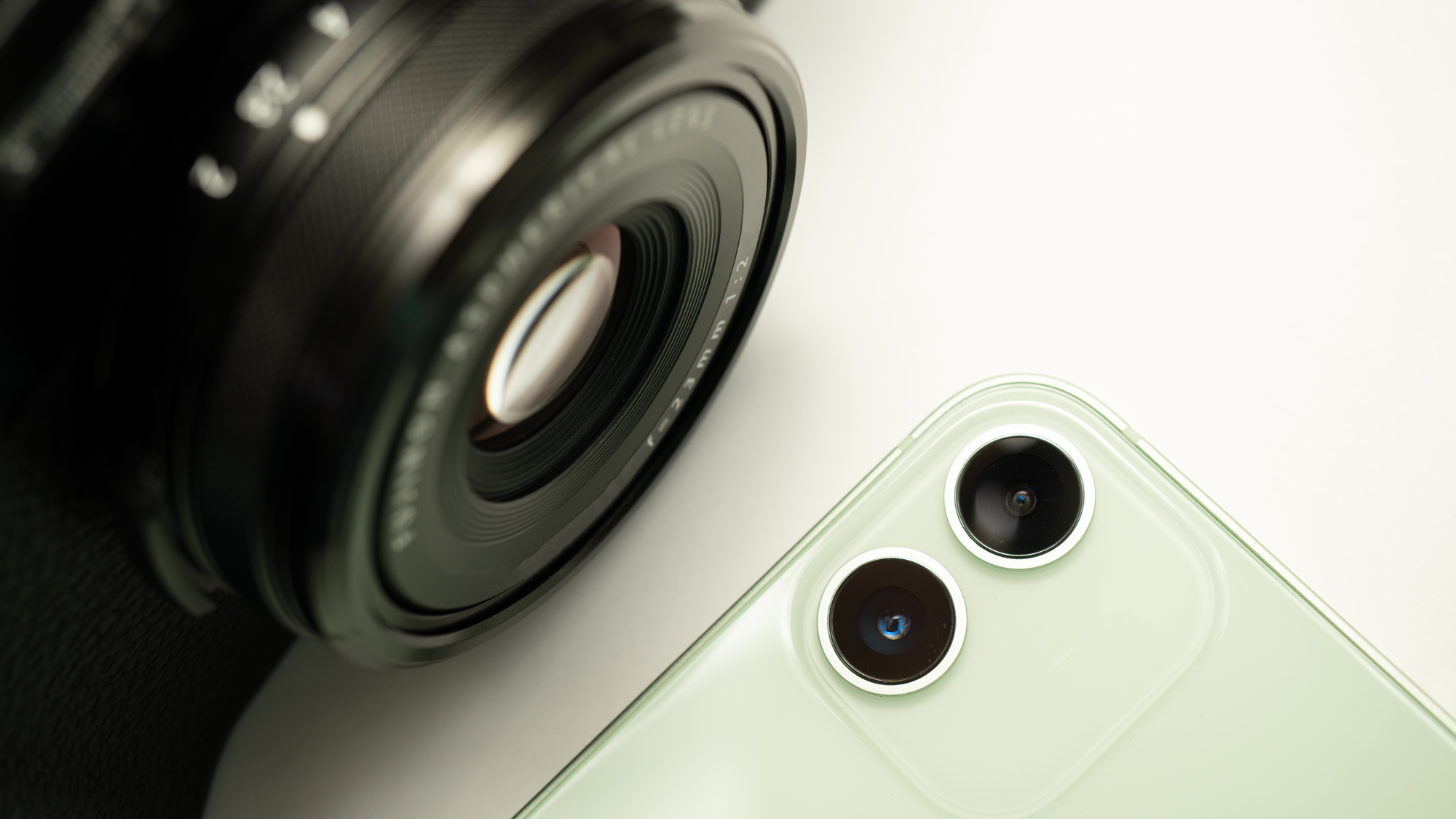
Compare this to a fast lens (think f/1.2 to f/4) and a large sensor on a standalone camera, which can organically separate subject and background to make your hosts and guests pop, even if there’s only a couple feet of separation. If the video coming out of your phone also looks a little dull or washed out, that’s likely because it isn’t capturing nearly as much color information as the majority of modern mirrorless cameras. Or, if it’s overly saturated, the phone is probably overprocessing the image. This is especially notable with skin tones, which can look muddy or inaccurate after smartphone processing. Even though manual smartphone camera control has come a long way, it can’t overcome a small sensor and less refined color science.
Adaptability vs. Portability
Phone shooters also have to contend with inflexibility when it comes to lenses. For your phone, the lenses it comes with are the lenses it lives with, no swapping things out for a more specific look. With an interchangeable lens camera, the possibilities are endless. While many modern smartphones include a telephoto, standard, and wide-angle lens, those are fixed focal lengths. Any field of view between them is just cropping in on an image. Filtration is also difficult to achieve with a smartphone, as the lenses are so small, versus standalone cameras working with thousands of different filters, such as neutral density for cutting down light when recording outside, diffusion for softening highlights, and polarizers for eliminating unwanted reflections.
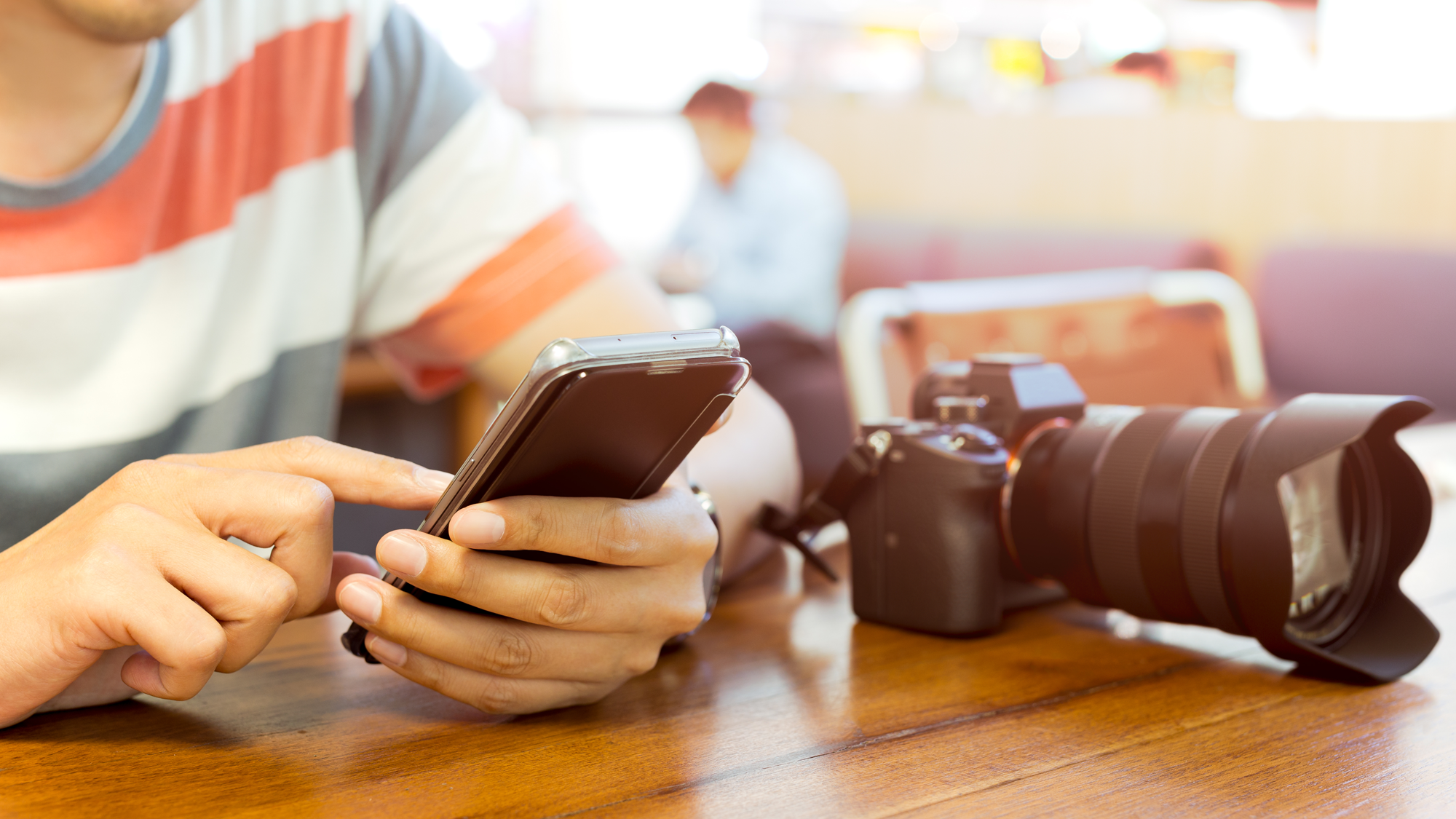
Phones definitely win out when it comes to portability though. If you are recording a podcast on the go or want to strip your equipment down to the bare essentials, swapping in smartphones is a way to do it. Just make sure you explore manual control and any “log” shooting options your phone may offer. Out of the box, it will likely apply a range of processing, sharpening, and color effects that might not be to your liking. Also be wary of the phone overheating if you’re shooting outdoors or in warmer environments. Many modern mirrorless cameras have built-in fans to alleviate that concern.
Storage and Editing
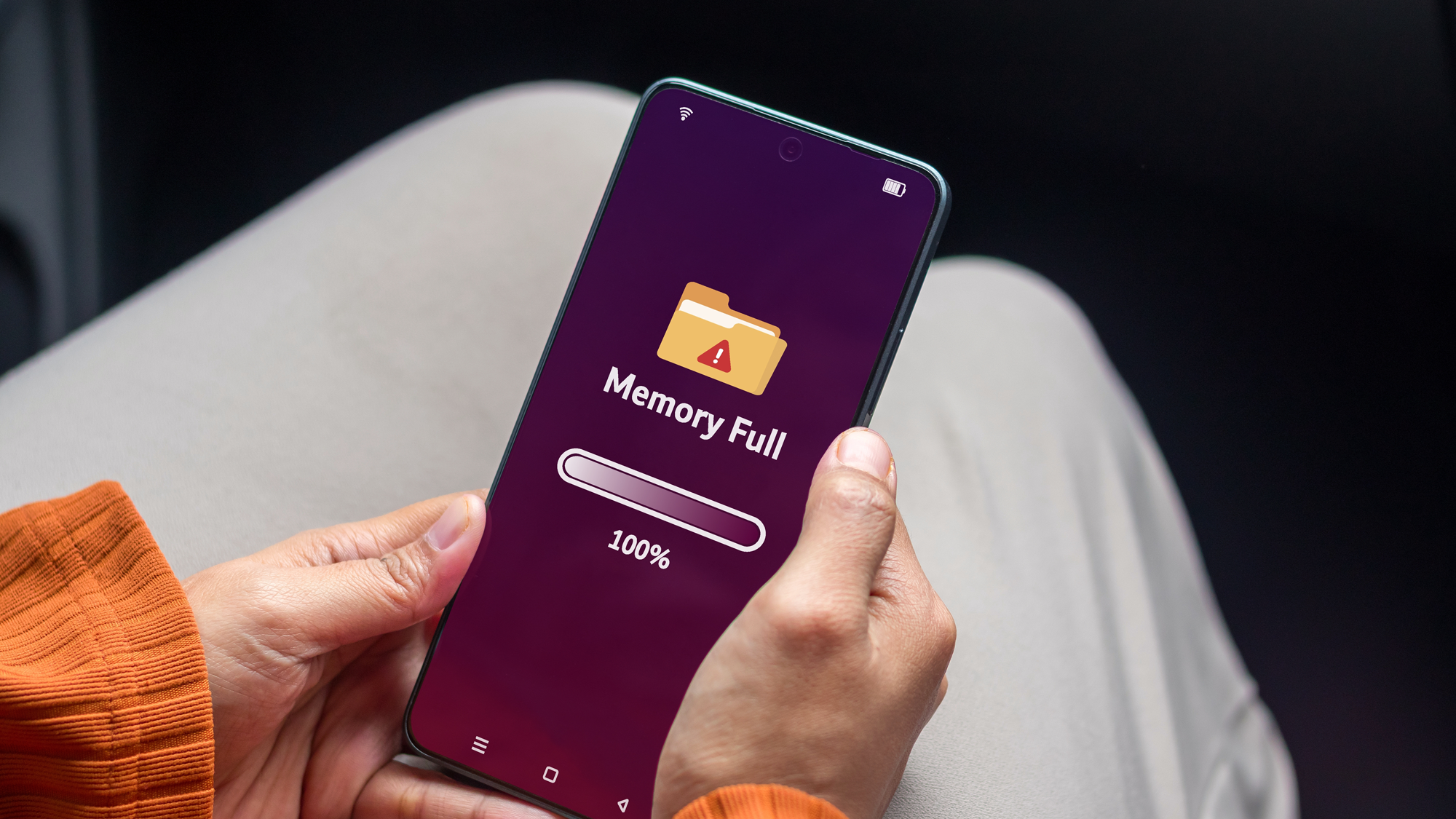
Another big danger zone for shooting with smartphones is the dreaded “Storage Full” message. Many podcast recording sessions run over an hour, and you may be capturing footage in a high bitrate codec that will chew through all the available storage space on your phone. Some phones now have the ability to record to an external SSD or memory card, but that does start to add bulk (and price) to the package. If you’re recording to the phone’s internal storage, make sure it has plenty of available space before you start an episode so you don’t get cut off and lose your flow.
Most smartphones record in an H.264 or H.265 codec and an MP4 wrapper. That’s ideal for sending clips straight to social media, but it’s not great if you plan to edit the footage in a program like Final Cut Pro or Adobe Premiere. Your computer will struggle to work with the heavily compressed clips, and any effects or color work you apply to it will have to be done with a light touch, as most of the look of a clip will be totally baked in by the time you stop recording.
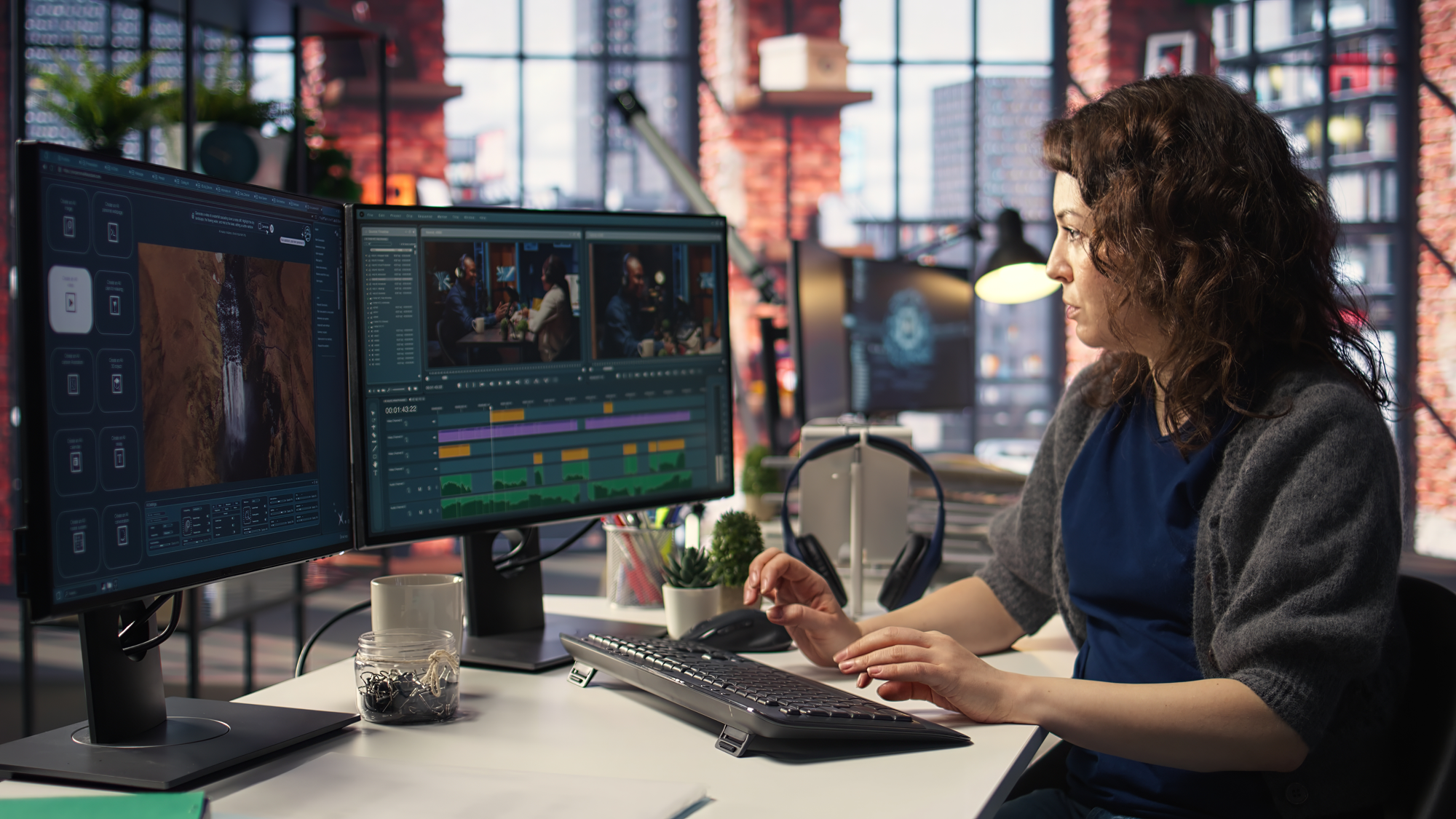
This can be alleviated by shooting in a more flexible, post-production-friendly format like log (which we mentioned earlier), but that is still fairly rare in phones, versus the much more editing-friendly formats in a standalone camera.
Shooting your video podcast with a smartphone will likely be the fastest and easiest way to start out, but as soon as you want more control over your image, it’s worth considering a mirrorless camera that will open up a world of visual possibilities.
