Ask Our Experts800-606-6969
Hello, Log InAccount & Orders
Key Features
- Print Resolution: 9600 x 2400 dpi
- Up to 13 x 19" Print Size
- Prints Borderless 4 x 6" Photo in 36 sec
- 802.11 b/g/n Wi-Fi Connectivity
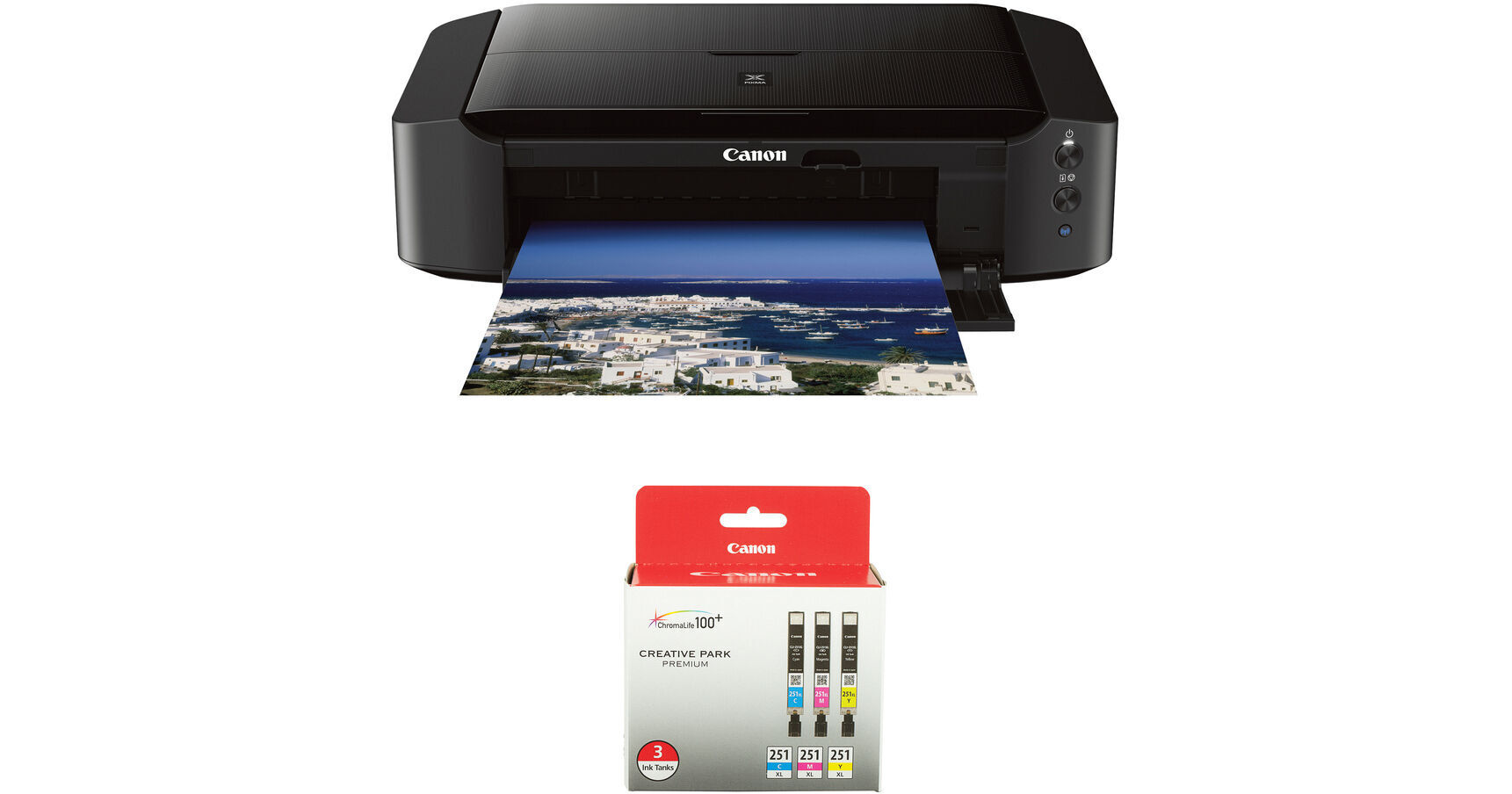
Print photos via USB or Wi-Fi with the Canon PIXMA iP8720 Wireless Inkjet Photo Printer with CLI-251XL 3-Cartridge Color Ink Set Kit from B&H.
More DetailsIn Stock
Protect Your Gear
Add a protection plan from $31.99
See Options
See any errors on this page?
Would I be able to scan and print old photos ? Or ...
Would I be able to scan and print old photos ? Or do I need separate scanner?
The Canon IP8720 does not scan or copy. You would need another scanner. I use my iP8720
just as a photo printer. It produces the best color photos that I have seen from a home printer.
I have another Canon printer to use as my regular printer, scanner, copier and fax machine.
Date published: 2020-07-24
Regarding CD/DVD label printing, does this ...
Regarding CD/DVD label printing, does this printer have a program for designing and adding fonts and graphics on CD/DVD?
Yes, you can download the Canon Easy-PhotoPrint Editor to create unique layouts and designs for CD/DVD labels for printing with the Canon PIXMA iP8720 Wireless Inkjet Photo Printer.
Date published: 2025-08-20
CUSTOM BORDERS? Can you set custom borders for ...
CUSTOM BORDERS? Can you set custom borders for all print sizes?
Whether you're using the Canon PIXMA iP8720 Wireless Inkjet Photo Printer
(B&H# CAIP8720) or another model, you can set custom borders in your software.
Date published: 2021-08-30
Is this printer compatible with a mac OS Mojave ...
Is this printer compatible with a mac OS Mojave 10.14.6?
Yes, the Canon PIXMA iP8720 is compatible with macOS Mojave.
Date published: 2021-05-05
Can I cable connect and not use WiFi?
Can I cable connect and not use WiFi?
Yes. USB. That is how I use it.
Date published: 2020-05-24
question
I can print photos on my dvd discs but can I add text on it?
Yes you can add text on top of the photos using the printer software or photo editing software.
Date published: 2018-08-25
Moab Entrada 4x6" paper too thick and heavy for ...
Moab Entrada 4x6" paper too thick and heavy for the iP8720?
The Canon PIXMA iP8720 Wireless Inkjet Photo Printer
BH #CAIP8720 can use paper in the following weight range:
17 to 28 lb (64 to 105 g /m2) (plain paper except for Canon genuine paper)
You can use non-Canon genuine specialty paper that is up to 53 lb (200 g /m2).
Do not use heavier or lighter paper (except for Canon genuine paper), as it could jam in the printer.
The Moab Entrada Rag Bright 190 Paper (4 x 6", 50 Sheets) BH #MOEB1904650 is 190 gsm so it is possible to use it with the iP8720.
Date published: 2021-09-05
question
Does the IP8720 have duplex printing?
No ii does not have duplex printing.
Date published: 2022-12-12