Ask Our Experts800-952-1815
Hello, Log InAccount & Orders

Black Friday
Video Chat with a Photography Expert - Live
Key Features
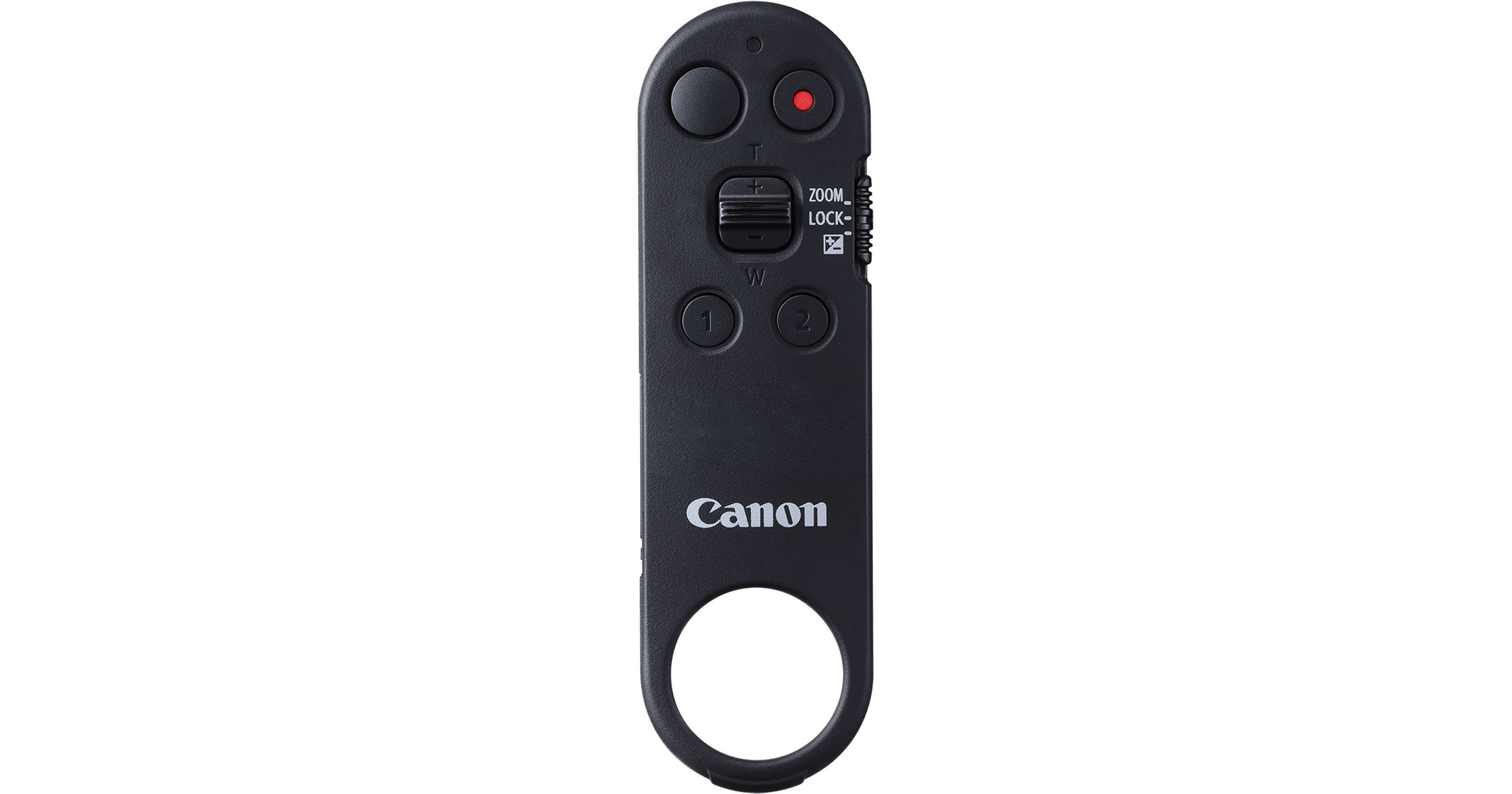
- Wireless Remote for Select Canon Cameras
- Remotely Start/Stop Video & Take Photos
- Control Power Zoom & Autofocus
- Two User-Assignable Function Buttons
Enable convenient wireless control of select Canon cameras with this BR-E2 Bluetooth Remote. Featuring an expanded range of controls, the remote starts and stops video recording, takes photos, triggers autofocus, changes exposure compensation, and controls the power zoom function of compatible lenses. It also sports two user-assignable buttons for convenient, customizable controls. Easily switch between cameras without needing to unlink the BR-E2, and enjoy the freedom of remote control up to a 16.4 ft operating range.
More DetailsTop Seller
In Stock
Protect Your Gear
Add a protection plan from $12.99
See Options
See any errors on this page?
not compatible with the C50?
not compatible with the C50?
The Canon BR-E2 Bluetooth Remote is not compatible with the Canon C50.
Date published: 2026-05-19
Does this stay connected / paired with the camera
Does this stay connected / paired with the camera well or will it be like the app that disconnects if you step away for more than 30 seconds? Hoping to use it on a Canon R8.
The Canon BR-E2 Bluetooth Remote once paired with the camera like the R8, does not lose that information.
Date published: 2026-11-01
Hi can 2 cameras usethis one remote? R62 and the ...
Hi can 2 cameras usethis one remote? R62 and the r50v?
The Canon BR-E2 Bluetooth Remote is compatible with the Canon EOS R6 Mark II and Canon EOS R50 V Mirrorless Cameras. While you can register the remote with up to 12 devices, it will not allow simultaneous control of multiple cameras.
Date published: 2026-11-20
How are the "user assignable buttons" assigned to
How are the "user assignable buttons" assigned to specific functions on an R5Mk2?
According to the manufacturer, the user assignable buttons on the Canon BR-E2 Bluetooth Remote cannot be used with the Canon Eos R5 Mark 2 camera.
Date published: 2026-07-17
Will this work or compatible with the Canon EOS R5
Will this work or compatible with the Canon EOS R5?
Yes, the Canon BR-E2 Bluetooth Remote is compatible with the Canon EOS R5.
Date published: 2026-05-16
Would this work for bulb mode with the Canon R6 Mk
Would this work for bulb mode with the Canon R6 Mk II?
Yes, the Canon BR-E2 Bluetooth Remote works with Canon R6 Mark II mirrorless camera for bulb exposures. Once the camera is in bulb mode, start the exposure with one press and end it with another.
Date published: 2026-06-26
Can I play/stop video on multiple cameras at once?
Can I play/stop video on multiple cameras at once?
The Canon BR-E2 Bluetooth Remote (BH #CABRE2) can start/stop video recording for one camera at a time, not multiple cameras at the same time.
Date published: 2026-11-15
Is this compatible with cano EOS 60D?
Is this compatible with cano EOS 60D?
Unfortunately, the Canon BR-E2 Bluetooth Remote is not compatible with the Canon EOS 60D DSLR Camera.
Date published: 2026-08-24