Ask Our Experts800-606-6969
Hello, Log InAccount & Orders
Video Chat with a Photography Expert - Live
Key Features
- Wireless Remote for Select Canon Cameras
- Remotely Start/Stop Video & Take Photos
- Control Power Zoom & Autofocus
- Two User-Assignable Function Buttons
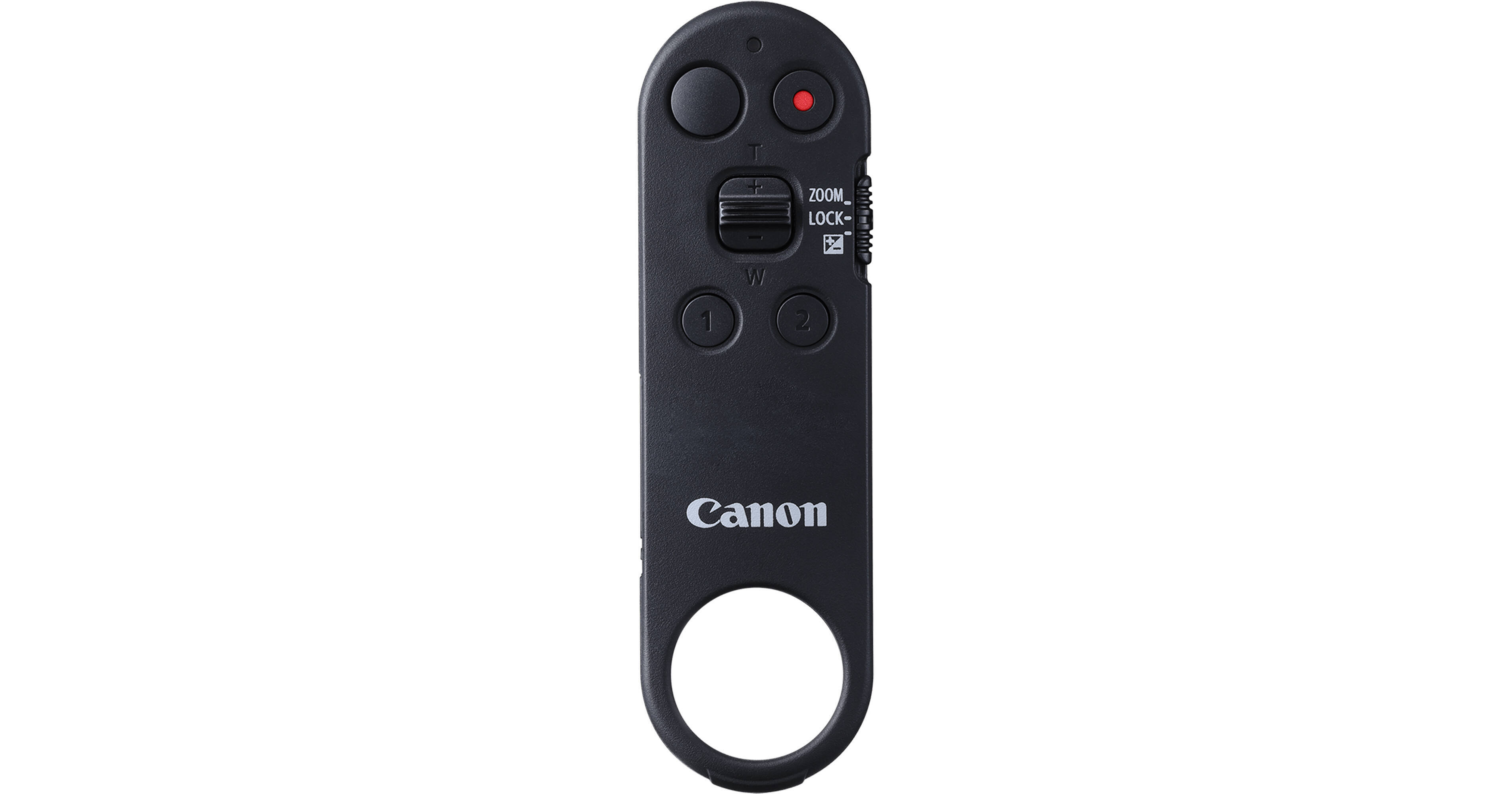
Enable convenient wireless control of select Canon cameras with this BR-E2 Bluetooth Remote. Featuring an expanded range of controls, the remote starts and stops video recording, takes photos, triggers autofocus, changes exposure compensation, and controls the power zoom function of compatible lenses. It also sports two user-assignable buttons for convenient, customizable controls. Easily switch between cameras without needing to unlink the BR-E2, and enjoy the freedom of remote control up to a 16.4 ft operating range.
More DetailsTop Seller
In Stock
Protect Your Gear
Add a protection plan from $12.99
See Options
See any errors on this page?
not compatible with the C50?
not compatible with the C50?
The Canon BR-E2 Bluetooth Remote is not compatible with the Canon C50.
Date published: 2026-05-19
How are the "user assignable buttons" assigned to
How are the "user assignable buttons" assigned to specific functions on an R5Mk2?
According to the manufacturer, the user assignable buttons on the Canon BR-E2 Bluetooth Remote cannot be used with the Canon Eos R5 Mark 2 camera.
Date published: 2026-07-17
Will this work or compatible with the Canon EOS R5
Will this work or compatible with the Canon EOS R5?
Yes, the Canon BR-E2 Bluetooth Remote is compatible with the Canon EOS R5.
Date published: 2026-05-16
Would this work for bulb mode with the Canon R6 Mk
Would this work for bulb mode with the Canon R6 Mk II?
Yes, the Canon BR-E2 Bluetooth Remote works with Canon R6 Mark II mirrorless camera for bulb exposures. Once the camera is in bulb mode, start the exposure with one press and end it with another.
Date published: 2026-06-26
Is this compatible with cano EOS 60D?
Is this compatible with cano EOS 60D?
Unfortunately, the Canon BR-E2 Bluetooth Remote is not compatible with the Canon EOS 60D DSLR Camera.
Date published: 2026-08-24
Will this shoot burst photos on a EOS R3? or only
Will this shoot burst photos on a EOS R3? or only single shots?
Yes, the Canon BR-E2 Bluetooth Remote will shoot burst photos. If your camera is set to a continuous/high-speed drive mode, pressing and holding the shutter-release button on the BR‐E2 will continue shooting as long as the camera supports continuous shooting via Bluetooth remote control.
Date published: 2026-06-29