
You spent the last year taking photos and now the time has come to print out your favorites! Or better yet, maybe someone is paying you to print photos for them. Whether you are printing holiday cards, high-quality portraits, or photographic evidence of your neighbor using your pool without your permission, Epson is there to help. Today we are going to look at various Epson printers and how to create the optimal print station.

There are many different types of printers out there, some of which use unique technologies, offer different sizes, and even use different types of ink. Throughout all the models out there, we can split them up into three main groups: home, office, and professional.
Home
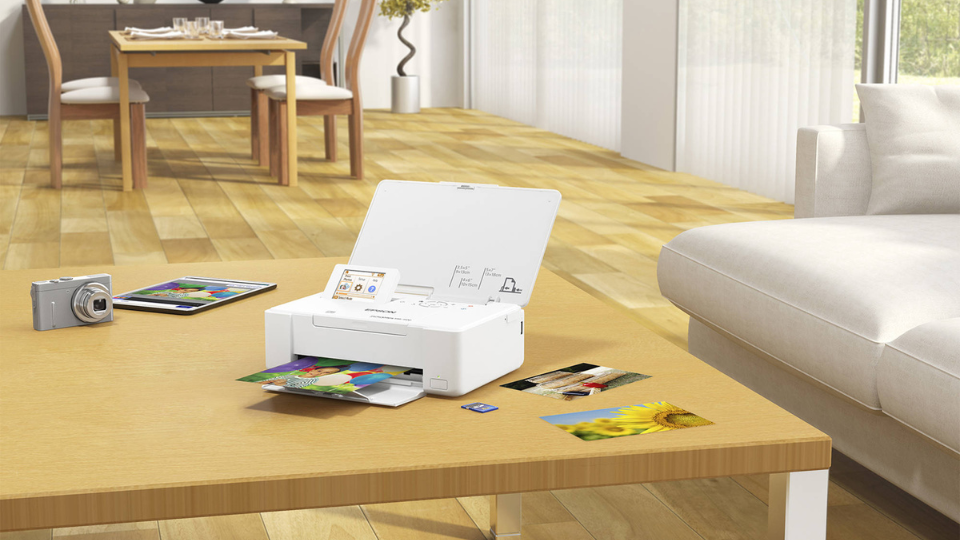
When we talk about home use, we are talking about the average user who may print out a few photos for family portraits or even holiday cards. You’ll want these to look as good as possible! When it comes to basic use, the PictureMate PM-400 is a great entry level product for all types of users who want to do one thing: print. It features a high resolution and supports a ton of print sizes like 3.5 x 5”, 4 x 6”, and 5 x 7” with a max resolution of 5760 x 1440 dpi. If you want to share the capture from your kid’s school picture day, this is an excellent device to get you started! Additionally, it offers borderless printing, photo correction, 50 sheet input capacity, and even supports direct connection to your computer, over Wi-Fi, and even various SD cards.
What if you need something a bit more advanced? Maybe you are just breaking into photography yourself? I can suggest the SureColor P700 or the larger P900 which produces 13” and 17” photos, respectively. Both printers feature a high-quality print resolution of 5760 x 1440, 10-channel print head, a 4.3” color touchscreen, and can connect to your system via USB 3.0, Wi-Fi, or Ethernet. The only difference between the two is the max borderless print size previously mentioned. When we think about price for performance, the SureColor series delivers that professional-grade image without taking up too much space.
Office
If you are looking for a printer for your office, even if your office is in your home, then you should keep your eyes open for a robust printer. Office-focused printers are designed mostly to handle documents. You can still print fliers, brochures, and other colorful graphics while retaining color accuracy.
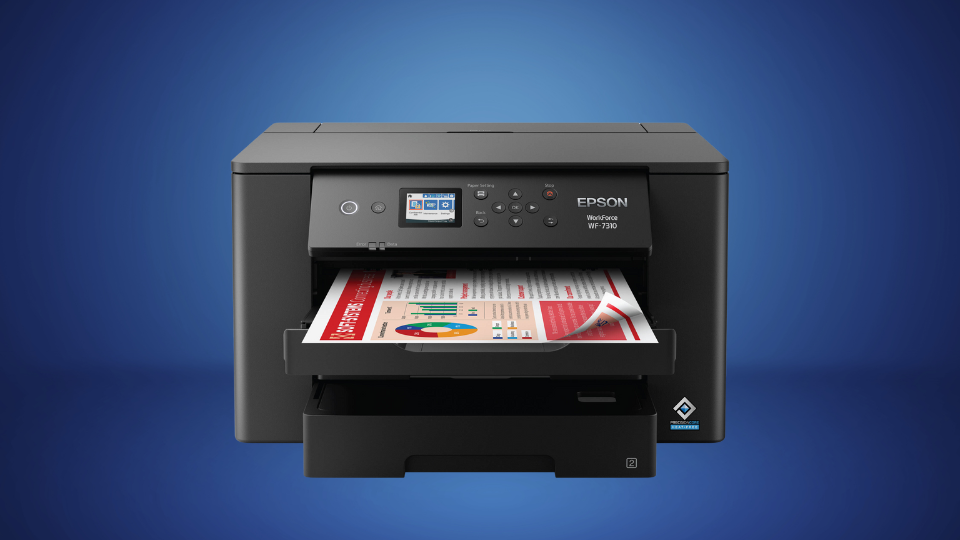
Printers like the Workforce Pro WF-7310 stands out amongst the class. It has a max print resolution of 4800 x 2400 dpi and supports wide-format printing with a max paper size of 13 x 19”, great for creating important documents that you’ll be sharing with others. You can print out slides to place in a nifty book as well as sharp looking photos! It truly is the best of multiple worlds in a neat package.
But if you are looking more towards optimizing efficiency and would rather save the professional prints for a different device, then I must perform my due diligence and tell you about the EcoTank ET-4950. This is a unique printer that allows you to print, copy, scan, and even fax. But the true stand out feature is how it manages your ink. Instead of using cartridges, it uses bottles of ink. The idea behind this is to save you money in the long run. When compared to cartridges, the bottles end up being more efficient with a single bottle equaling up to 80 cartridges. This allows you to print more efficiently. Otherwise, the EcoTank ET-4950 gives you a high print resolution, quick print speeds, and a whole lot more.
Professional
If you are a professional photographer looking for high-quality prints, this is where you are going to get the best performance. These printers are designed specifically to optimize both resolution and color, taking both aspects and tying them together deliver a breathless photo that will be hung in houses for years to come. When creating a print studio, you’re going to need more than just one type of printer, especially at the professional level. A carpenter has multiple tools on them for multiple scenarios, and so should you.
We talked about the SureColor printers already which are great when trying to create color-accurate photos. They are great for both home and professional users, but they shouldn’t be the only tool you rely on. You might have to print in wider formats. Alongside the SureColor printers, having a device like the Expression Photo HD XP-15000 expands your printing capabilities. It offers a max print resolution of 5760 x 1440 dpi, has a max printable area of 13 x 44”, and even does borderless prints up to 13 x 19”. It is also fairly compact as far as wide format printers are concerned.

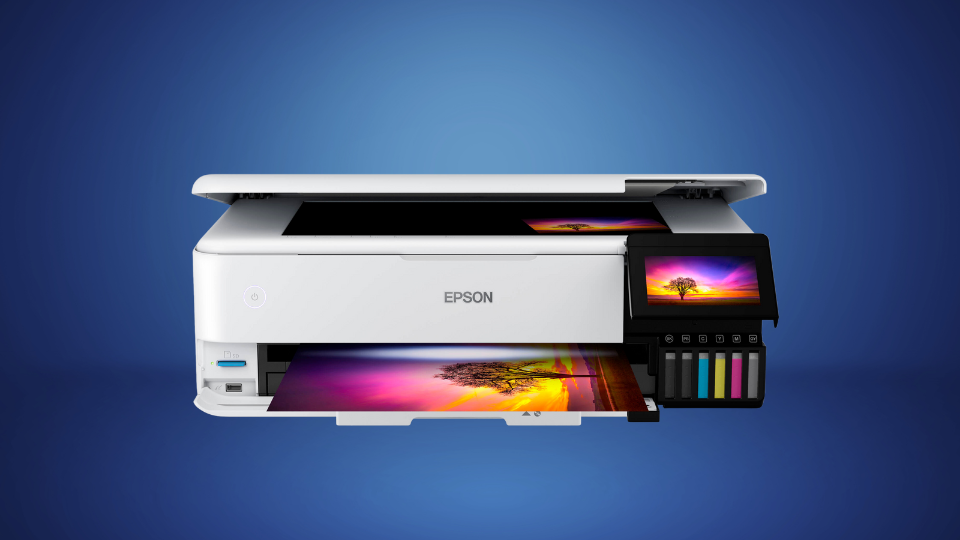
The EcoTank Photo ET-8550 is another great photo printer that utilizes Epson’s EcoTank technology, as noted within the name. As previously mentioned, you can use the bottles of ink here as opposed to standard cartridges, but it is way more robust. Instead of standard black, cyan, yellow, and magenta, you also get grey as well as a specialized photo-black ink that adds depth to your photos especially when used on glossy materials. Naturally, the ET-8550 features 5760 x 1440 dpi max print resolution with support for borderless photos up to 13 x 19”.
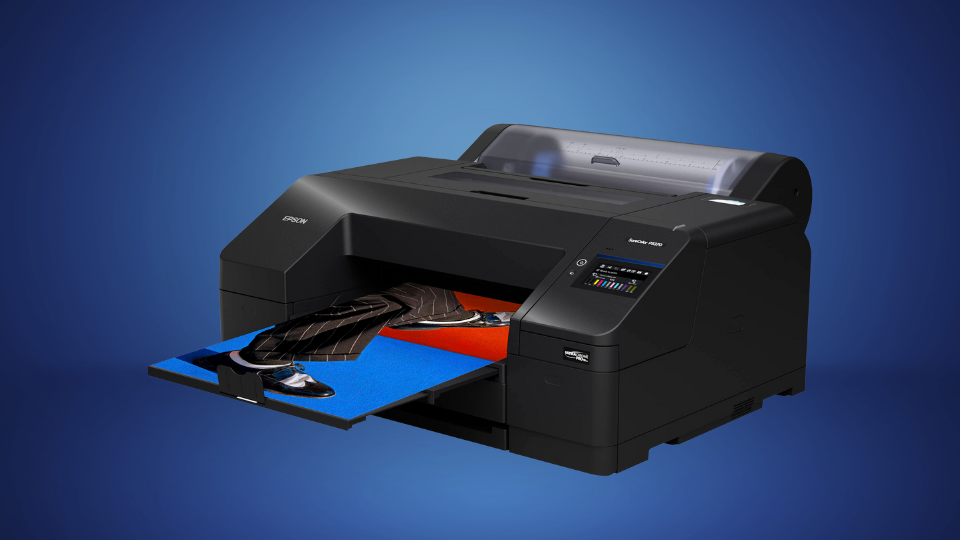
These aren’t the only printers available. Epson’s SureColor P5370 is designed for optimal precision and enhanced color accuracy. Featuring a 10-color UltraChrome PRO10 Ink head, the P5370 gives you a wider color space, eliminates the need to swap ink between colors, and supports rolled media up to 17” wide. There is a lot in this model intended for printers looking to take their final product to the next level.
What if you need more? When we start looking above and beyond the above printers, we enter into a whole new area. Large formats above the 20-inch mark require something not just physically bigger, but more precise. We can’t afford to lose quality in exchange for a larger format. This is where the SureColor P6570E comes in with it’s 24” format designed for even bigger prints! It allows you to print on a wide range of media and even supports rigid poster board up to 1.5mm thick!
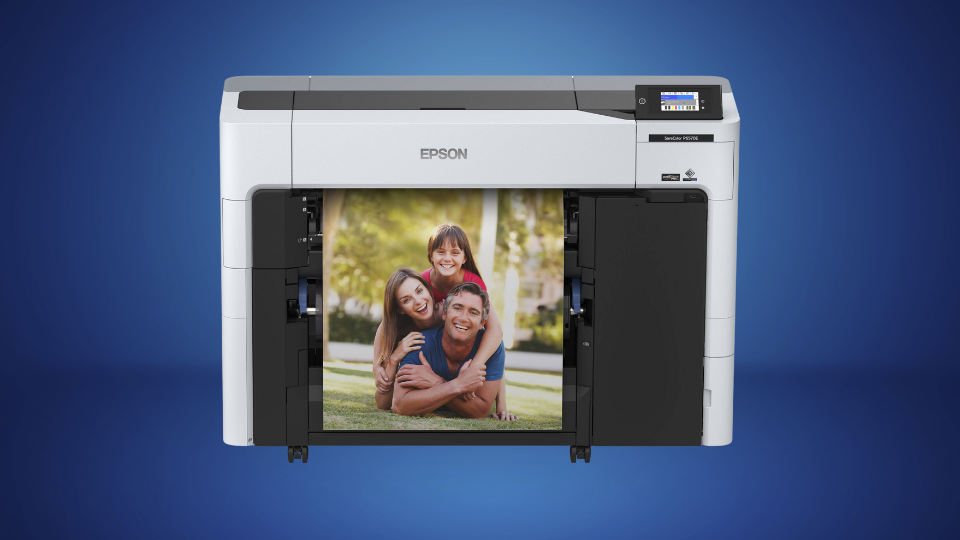
Surely that is the largest printer, right? Wrong! Epson also has their SureColor P9370 which supports images up to 44” wide! It uses Epson’s UltraChrome PRO10 Ink system which enhances colorization for a wider range of blue hues. It also has an improved Dmax for a wider contrast ratio for increased sharpness on glossy paper materials.

I know what you are thinking, there can’t possibly be another printer larger than the P9370. Well Epson has the SureColor P20570 which is a 64” wide format inkjet printer! This is a printer for large scale development. It has a maximum print width of 64” and 298’ length! On top of that it uses Epson’s UltraChrome PRO12 color pigment technology which leverages 9600 nozzles to deliver the best image recreation possible. When it comes to professional printers, this one means business.
Setup and Print
When it comes to your environment, a lot of homes can use a single solid printer. You don’t really need much. Businesses that focus on color optimization would find a lot of worth in a solid printer as mentioned. Maybe a secondary printer that is reserved for just black and white printing for documents is a wise consideration.
When we get into the professional space, this is where it can be a bit tricky. You’ll want to have at least one basic printer for your most basic needs like printing important documentation, labels, and more. But when it comes to dedicated photo printers, having a good 19” printer on hand lays a good foundation for various workloads. Some professionals would consider having two SureColor P900s on hand depending on demand. A large printer like the SureColor P9370 is a good addition if you are beginning to print in much larger formats.
As you can see, Epson’s wide range of devices allow all sorts of users to take their ideal picture from a file to finished product. With so many options out there, I’d urge you to click on the above links and check out each item yourself. You can see some photos, specifications, and watch a few videos!
