
Right now we are in the middle of a huge transitional period in the world of computers. Resting well within the respite of hardware and software refreshes. On one level, Microsoft ended its support for Windows 10, meaning that users may have to either upgrade to Windows 11 or fully replace their aging systems. On another, we have a ton of hardware releasing at the perfect time, which is just before the holiday season really kicks off! If you are looking for an upgrade for any reason, you came to the right place at the right time. Let’s look at some of the best upgrades you can make before the year is up!
Microsoft Surface Pro Copilot+ PC
Are you looking for a powerful tablet that doesn’t compromise performance? The Microsoft Surface Pro Copilot+ PC is a great option! The 13” LCD touchscreen offers a high-quality 2880 x 1920 display that makes your images pop with vibrant colors! For creatives, business professionals, and even media fans, the Surface Pro is a great device to help with your workflow.
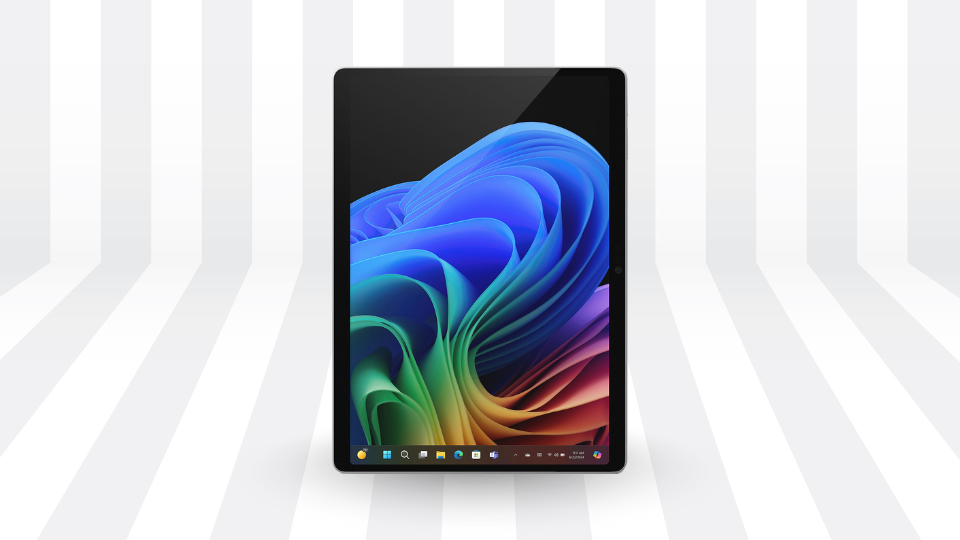
What is the most intriguing about the device is the tech that powers it. At the heart of the Surface Pro is the Qualcomm processor, which comes in two flavors: the Snapdragon X Plus and the X Elite, which sport 10 and 12 cores, respectively. You can also configure other aspects of the Surface Pro with options including up to 32GB of memory and up to 1TB of storage.
HP ZBook Ultra G1a Mobile Workstation
If you are looking to upgrade your system, look no further than the zero compromises HP ZBook Ultra G1a Mobile Workstation. Fitting around the 14-inch mark, the ZBook Ultra combines power with a compact design giving designers and creators a solid foundation to handle whatever you want to throw at it. It also features Microsoft’s Copilot+, allowing you to leverage various AI models to enhance your creativity with Live Captions, Cocreator, Restyle Image, and more!
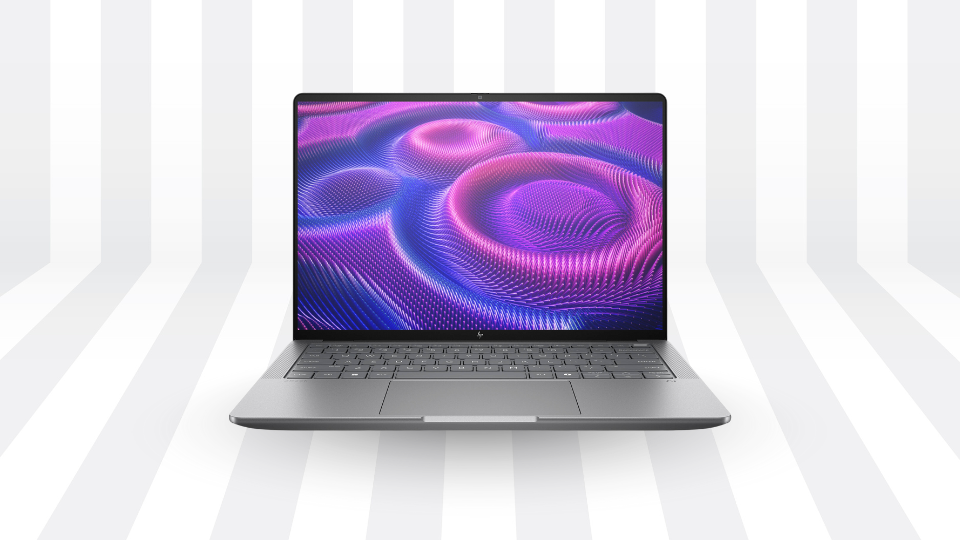
One of the great features about the ZBook Ultra is how you can easily configure it to your needs. If you are a power user, maxing it out with an AMD Ryzen AI Max+ Pro processor, 128GB of memory, and 2TB of storage gives you everything you need. If you want to scale it down, you have a slew of options that might fit your budget a bit better. Either way, the ZBook Ultra is one powerful workstation and you can read more about my experience with it over here.
HP EliteDesk 8 Mini G1a Desktop Computer
Since we are talking about HP, we might as well mention their EliteDesk 8 Mini G1a Desktop Computer, which proves you can have immense power in small packages. With multiple configurations available to scale to the needs of your business, you can easily streamline workflows across your organization or your own personal office.
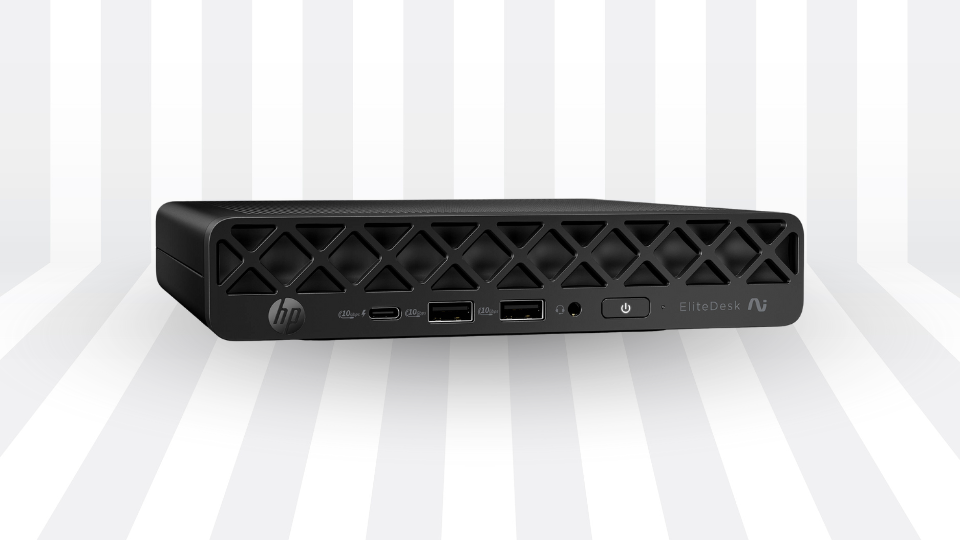
Apart from the specs of the device, it is small enough to be mounted in various places with optional hardware, allowing you to create a cohesive workspace free of clutter. It is also incredibly easy to set up thanks to the form factor, which gives you access to a variety of inputs on the front and back of the device.
Apple MacBook Pro with M5
If you are an Apple fan and have been using their devices for a while, it could be time to upgrade that aging laptop to the latest 14” MacBook Pro with M5 chip. Powered by the expansive capabilities of Apple Silicone, the latest M5 chip delivers greater performance and efficiency for all types of workloads!
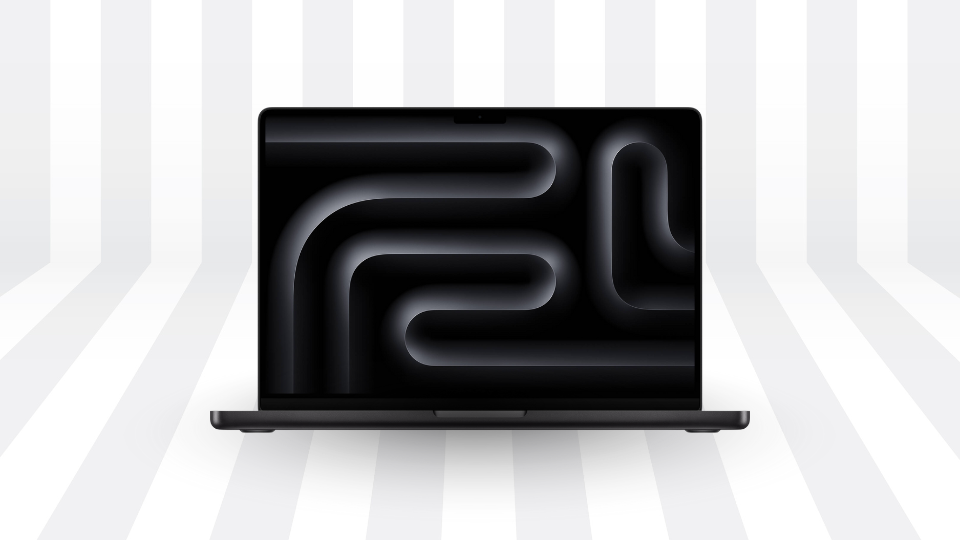
There are multiple configuration options available, allowing you to outfit the MacBook Pro with up to 32GB of unified memory and up to 4TB of storage for those large projects. Of course, you can also choose between the standard display finish or Apple’s anti-glare Nano-Texture finish, which is great for outdoor users.
NVIDIA RTX Graphics Cards
Whether you are a content creator or gaming enthusiast, it might be time for a graphical upgrade for your PC. This is where NVIDIA comes in with the GeForce RTX 50-series graphics cards. There are a huge range of graphics cards from the RTX 5050 all the way up to the RTX 5090, which is the most powerful GPU.
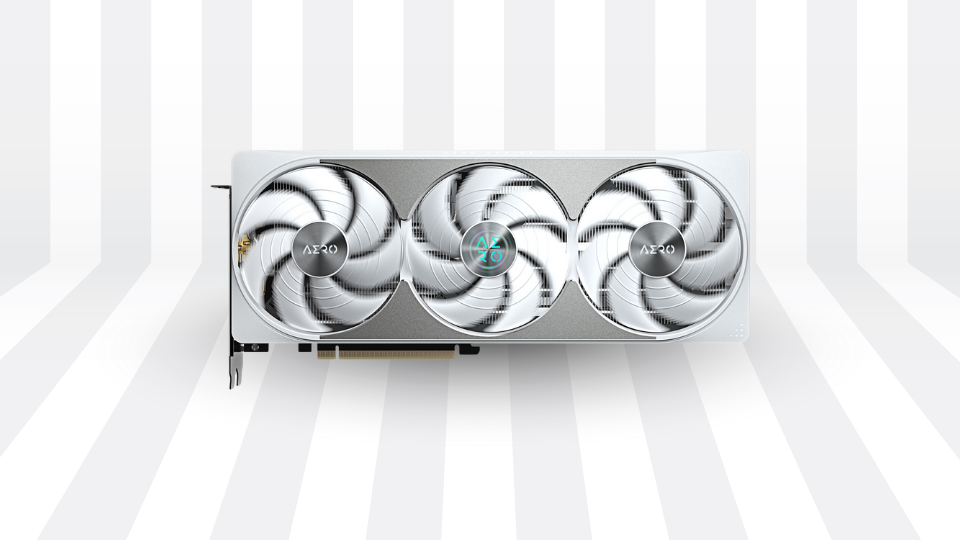
While an RTX 5090 would be the no-compromises option, the RTX 5080 is still a solid match and comes in just under the RTX 5090’s performance profile. If you are designing graphics, broadcasting your gameplay online, or simply playing games, cards like the Gigabyte GeForce RTX 5080 AERO OC will be just fine. If you are looking at larger workloads or simply want the best of the best, cards like the ASUS GeForce RTX 5090 will do just fine. Just make sure you have a power supply that can handle it.
Monitors
It is a great time to look for a solid monitor upgrade. A lot of people still use 1080p displays when it comes to conducting various work tasks, which is fine for the most part. But when it comes to anything more advanced, like graphic design, visual effects, and even gaming, there are so many great options out there to help elevate your medium.
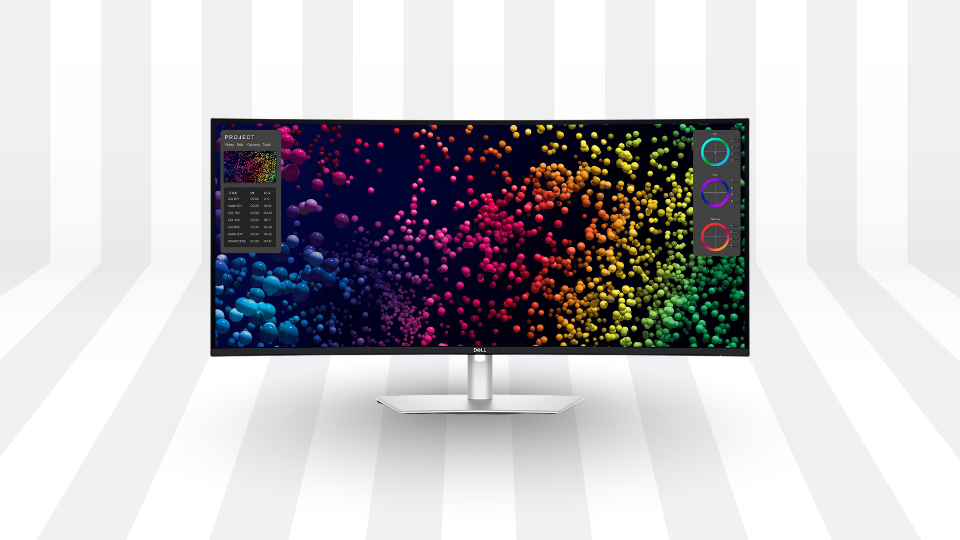
Monitors like this Dell 39.7” UltraSharp feature a vivid IPS display in a 21:9 aspect ratio backed by a 5K resolution and a 120 Hz refresh rate. This gives you the clarity and speed to handle photo and video editing as well as other tasks. A built-in Thunderbolt 4 hub allows you to connect a device like a workstation laptop to the display, transforming it into a fully-fledged desktop workstation.
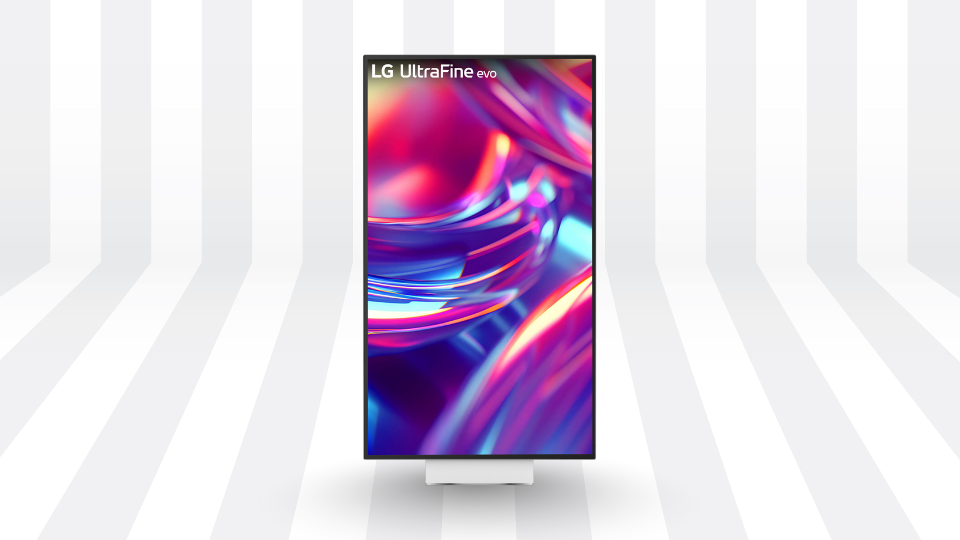
If you are looking for even deeper visuals with higher resolutions, the LG UltraFine Monitor is here for you. It has a 6K resolution with a 60 Hz refresh rate, making it a great editing monitor. It also has multiple inputs including a Thunderbolt 5 port for greater utility.
If you are a gaming enthusiast looking for top-notch quality and speed with impressive visuals, might I suggest the robust ASUS Republic of Gamers Strix OLED Monitor. As the name implies, this display uses an OLED panel, which produces highly-detailed visuals, vivid colorization, and 4K resolution at 165 Hz refresh rate. If you want your games to look absolutely breathtaking, this is just one of the best upgrades you can make. Otherwise, I could also suggest the LG UltraGear 39” OLED Ultrawide Gaming Monitor, which also uses an OLED panel but with a 1440p resolution at 240 Hz refresh rate. This gives you a clean look with greater speed but also has a 21:9 aspect ratio, giving you a better look at your digital landscapes.
Peripherals
If you haven’t changed your keyboard or mouse in the last year or two, or at the very least cleaned them, chances are that you may need to swap them out for something new and fresh. Luckily, there are plenty of options out there!
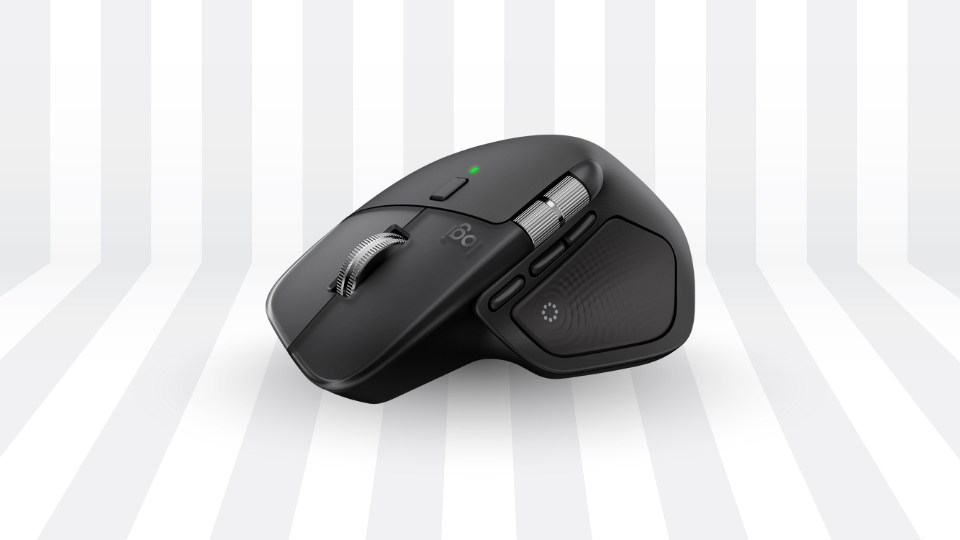
Logitech came out swinging with their latest MX Master 4 mouse, which I absolutely adore! Now with integrated haptic feedback, the MX Master 4 has elevated creative control to new heights. It has better ergonomics, better controls, and a style that makes the mouse easier to clean and maintain. As someone who is using this mouse right now, I couldn’t recommend it more!
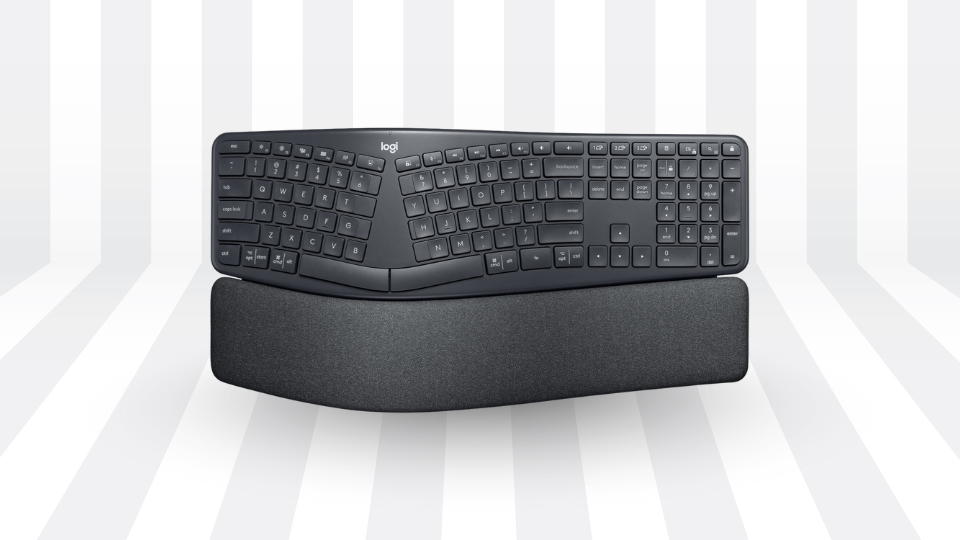
If you do a ton of writing and drafting, I must suggest upgrading your current keyboard to the Logitech ERGO K860 Wireless Split Ergonomic Keyboard. As a past user of one of these myself, you get a solid typing experience that is comfortable for long sessions. The wave-like design and wrist rest work together to reduce fatigue, making it easier to type documents and chat with others.
Gaming enthusiasts looking to level up their keyboard should definitely consider the Keychron V1! As an owner of this very keyboard, I have to say that I truly love it! It has a smooth feel thanks to the red, linear switches and the programmable knob on the top right can be customized to your liking. It gives me instant access to my volume controls when I need it the most. Perhaps my favorite thing about this keyboard is how I can swap my internal switches to different ones in the event of a key failure. This not only prolongs the lifespan of the keyboard but allows me to fine-tune my experience if I want different switches for different functions.
There you have it, a couple of the best upgrades you can make by year’s end. If these don’t exactly hit the mark, perhaps we have inspired you. If you’re looking forward to seeing what is coming around the corner, stay tuned to B&H!
