
Looking for a capture card for your video podcast? You've come to the right place. In this guide, we're looking at some of our favorite capture cards and discussing how they can help streamline and enhance your production.
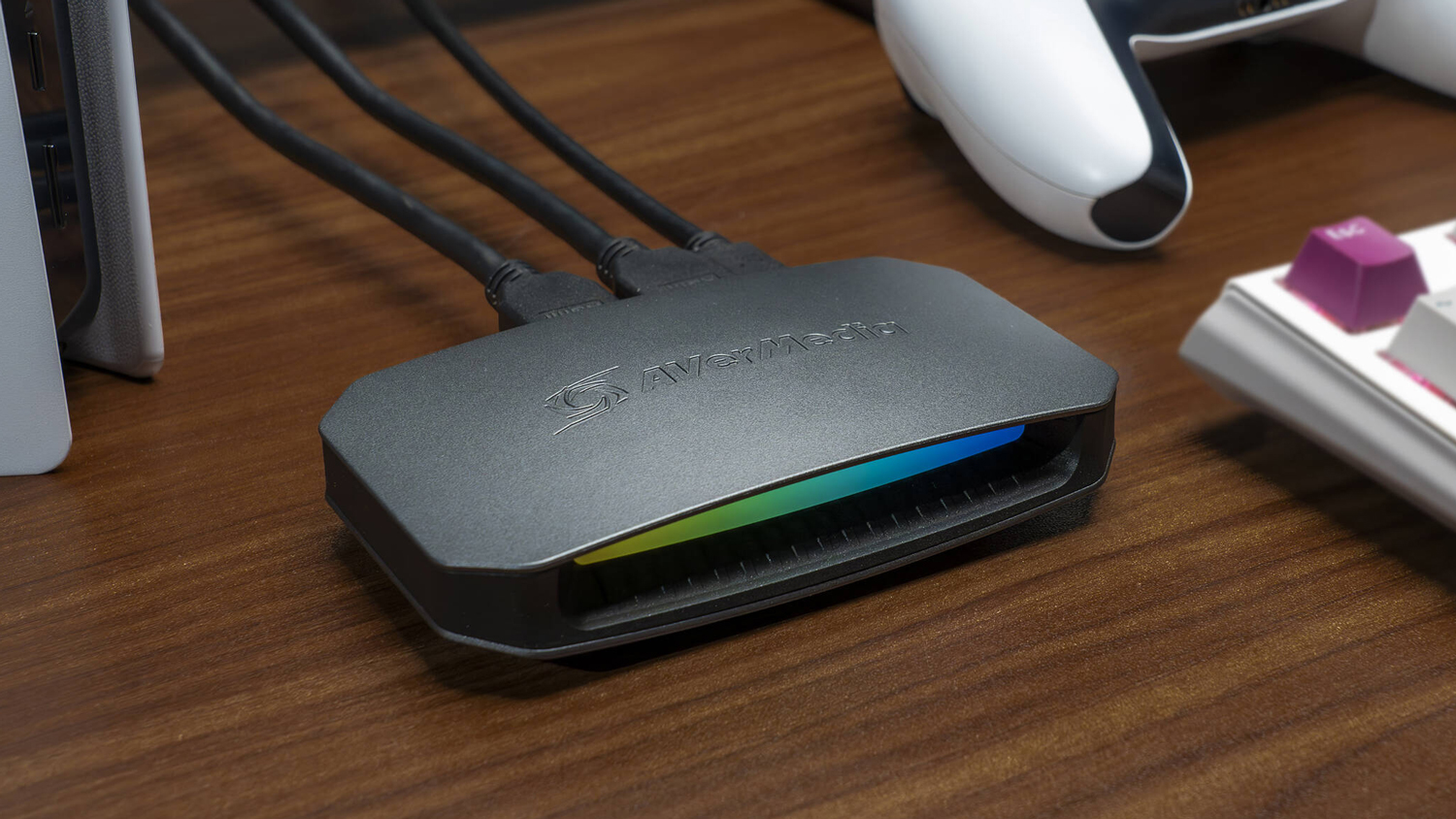
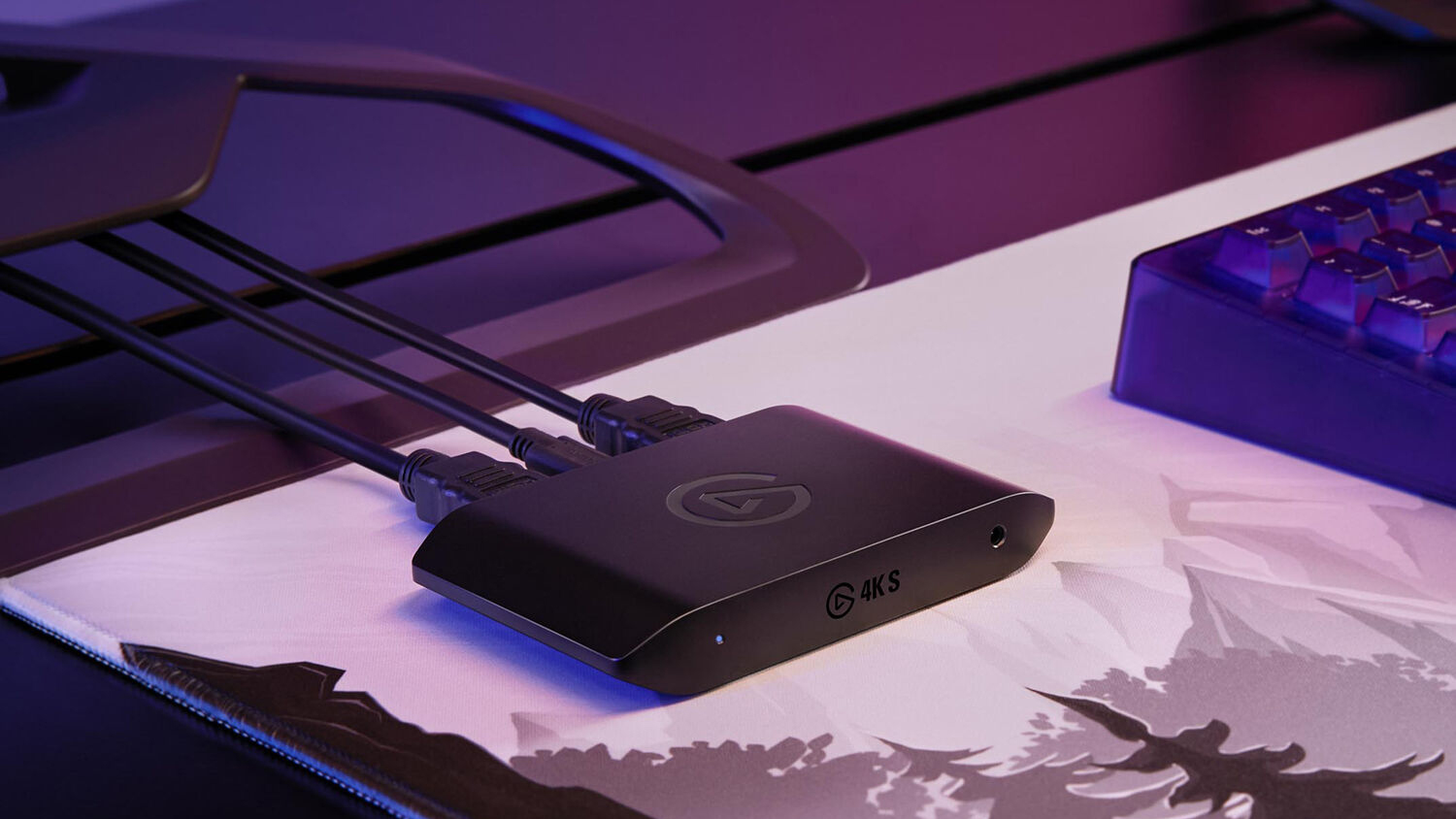
The different tiers of capture cards range from basic to advanced. For instance, Elgato has their famous Game Capture 4K S, which is an imperative capture card for those focusing on implementing gameplay into their program. But Elgato also has the Cam Link Pro, which is designed for multi-camera productions. While these are great devices in their own respect, they might not be the best solution for your production. The Cam Link Pro stands out as one of the easiest and cost-effective solutions out there, but that depends on the size of your production. With that in mind, let’s briefly discuss scale.
Small vs. Large Productions
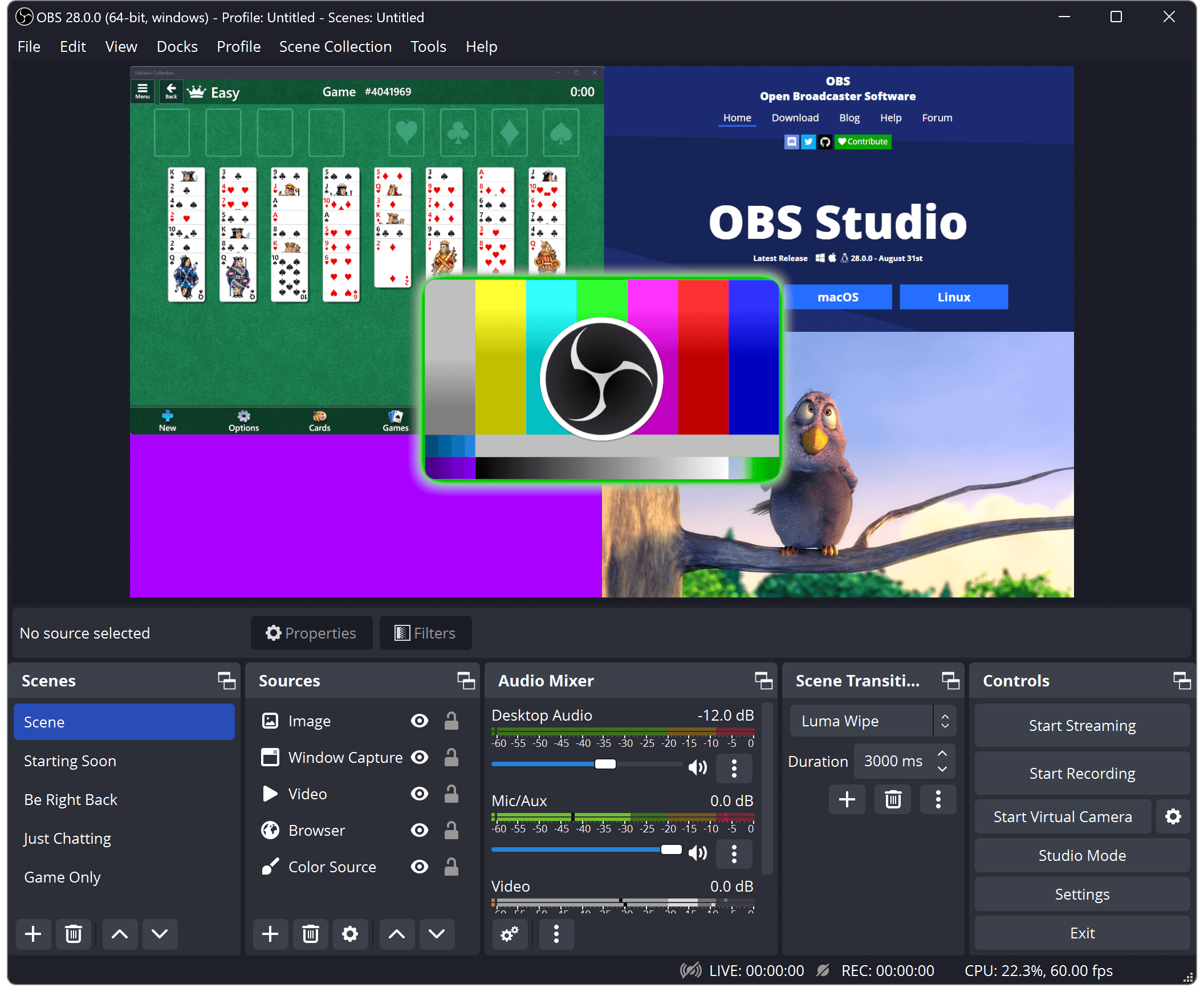
Most podcasts start in small spaces—someone’s basement, for example. In that scenario, a device like the Cam Link Pro would be perfect. It features four HDMI inputs that allow you to connect any camera to the card. Onboard software allows you to carefully manage each of the four cameras independently. When working with various broadcasting software suites—like OBS, for example—you can directly include various elements into your podcast without worrying too much about the technicality of it all.
Camera-wise, if it supports HDMI output, you can use it with the Cam Link Pro. This can save money in the long run because you don’t have to spend a ton of money on your equipment. In many cases, a three-camera setup for a startup video podcast is enough depending on your layout. For two people, this might be the best solution.
But what about larger productions? What if we want to use some more sophisticated equipment? This is where things get interesting. There are all types of cameras out there that have something called a Bayonet Neill-Concelman connector, otherwise known as a BNC. You’ll find this type of connector on lots of devices ranging from capture cards to the cameras. BNC connectors are different from HDMI ports and that comes down to the way information is delivered to the capture card. In this case, BNC-equipped cameras and peripherals support the SDI video signal standard. This drastically changes the equipment you should be using.
Expansion cards like the Blackmagic Design DeckLink 8K Pro G2 incorporate a variety of ports, including BNC and HDMI ports. It also manages to capture and stream high-resolution content while staying within various frame rate specifics. It offers a lot of utility and can fit into your system via PCIe interface.

External Systems
While these in-system options are solid for your recording and production needs, sometimes you can’t just open a system and install the card. If you use something like a Mac mini or even a Mac Studio, in-system solutions will not help. Instead, you must look for an external solution. This is where devices like the Blackmagic Design UltraStudio 4K Mini comes in. External devices like this feature a ton of inputs and outputs so you can easily scale your production to your needs.
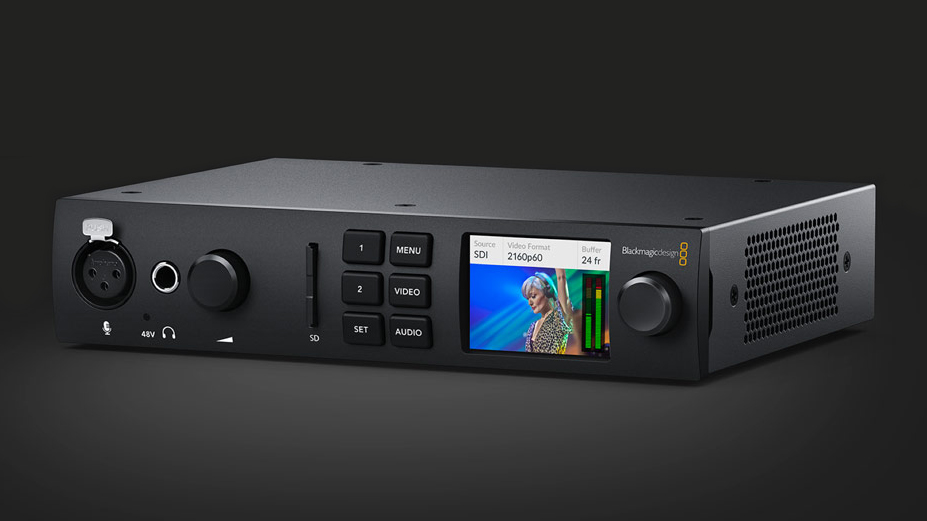
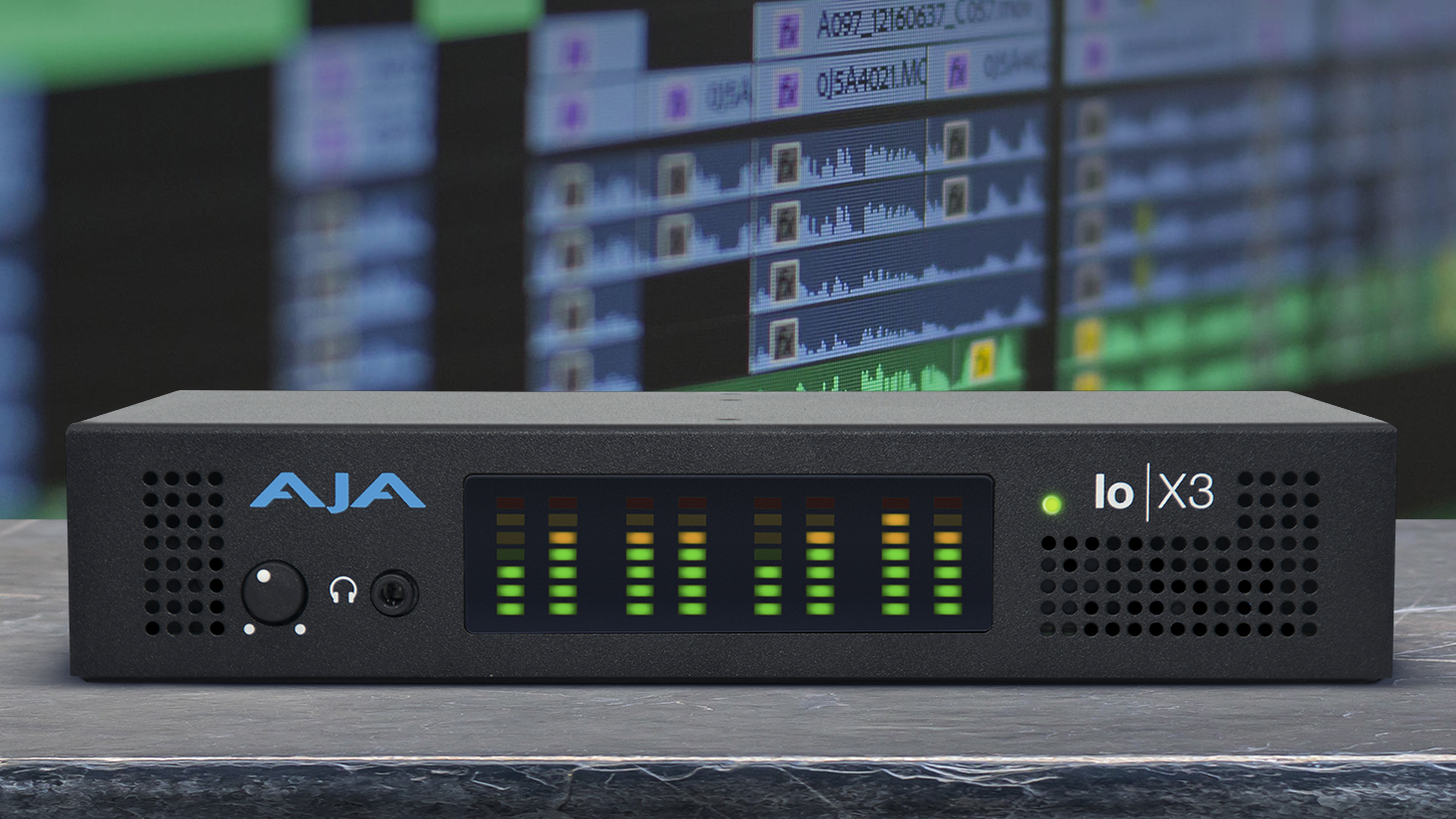
AJA Io X3 Professional Video I/O is another external device that feels a bit more simplified in terms of utility. It still offers a ton of connections, with support for LTC, analog audio, and more. This device features compatibility with OBS Studio, integrates broad support for all major NLE applications, and it does so much more. But once again, this is a professional-grade device.
Stand-Alone Devices
If there is one thing that all of the discussed systems Ihave in common it is that they each have multiple ports to accommodate multiple cameras. What if you have one solid camera and you’re not looking to scale up so quickly? Then a stand-alone device like the Blackmagic Design UltraStudio 3G Recorder is there for you.
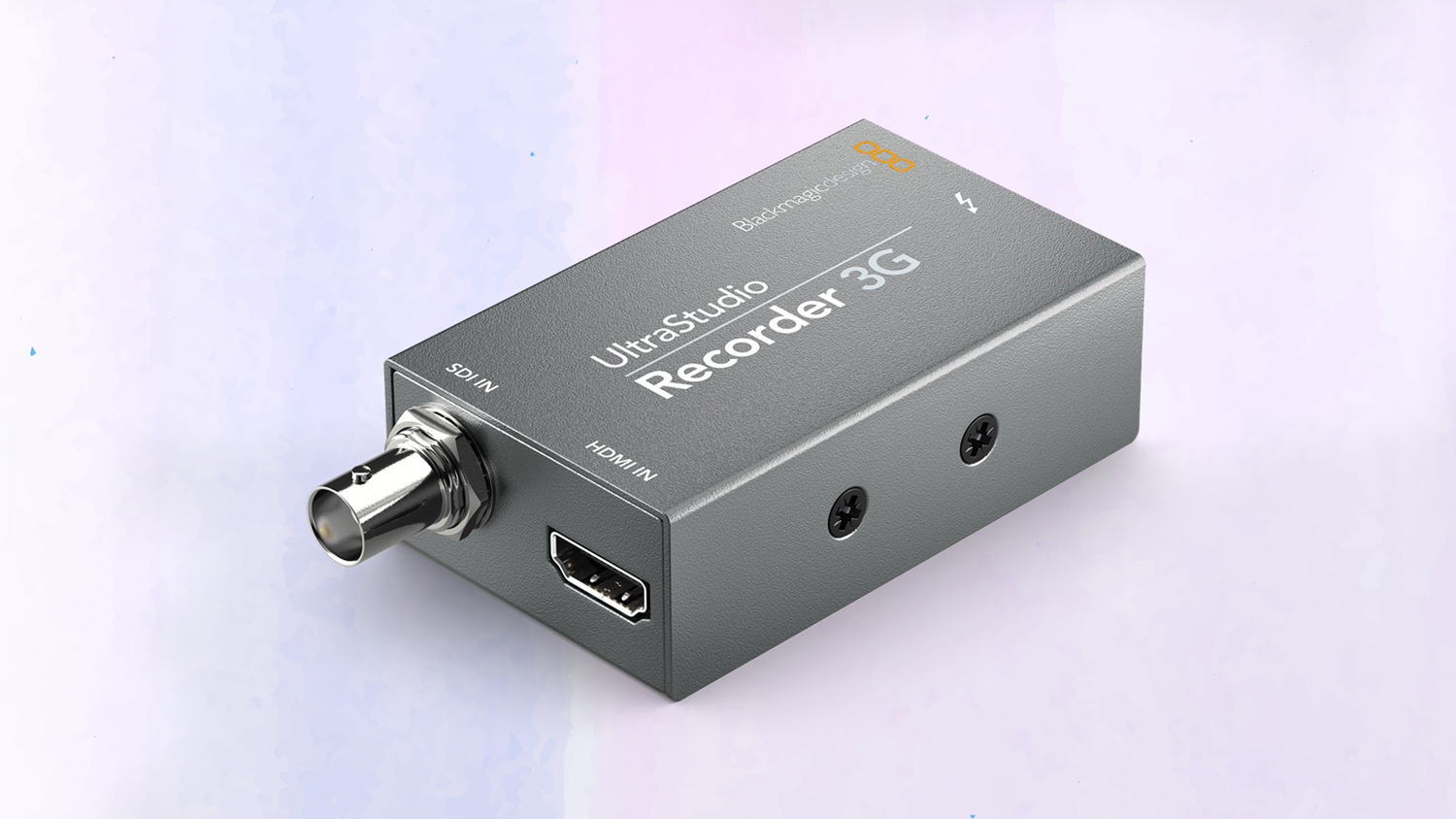
This device is compatible with both 3G-SDI and HDMI signals, making it incredibly versatile. In some cases, shows may start with just one camera and then grow over time as their show gets picked up. This is where something like the UltraStudio helps. Since it is just for one camera, it is relatively inexpensive compared to everything else we covered. Although, the big drawback is the necessary Thunderbolt 3 output and hard 1080p resolution limit. There are a few devices that can record at higher rates, but it will come at a cost.
When it comes to your setup, it is important that you plan everything. This is why we ask questions about the production and why it is important to follow a guideline. From the content you make down to the equipment you are using, everything is incredibly important, especially if you wish to succeed in the long run. Hopefully, we have given you a little bit of help when it comes to enhancing your creative potential. As always, for more information about the products we mentioned, hit the links above.