
Fall is nearly upon us, which means many recent high school grads will soon be heading off to college. To help incoming freshmen thrive during their first year on campus, we’ve put together a list of useful computer tech we think will benefit them in and outside of the classroom.
Essential: Laptop
A good, reliable laptop is arguably the most important piece of computer gear a student can bring with them to college. Regardless of their field of study, students need a laptop that offers solid battery life and enough processing power to tackle their coursework. A hi-res panel and solid GPU aren’t bad ideas either, because they’ll allow students to unwind at the end of the day with some AAA gaming or streaming their favorite anime.

Now, the best laptop for you will obviously depend on your area of study. If you are looking for a nice, basic laptop, there are lots of relatively inexpensive options available. We are particularly fond of the Lenovo 14” IdeaPad 5 for its reliability and performance.
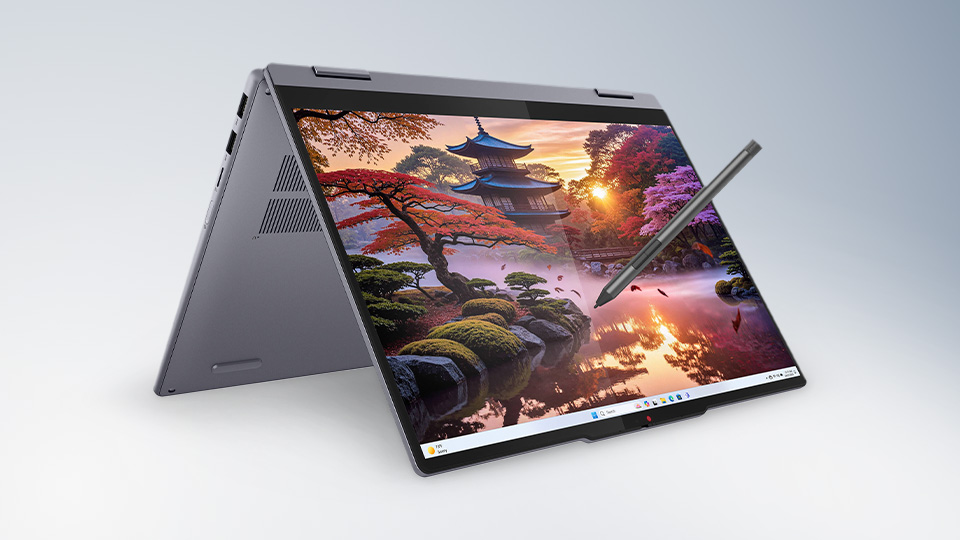
This practical laptop features an AMD Ryzen AI 5 340 processor, 16GB of LPDDR5x memory, and 256GB of storage via an M.2 PCIe 4.0 SSD. Lenovo built the IdeaPad 5 with a 360-degree hinge, which allows the display to fold, giving you a tablet-like experience . You also get a bunch of nice-to-have features, including a microSD card slot, full-HD webcam, and plenty of ports for your accessories.
I’ll also point out that the 13” MacBook Neo is a strong contender for best entry-level laptop for students. It features the Apple A18 Pro processor, 8GB of Unified Memory, and a 256GB SSD which can be upgraded to 512GB if you need more room for your applications. The 13” Liquid Retina Display offers high-resolution clarity, offering a clear look at your work.
You may already have your sights set on a creative or business discipline where a basic laptop might not cut it. You may be interested in gaming and will need a laptop that can support work and play. With so many variables to consider, we recommend exploring your options to find the best fit.
Optional: Webcam
While classes are mostly in-person these days, webcams still offer plenty of benefit for college students—especially those who need (or prefer) better visual performance than what a laptop, phone, or tablet can deliver. They are also handy for students who enjoy gaming and streaming with friends.
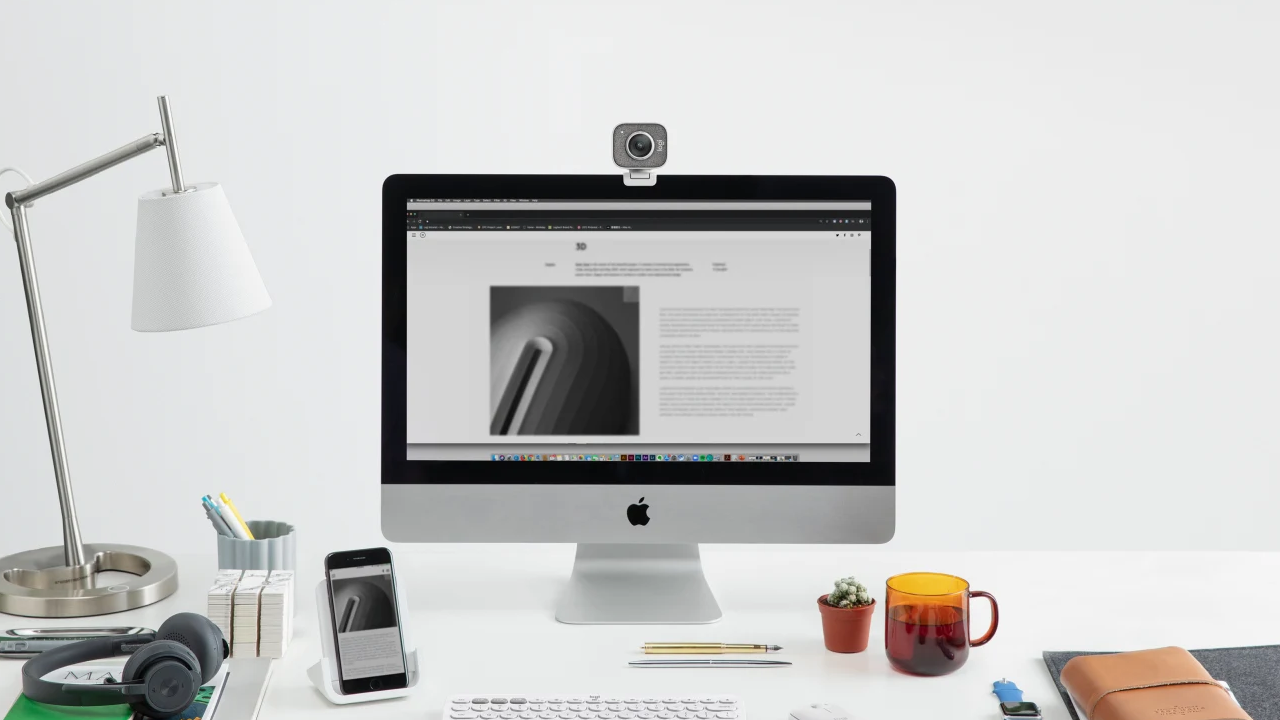
If you decide that a dedicated webcam is something you want to invest in, we recommend the StreamCam Webcam from Logitech. The StreamCam is pricier than other high-def webcams, but it returns a lot of value, especially for students who want something that’s easy to use, has a ton of cool features, and, most importantly, delivers truly gorgeous HD image quality. Plus, its cool little design makes it one of the most aesthetically pleasing webcams we’ve ever seen—especially in white.
Essential: Portable Storage
When prepping for college, it’s easy to remember big ticket items like a new laptop or graphics tablet. However, we sometimes overlook the smaller, simpler items that are equally important. Take, for example, portable storage solutions. While your laptop or graphics tablet might include a certain amount of built-in storage, it’s essential you back up all your important files on a separate drive.
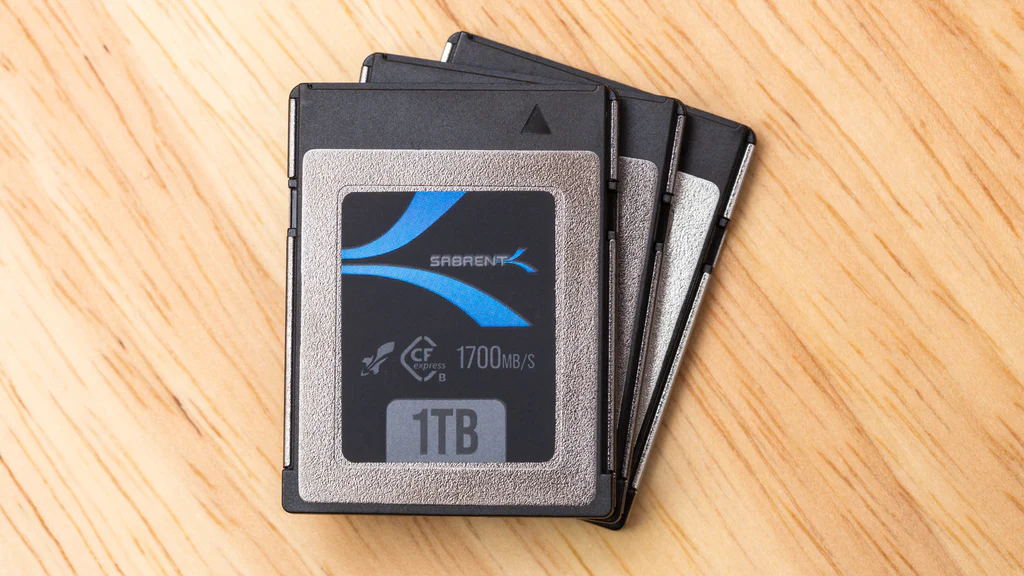
There is a wide range of portable storage options that will serve the majority of students well, but one type in particular we favor for grads interested in photography, videography, or other areas of content creation are CFexpress memory cards.
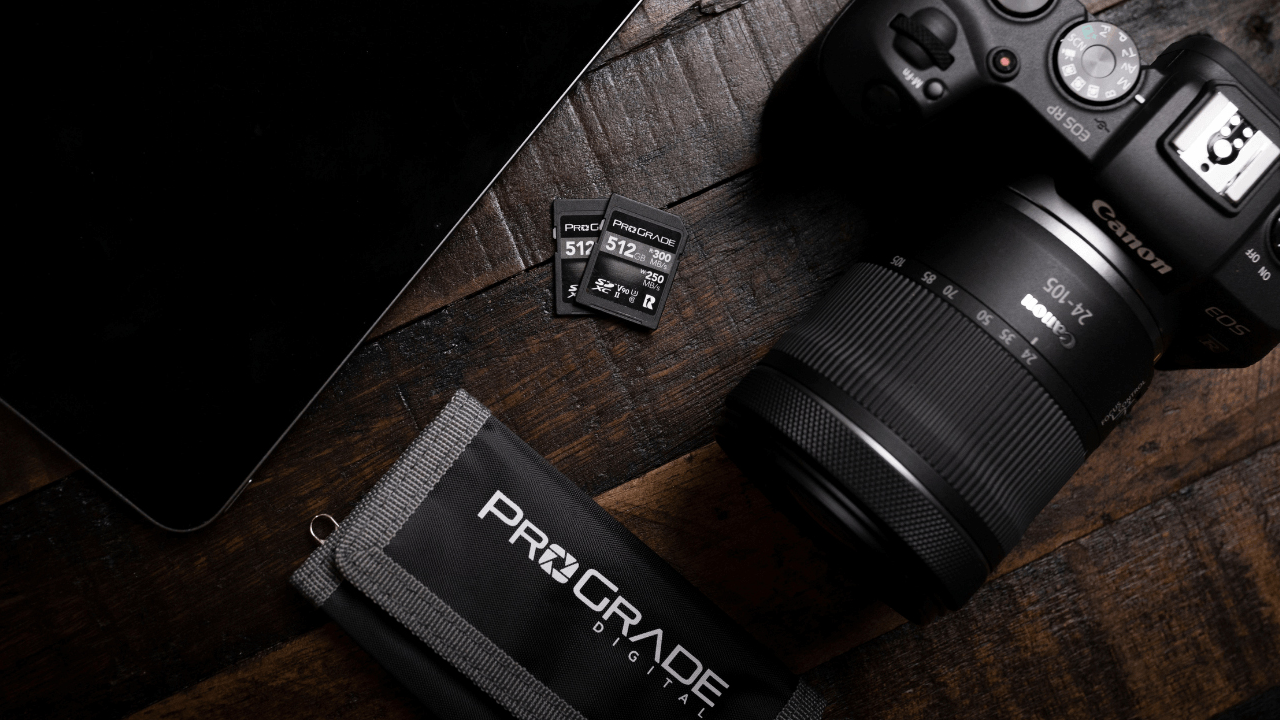
There are plenty of CFexpress cards you can choose from, but one lineup we happily endorse comes from ProGrade Digital. The brand has multiple options, but its Gold card is solid, with sustained write speeds of 300 MB/s or greater (600-1000 MB/s for anything smaller than 256GB) and maximum read speed of up to 1600 MB/s. Sabrent’s Rocket and Sandisk’s Extreme Pro cards are other great CFexpress options for similar reasons.
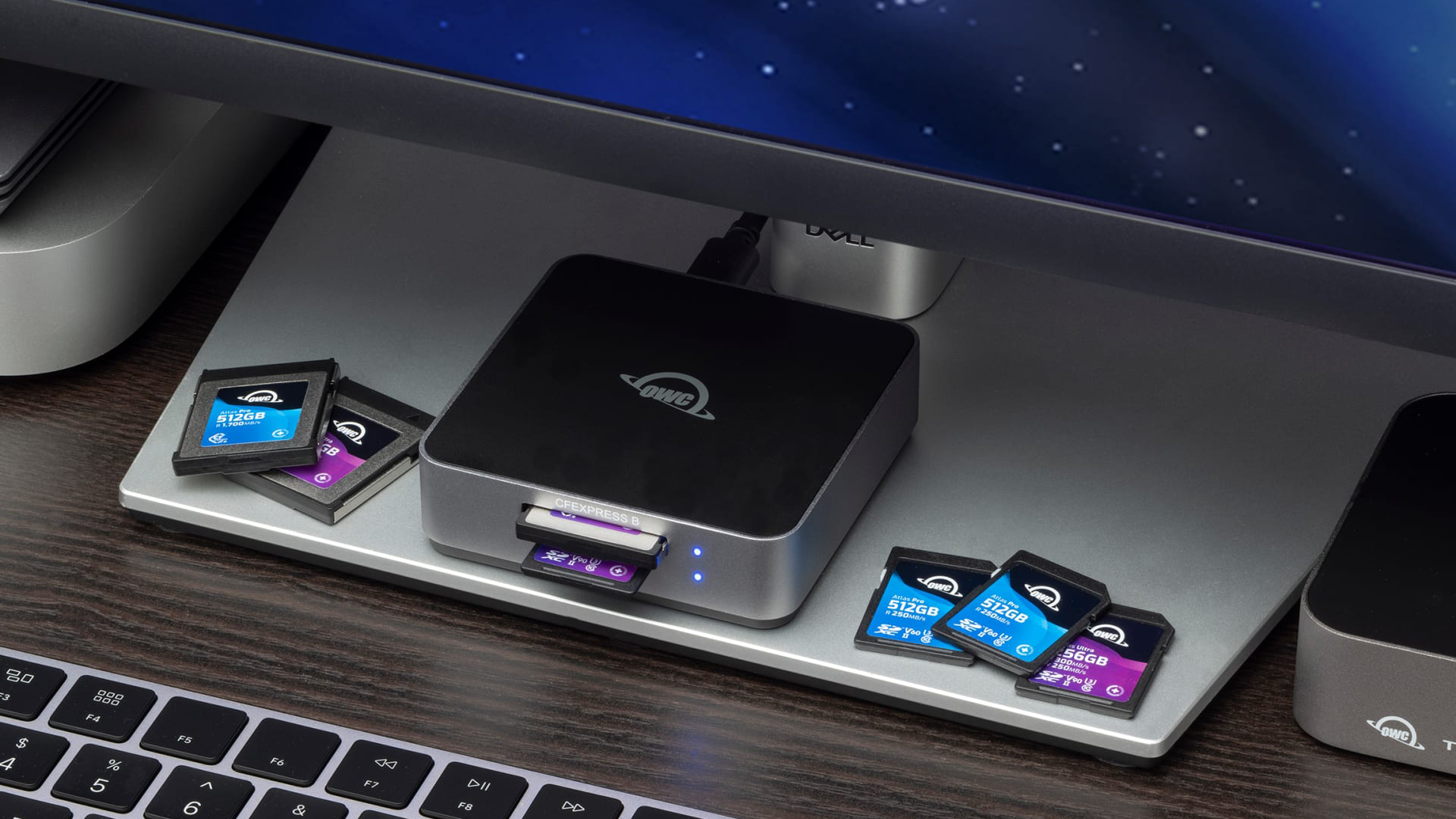
If you are working with memory cards, you are also going to need a card reader. We like OWC’s Atlas Dual CFexpress Card Reader, which can read CFexpress and SD cards, thanks to its dual slots. The reader boasts fast transfer speeds up to 1032 MB/s and is broadly compatible with a USB-C interface, so it’s a great gadget to have if you are pursuing a creative field.
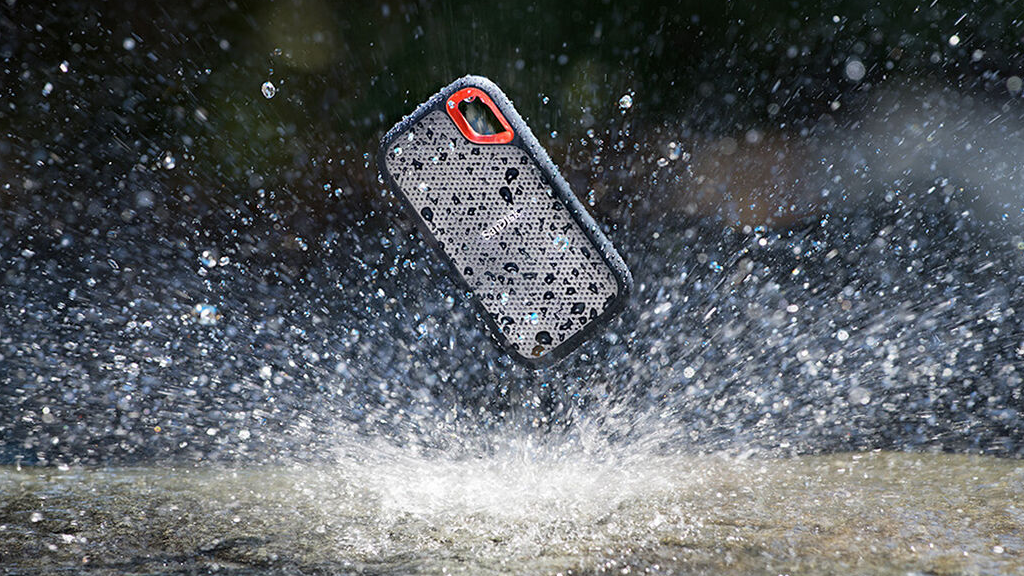
You might also consider purchasing an external hard drive or SSD. For students who are pursuing photography or videography, we recommend SanDisk’s Extreme Portable SSD V2, which can mount directly on cameras via its integrated hot shoe. LaCie’s Rugged External Hard Drive is another great all-purpose option for nearly any student. Both storage solutions are rugged enough to withstand the rough-and-tumble of college life, so you can’t go wrong with either one.
Optional: External Monitor
Depending on the size of your laptop and area of study, you might benefit from an external monitor. Like laptops, monitors are diverse and numerous, but you don’t necessarily have to spend a fortune to get a good one.
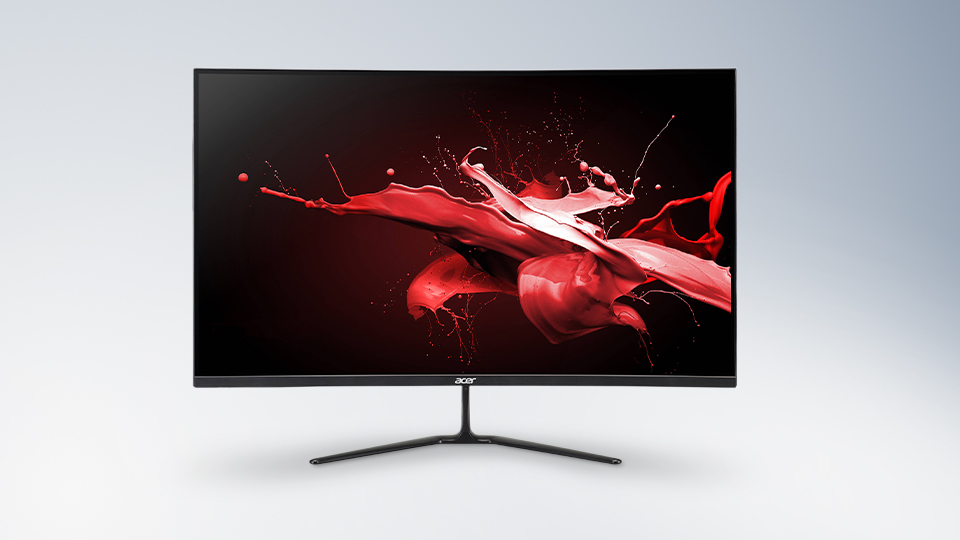
You might consider a solid all-purpose monitor like ASUS TUF Gaming VG328H1B or Acer’s ED320Q for gaming. Creative students might invest in a color-critical monitor, ensuring their hard work is color accurate and rendered as precisely as possible.

Color-critical monitors can be quite expensive, but there are plenty of sub 1k options that will do the trick—at least at the beginning of your academic career. For students on a budget, the ASUS PA248QV is a great monitor for creative disciplines. It covers 100% of the sRGB and Rec.709 color gamuts and has handy shortcuts for making quick color-gamut adjustments.
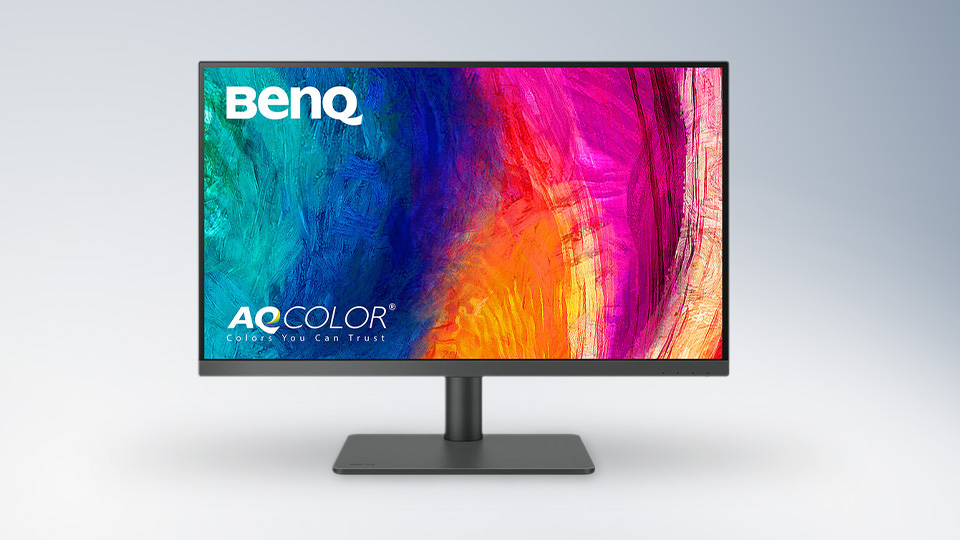
You might also consider BenQ’s PD2706U. For a steeper price, you get wider color space coverage with 95% P3, 100% sRGB, and 100% Rec. 709 gamuts.
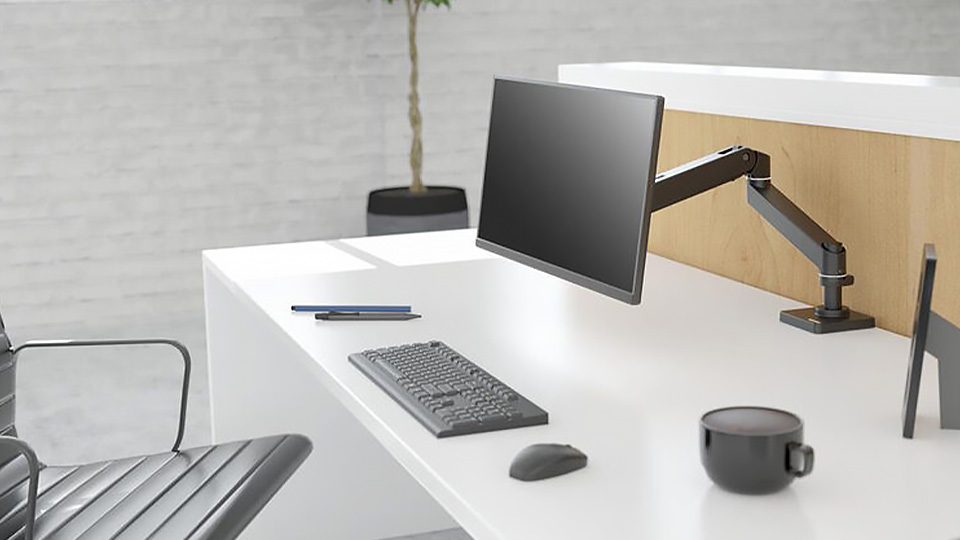
Of course, you can gain the comforts of a monitor arm by purchasing one separately. We are fans of Ergotron’s LX Pro Monitor Arm for this purpose.
For more information about any of the products mentioned in this guide, including additional info on specs, features, and product highlights, be sure to hit the product links.
