
So, you are looking to livestream but don’t know exactly where to get started when it comes to equipment and gear. Luckily for you, we have you covered! No matter what your budget is, you can easily get started! So, come take a look at a couple of different kits to help take your creativity to new levels! Assuming you already have a solid computer for streaming and overall creativity, take a look at the rest of the equipment you need to get your show on the digital road!

The Entry Level Kit
Not everyone wants to go all in on a hobby with the most expensive gear. Some folks like to slowly upgrade their equipment over time and add more devices as they grow and become more experienced. We are going to focus on equipment that provides great sound without going too over budget, and believe it or not, there are some great options out there to get started!
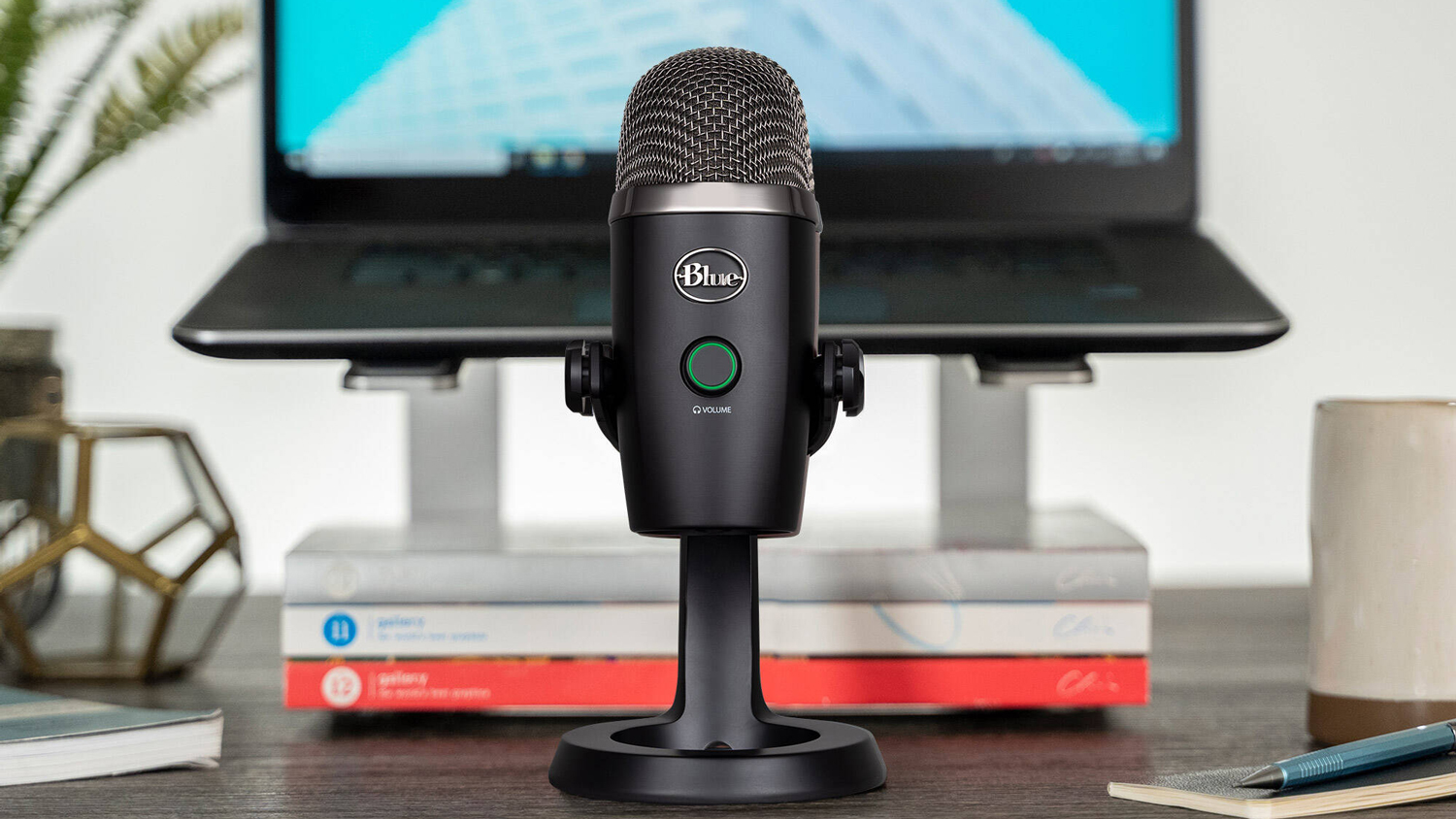
Every show needs a solid microphone and there is no better option than the Blue Yeti Nano! This is a wonderful, smaller-sized microphone designed for content creators, podcasters, and live streamers. It features a smaller footprint, which is great for desks with limited room. Additionally, it features a built-in arm, so you don’t need to buy anything else to hold it. Thanks to the USB connectivity, you don’t need an audio interface or additional hardware to get it running.
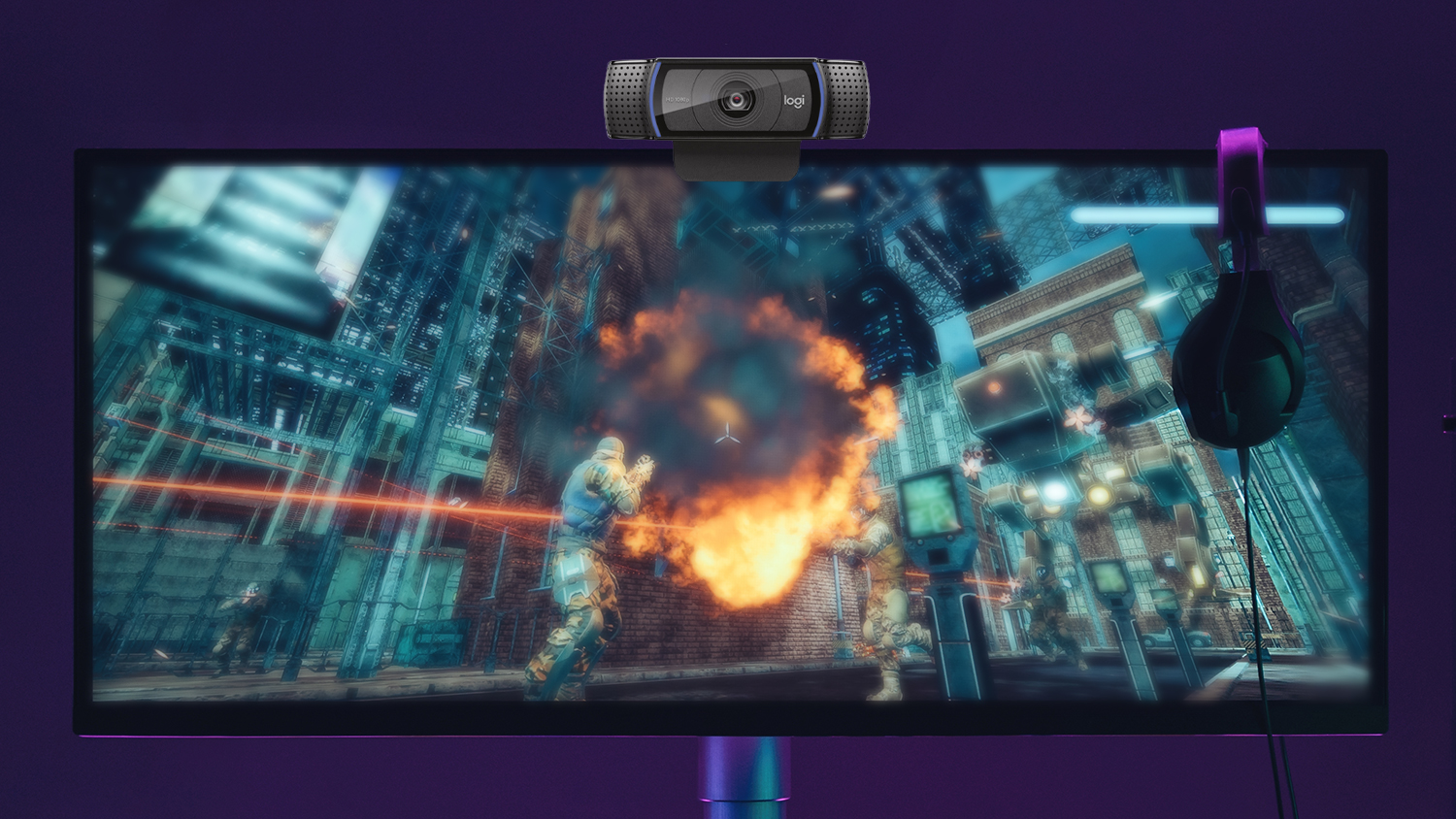
If you wish to integrate your face into your stream, you can’t go wrong with the reliable Logitech C920s webcam. It delivers high-quality resolution with smooth visuals suitable for every streaming platform available! It connects via USB and is plug and play, meaning you don’t need anything else to get this webcam going! It also offers various enhancements like auto-focus, light correction, and more!
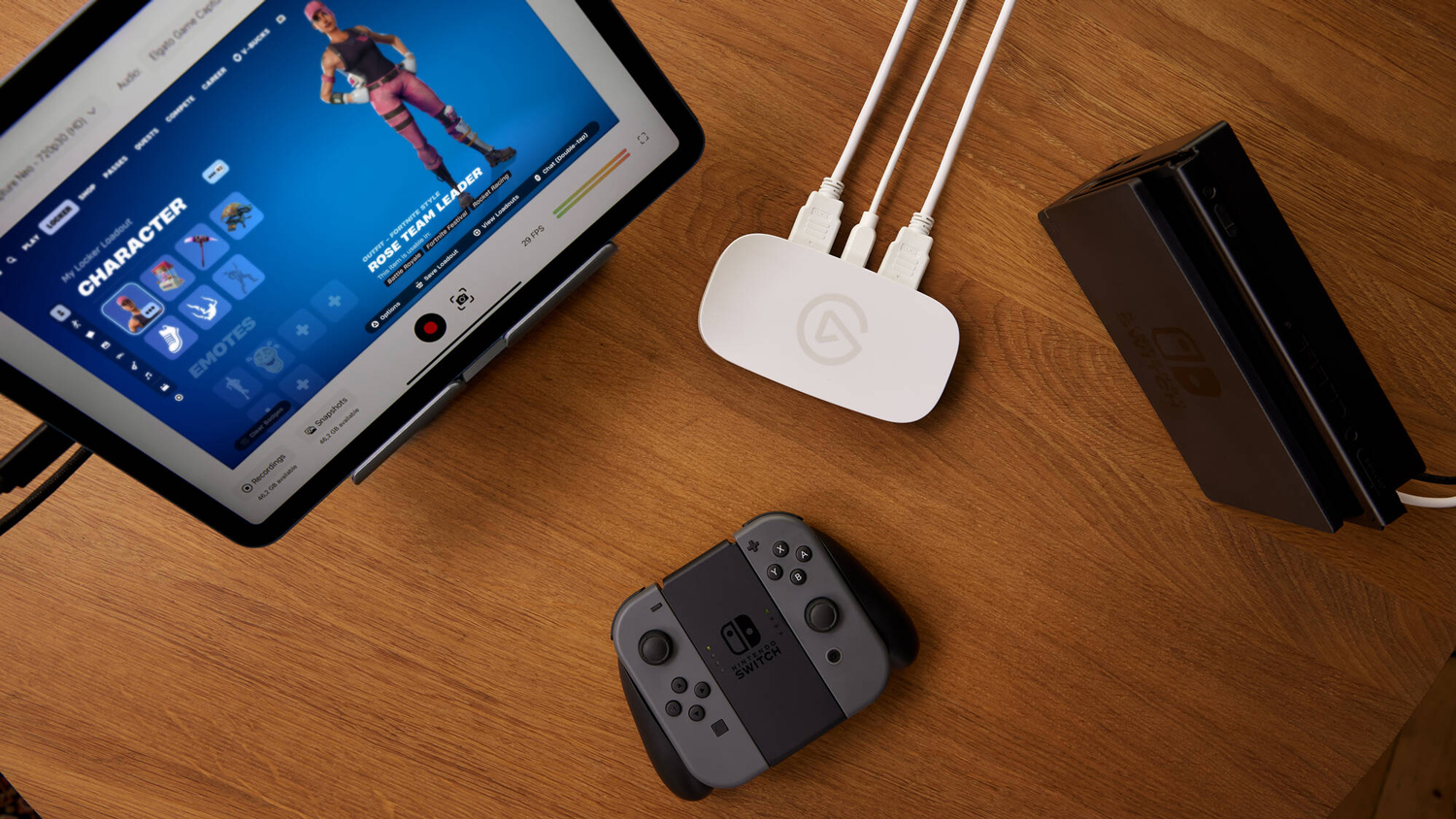
If you are looking to just chat with others online and deliver presentations or talk to people, that is all you will really need. But what if you want a little bit more utility in your setup without breaking the bank? Plus, if you are streaming your gameplay from a device like your PlayStation 5 or Nintendo Switch, you’ll need a capture card. The Elgato Game Capture Neo is a great, simple device that can easily transpose your gameplay into your stream!
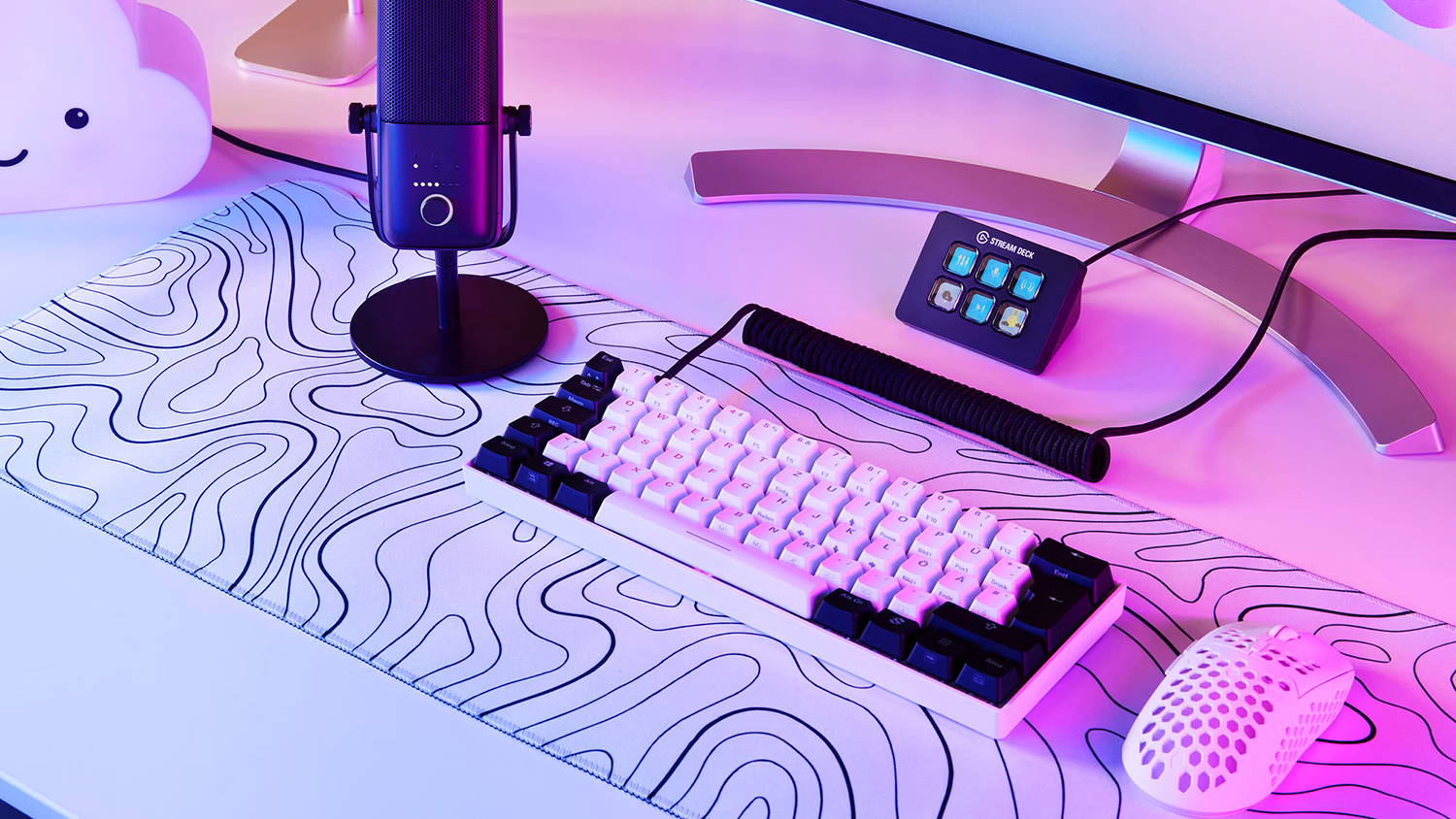
I would also suggest a device like the Elgato Stream Deck Mini. This small device gives you six customizable buttons to help give you more control over your setup. If you want to switch scenes quickly or create shortcuts, you can do so with Elgato’s elegant and robust free software! For the price, I’d say it is worth it twice over.
The Leveled-Up Streamer
Okay, so you got your feet wet in the world of streaming and you’ve started to amass a bit of a following. That is cause for celebration and there is no better way to ring in the special occasion than upgrading your gear!
When it comes to microphones, I’d say you are fine with sticking with the Blue Yeti Nano for the time being. This is still a solid microphone at this level. What you may want to focus on instead is your visual quality, which is why I would suggest perhaps a better camera instead.
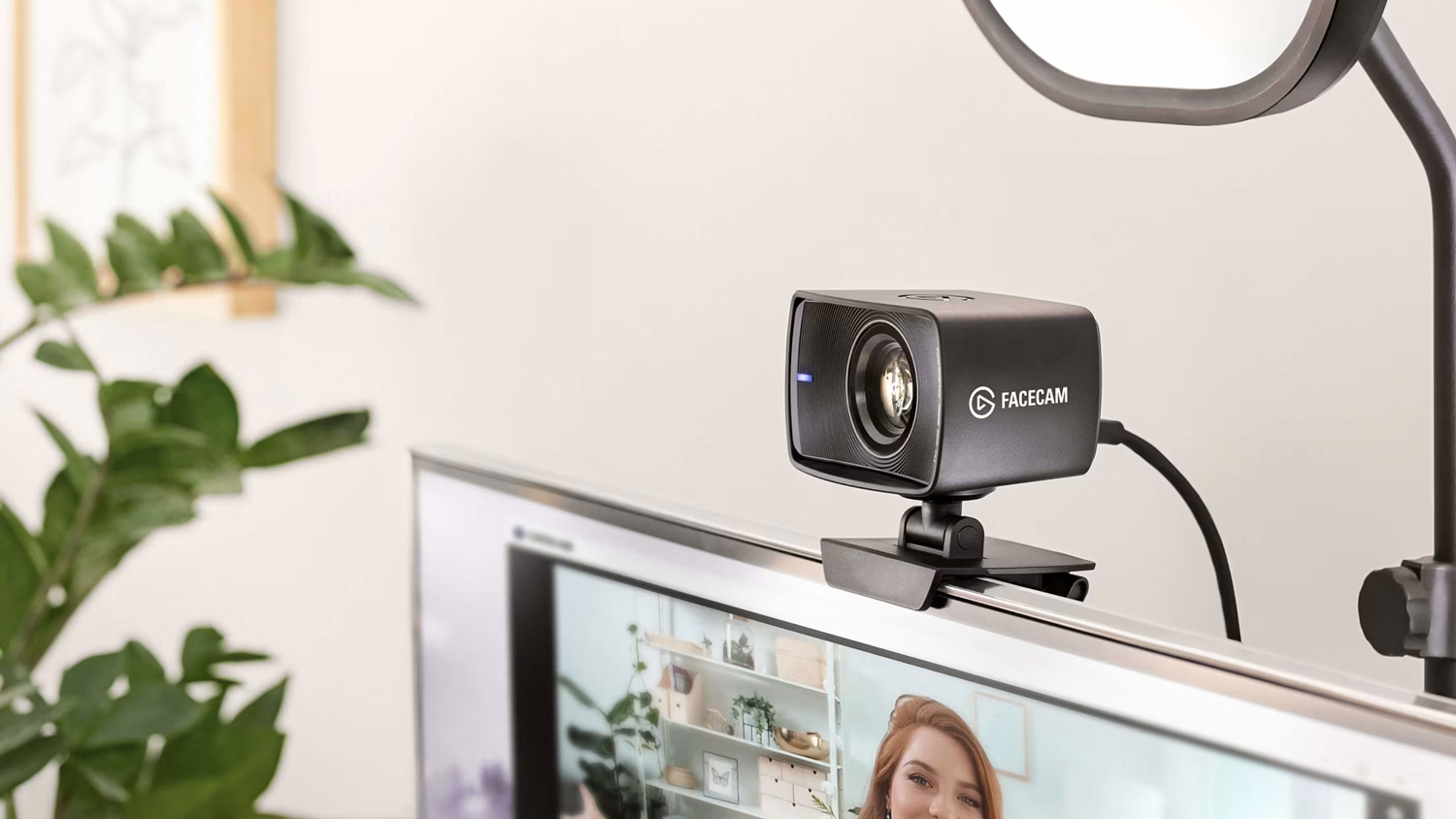
For smoother visuals, the Elgato Facecam MK.2 is a solid upgrade! Not only does it offer smoother visuals, but it also allows you to adjust resolution as well as the frame rate. It does have a fixed focus, so it does require a bit of tinkering to get the perfect look you want. Aside from that, it has so many more options to help deliver an enhanced visual experience.
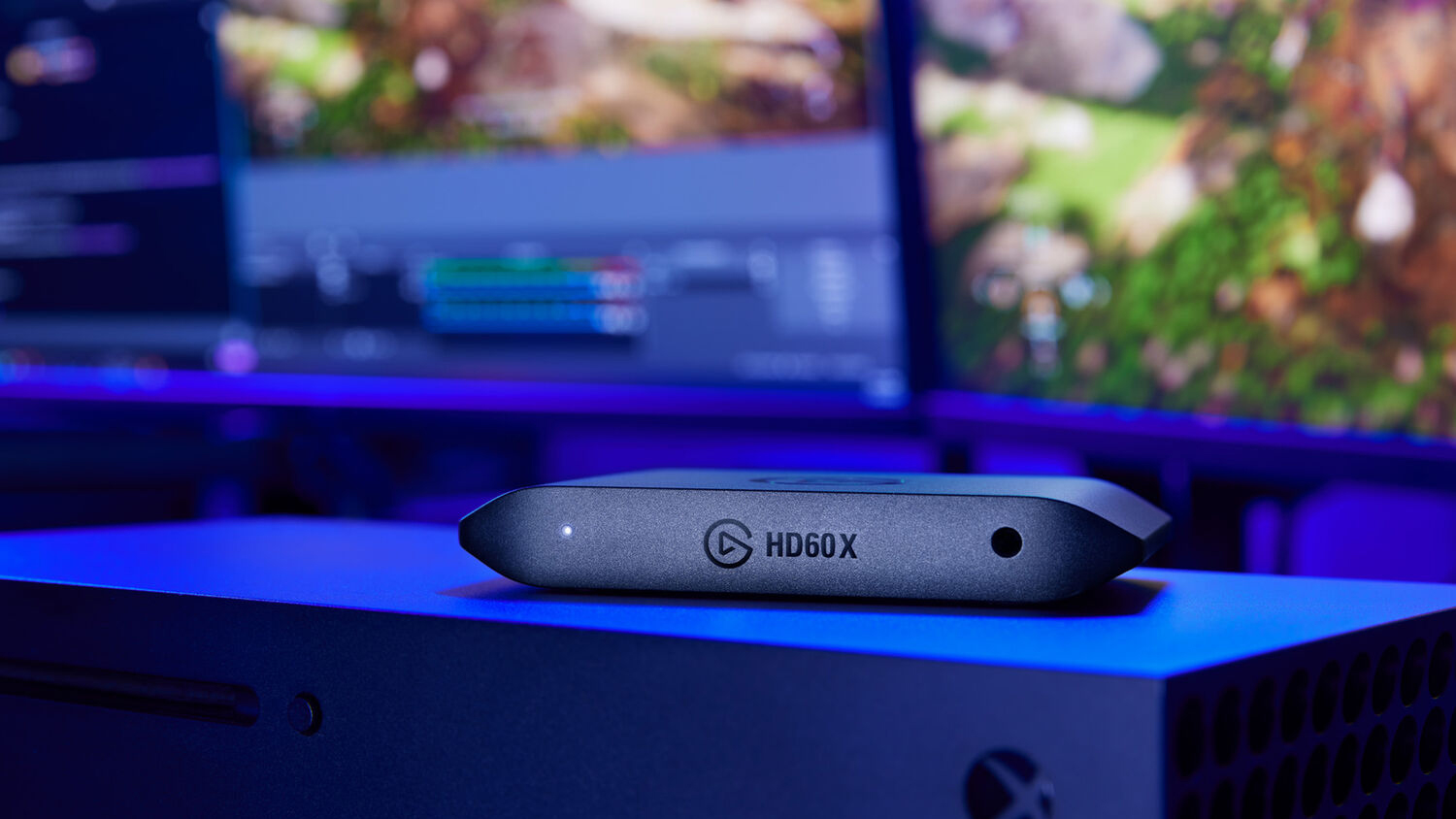
When it comes to bringing your games from the screen to your computer, the Elgato HD60 X is another solid device that offers high-definition gaming with increased smoothness with HDR visuals. If you are looking to take your game content to other platforms so fans can stream your content on their own time, the HD60 X also supports HEVC encoding to reduce file sizes without impacting audio and video quality.
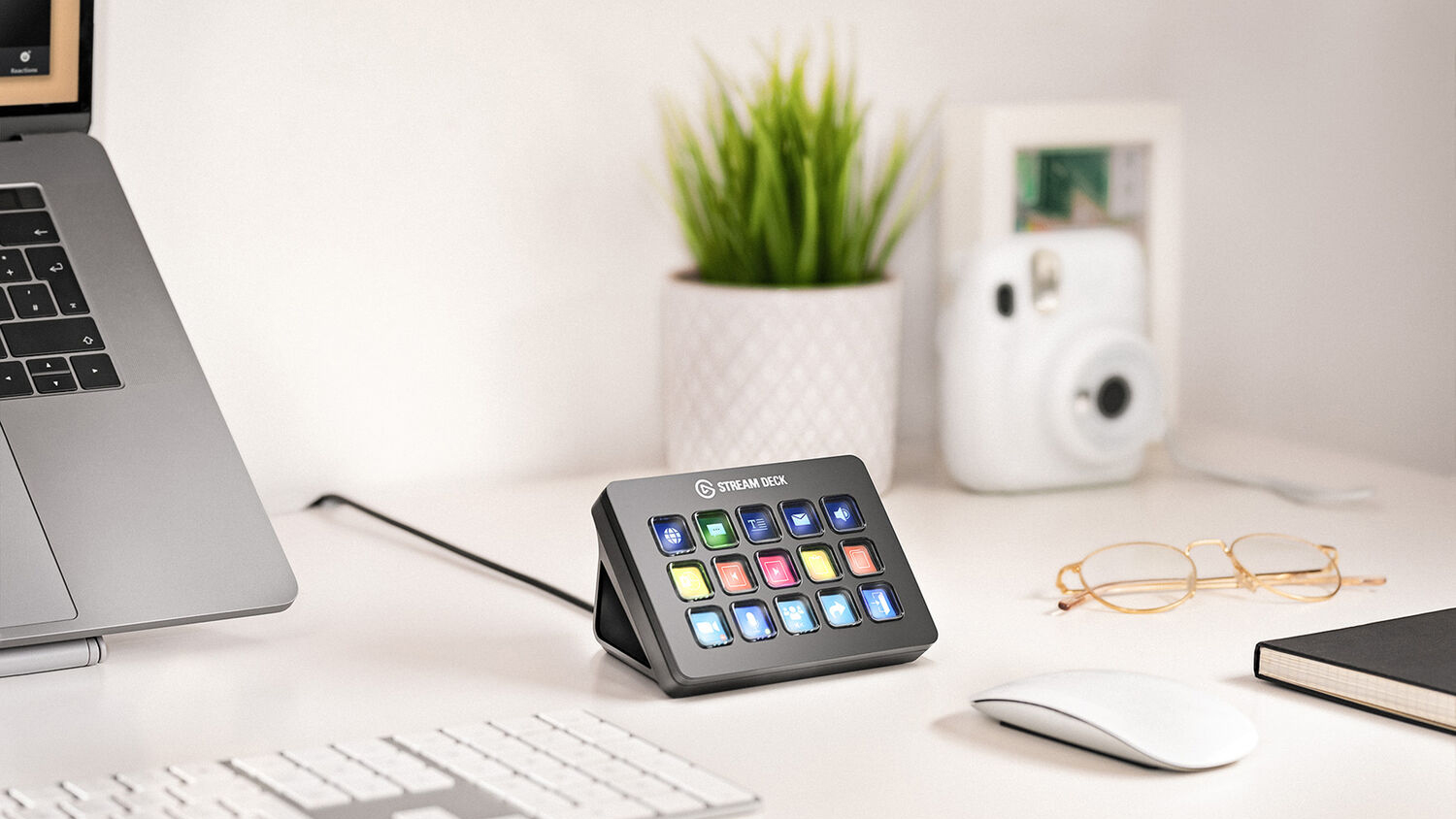
Utility and control start becoming more important around this area. While the Elgato Stream Deck Mini might be a wonderful device, you might need more buttons to easily access moderation features, pull up clocks, and perform other tasks. This is where Elgato’s Stream Deck MK2 comes in. It features more buttons—15 to be exact—and each one can be customized to fit specific scenarios, perform macros, and a whole lot more! If you want to take it a step further, the Stream Deck XL offers 32 buttons to be used in any way you want.
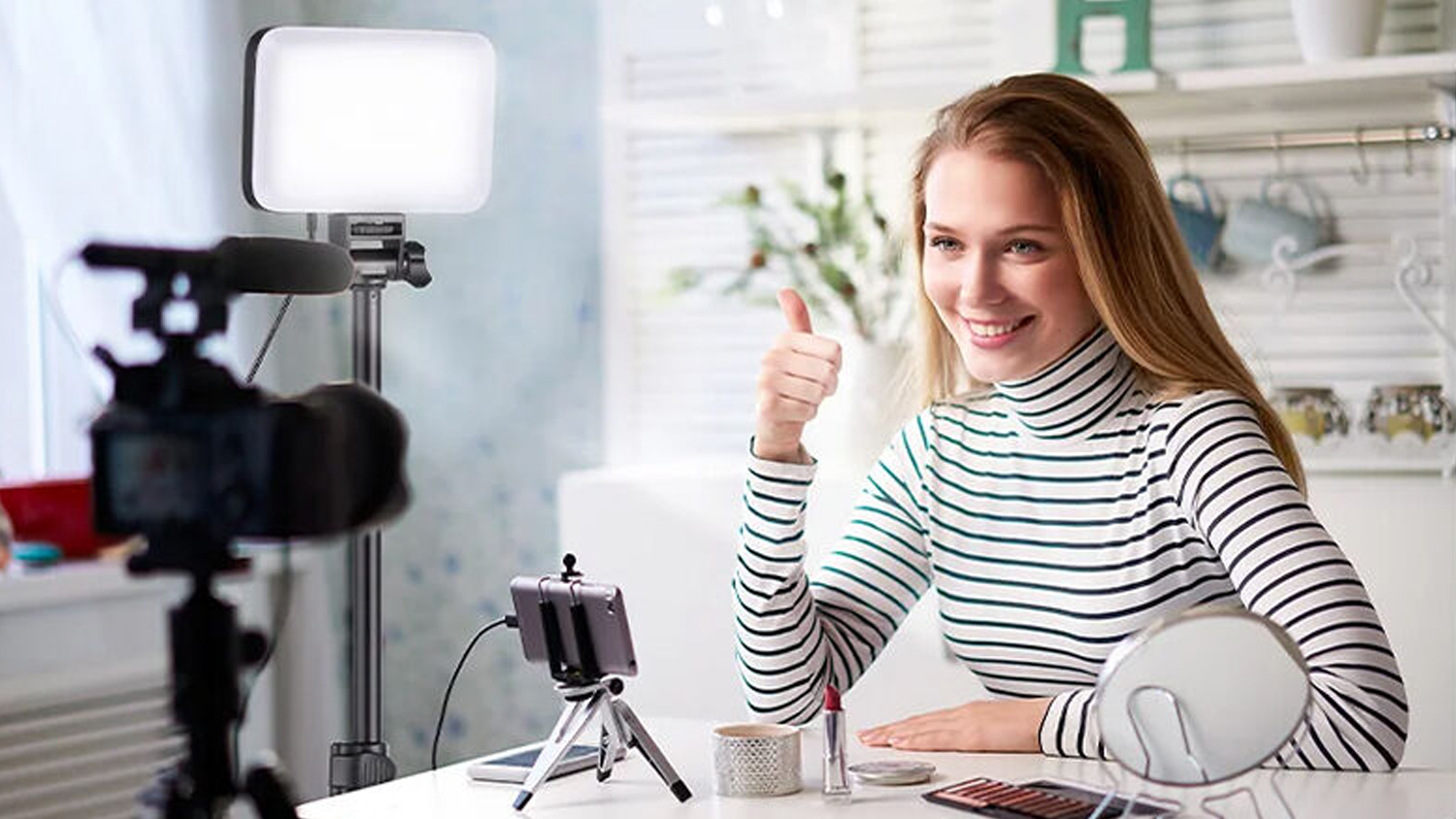
At this level, lighting starts becoming important. You have a better camera here, so you might as well invest in better lighting as well. The good news is that you can get a decent set of lights without breaking the bank. There are a few options including the Neewer Basics BP66 bi-color LED light panel kit that includes two lighting rigs with tripods. A step up from this kit in terms of design and performance is the Neewer NL-116AI, which is another bi-color LED light panel, but instead of two units you get one. This one also provides you with a larger panel, wider color temperature, and sustainable output that delivers ample coverage without oversaturation.
The Affiliate Kit
You’ve worked really hard, gained a bigger following, and a ton of people are now awaiting your next stream. This is where equipment becomes a bit more advanced. We are leaving behind the world of USB microphones and entering a new area that promises a great increase in sound and visual quality.
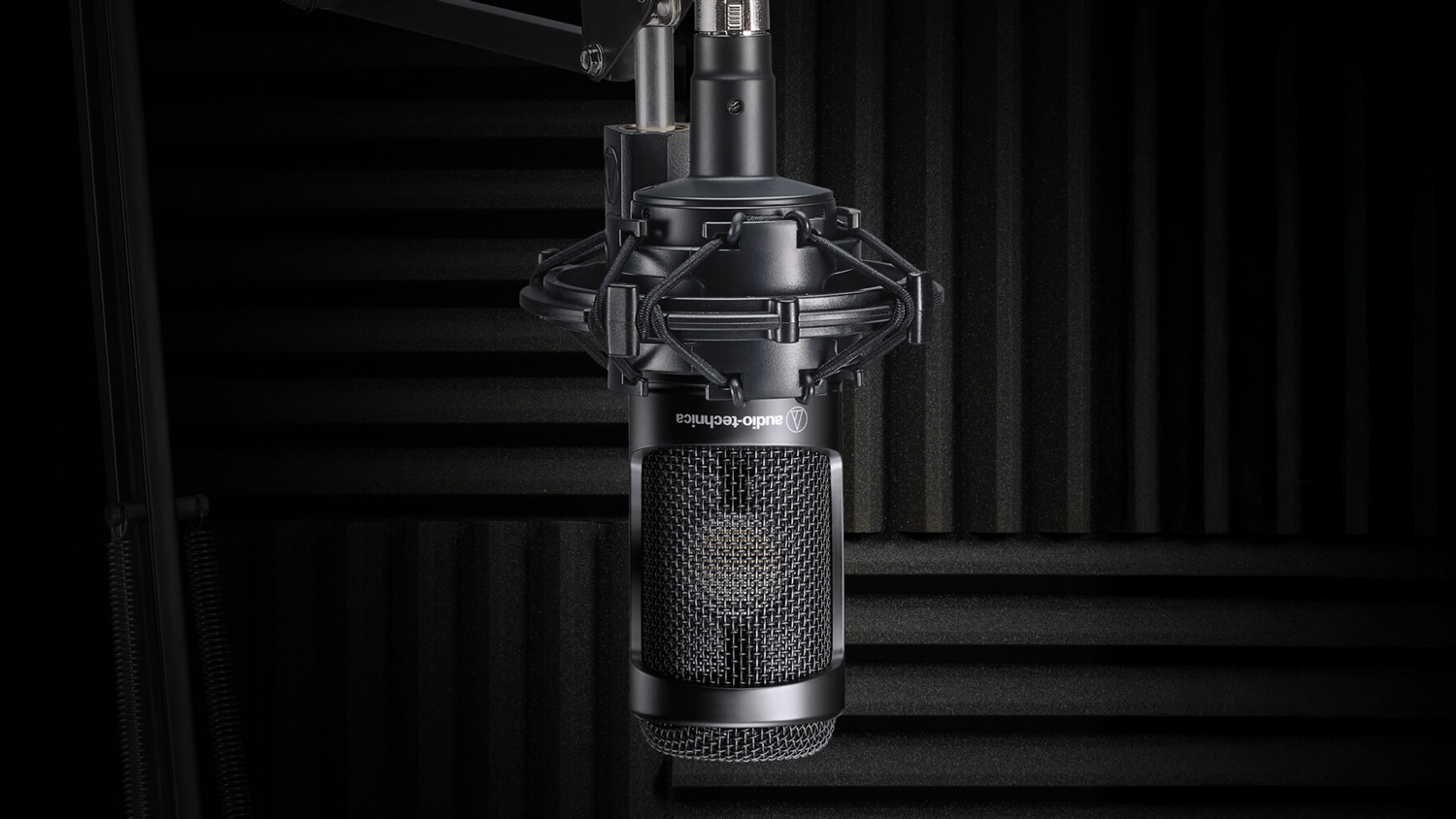
Audio-Technica is one of my favorite brands when it comes to microphones. I have been using their equipment for years now and I have zero problems, which is why I believe Audio-Technica’s AT2035 is the best mic for this tier. It captures great sound and is incredibly easy to set up. It’s good for voice, instruments, and everything between, making it a solid choice for your streaming mic. It is an XLR microphone, which means you have to choose your next interface, and this is where things get a bit interesting.
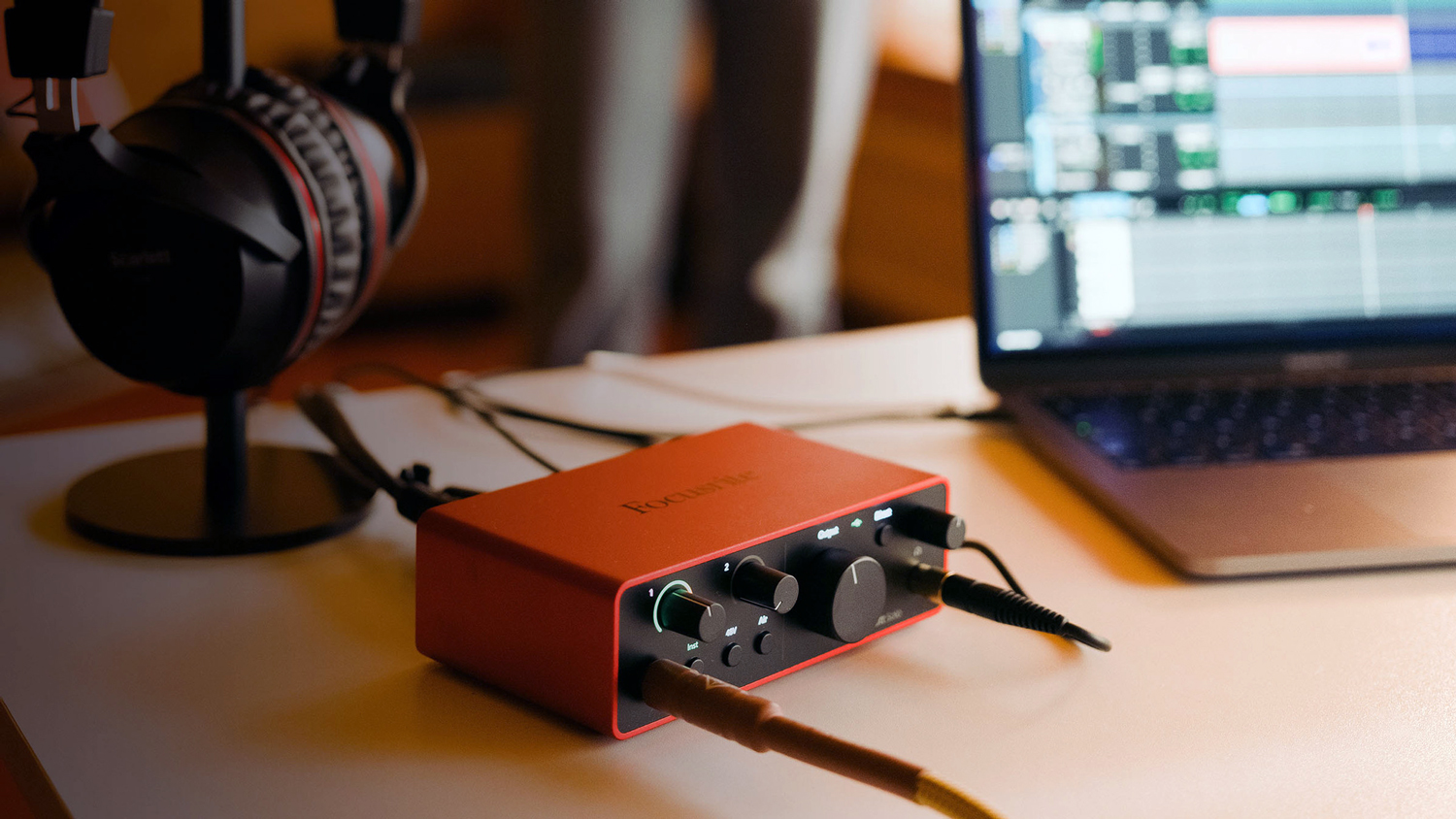
When it comes to an interface, you have several choices. You could go with a stand-alone device like the Focusrite Scarlette Solo, which is compatible with all of your streaming software. Or, you could incorporate two devices into one with the Elgato Stream Deck+ with XLR Dock! The Stream Deck+ gives you multiple customizable LED keys and four knobs that can directly control your audio, which is great because the added XLR dock connects to your microphone, making this a one-stop shop of content creation.
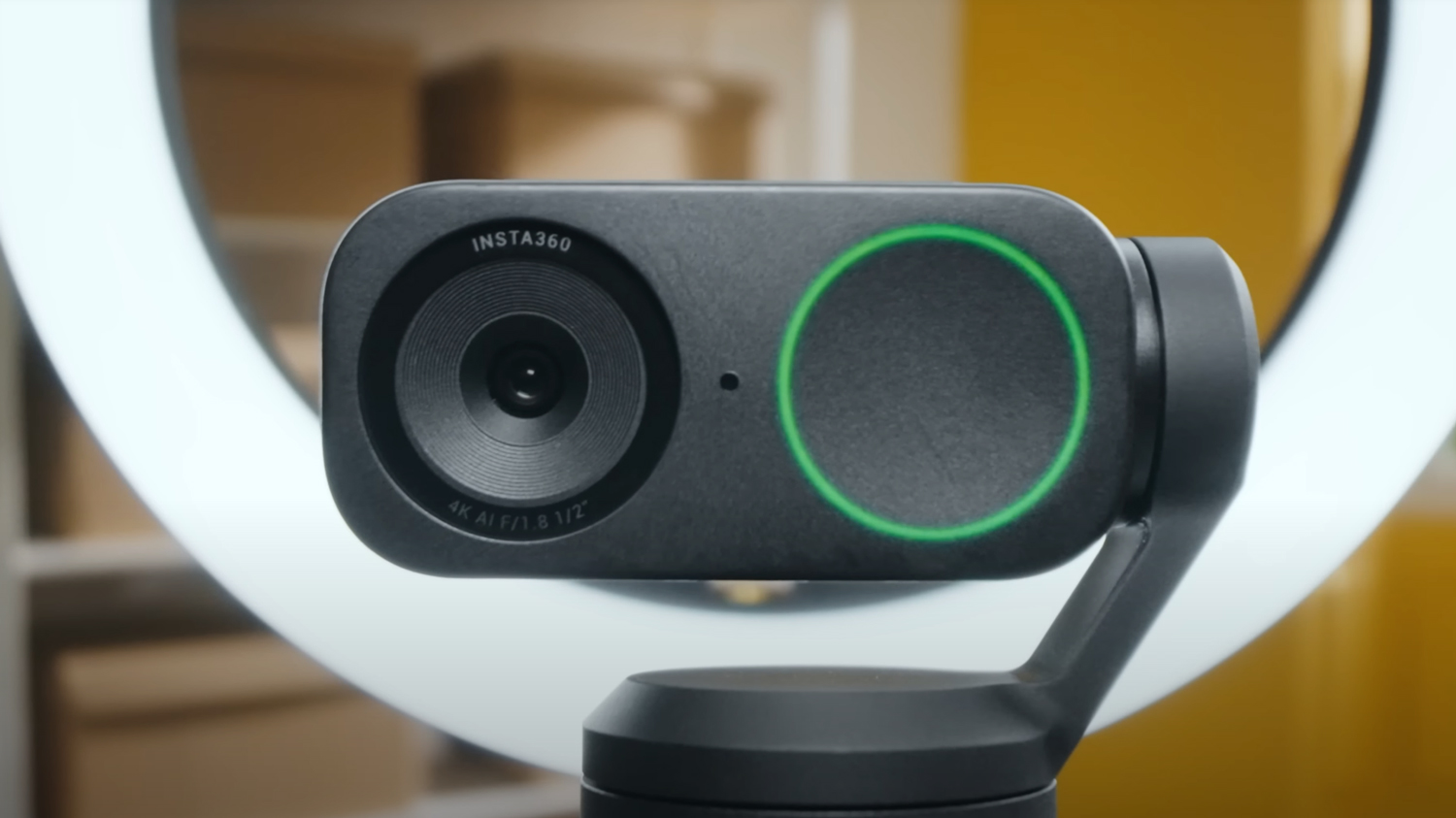
You have a lot of options when it comes to how your video is captured. We still have a ton of powerful webcams that can capture up to 4K resolution at 60 frames per second, which is above average for many webcams. Devices like the Insta360 Link 2 4K AI Webcam performs at 4K30, which is a bit slower, but it also has a ton of utility such as automatic tracking, digital zoom, and more! If you are a presenter, the Link 2 is a great camera. Otherwise, the Logitech BRIO Ultra HD Pro webcam is another solid option with enhanced resolution and support for up to 90 frames per second.
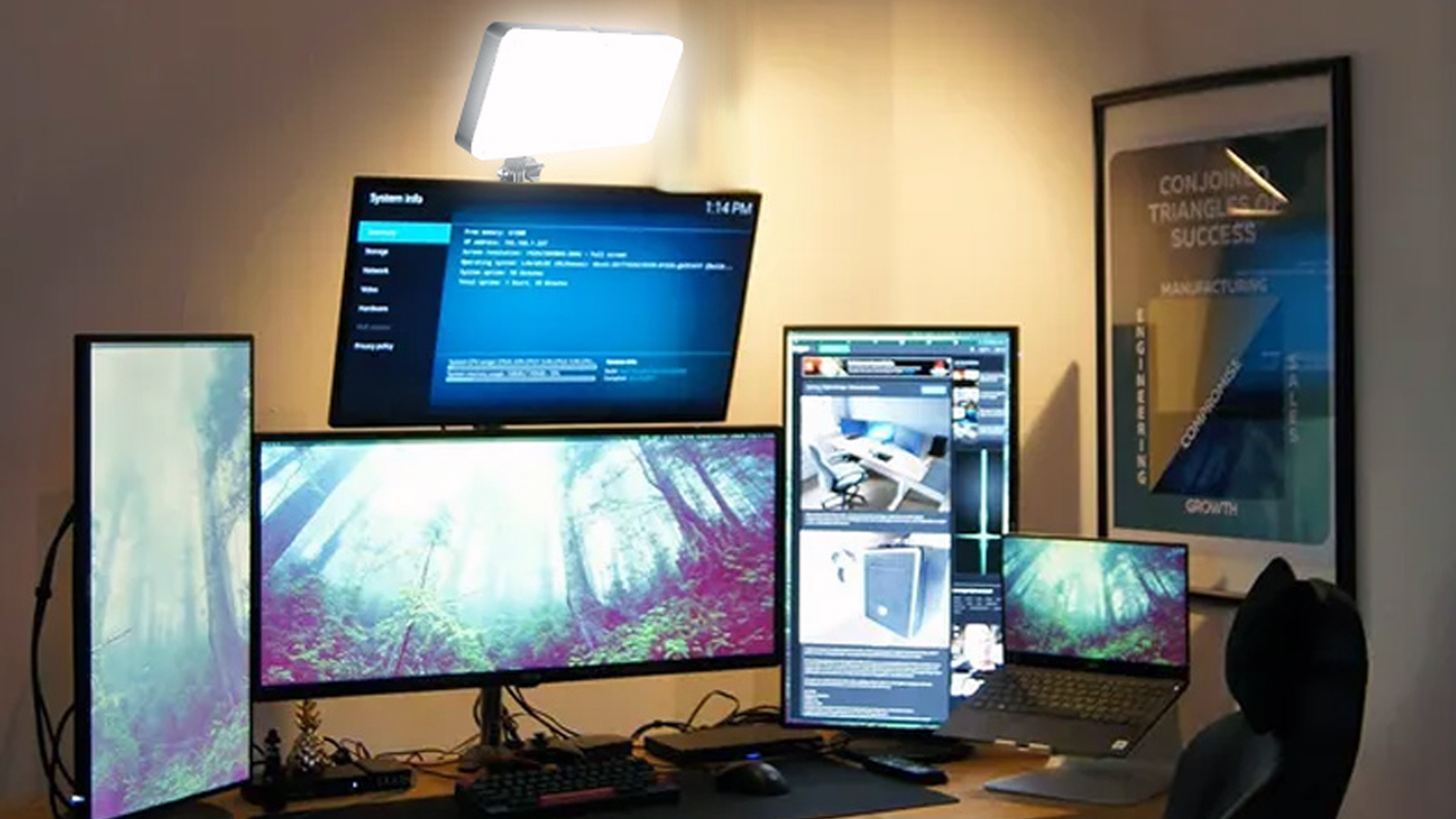
Because you have a better webcam, it should help to also obtain better lighting. The GVM RGB20W RGB LED Light Kit is great kit that will elevate your image. This setup will provide you with even lighting and can be adjusted to fit various environments.
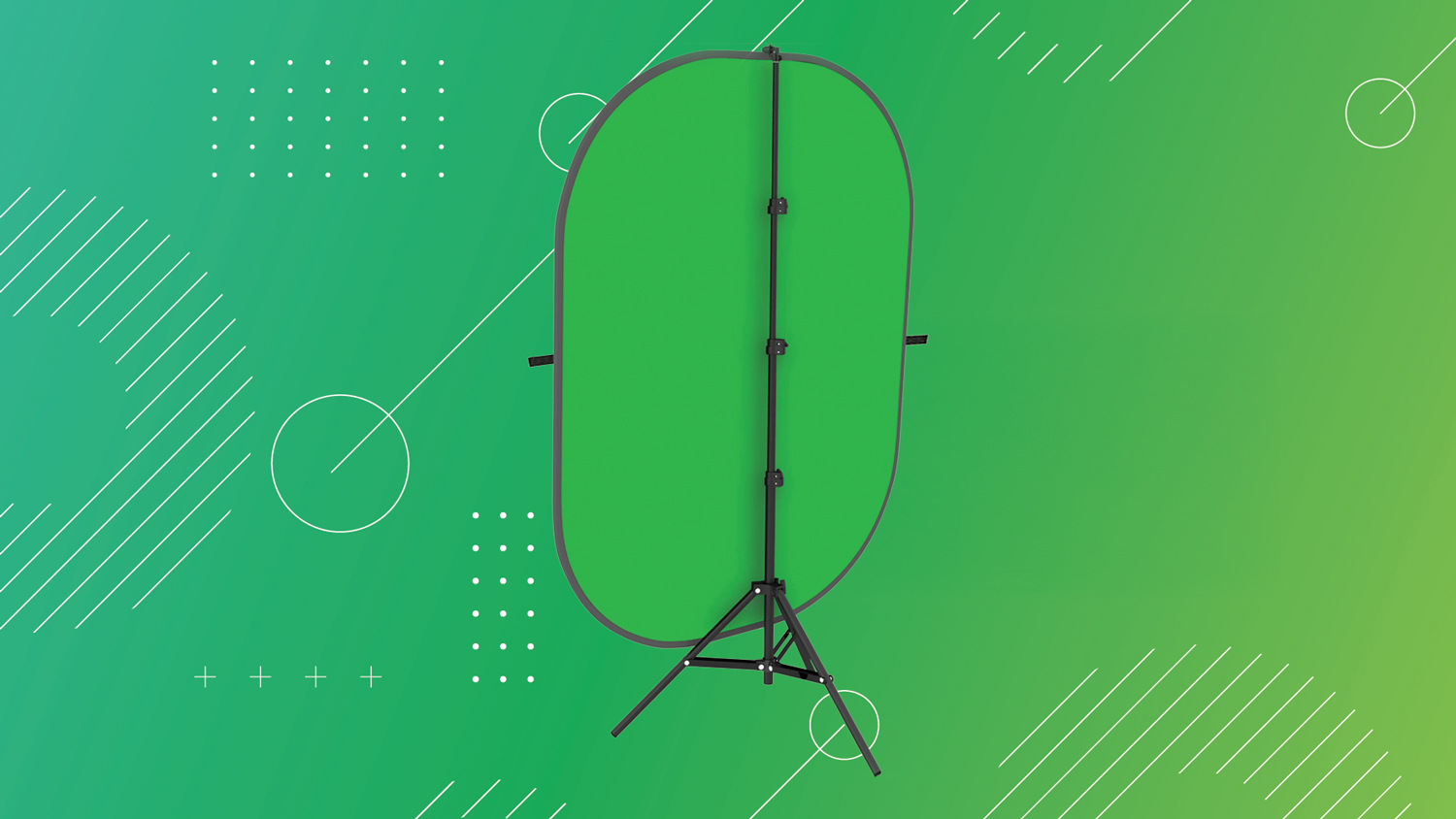
At this level you might also consider a nice green screen. Something like the Impact Collapsible Background Kit is a solid option that incorporates a large screen with a stand to help get your setup off on the right foot. Just remember to get yourself a good backlight.
The Streaming Professional
If you are a professional streamer or someone who just wants the top streaming gear, then this is the level for you. We are talking about some of the best streaming gear with zero compromises! Here, we have only the best equipment that best suits your streaming setup!
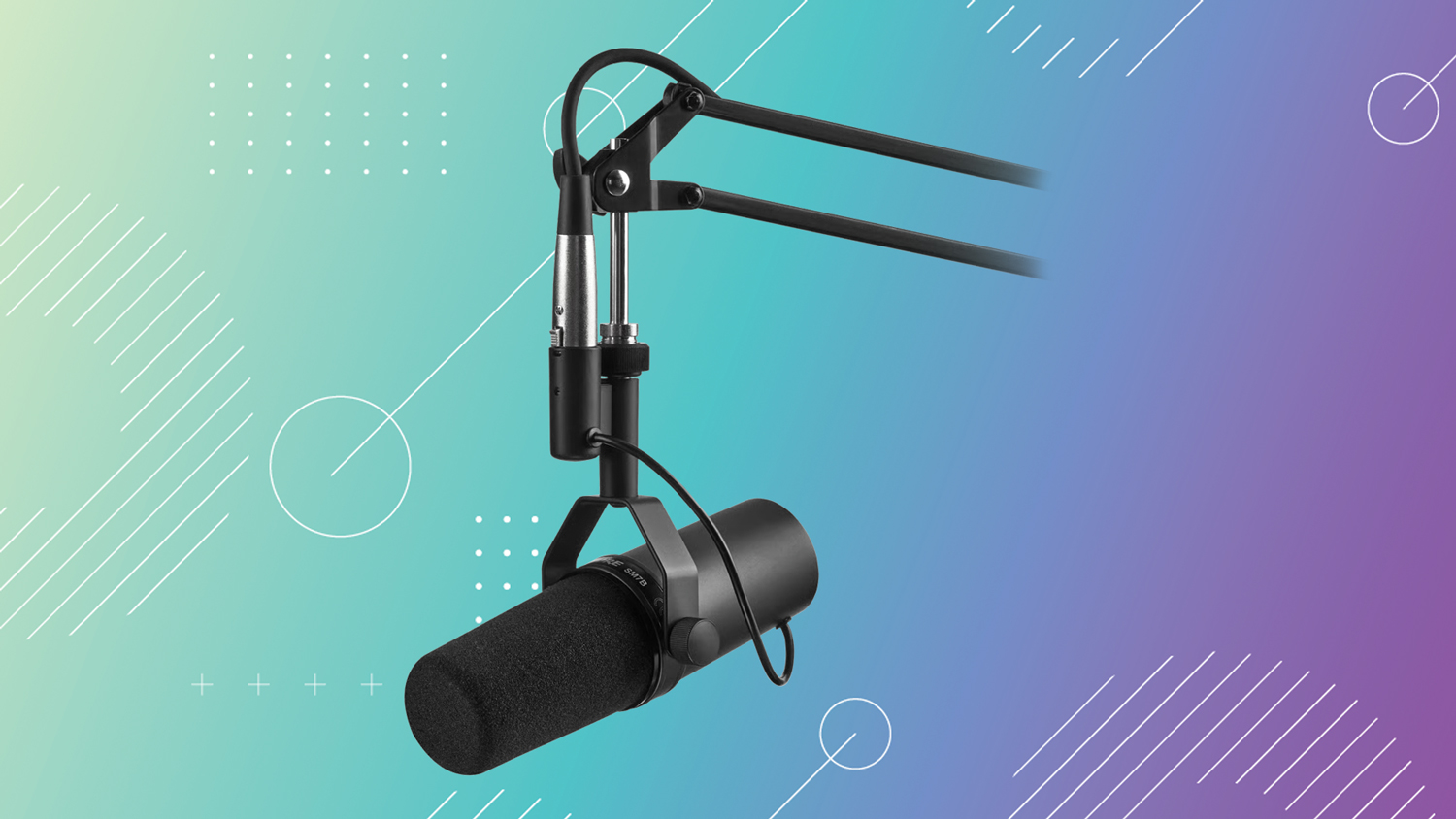
Mic-wise, you can’t go wrong with the crowd favorite, the Shure SM7B. It is specifically designed for professional voiceover applications, podcasting, and broadcasting work, meaning that it has the technological capabilities to elevate your vocal range to new heights with clearer pickup.
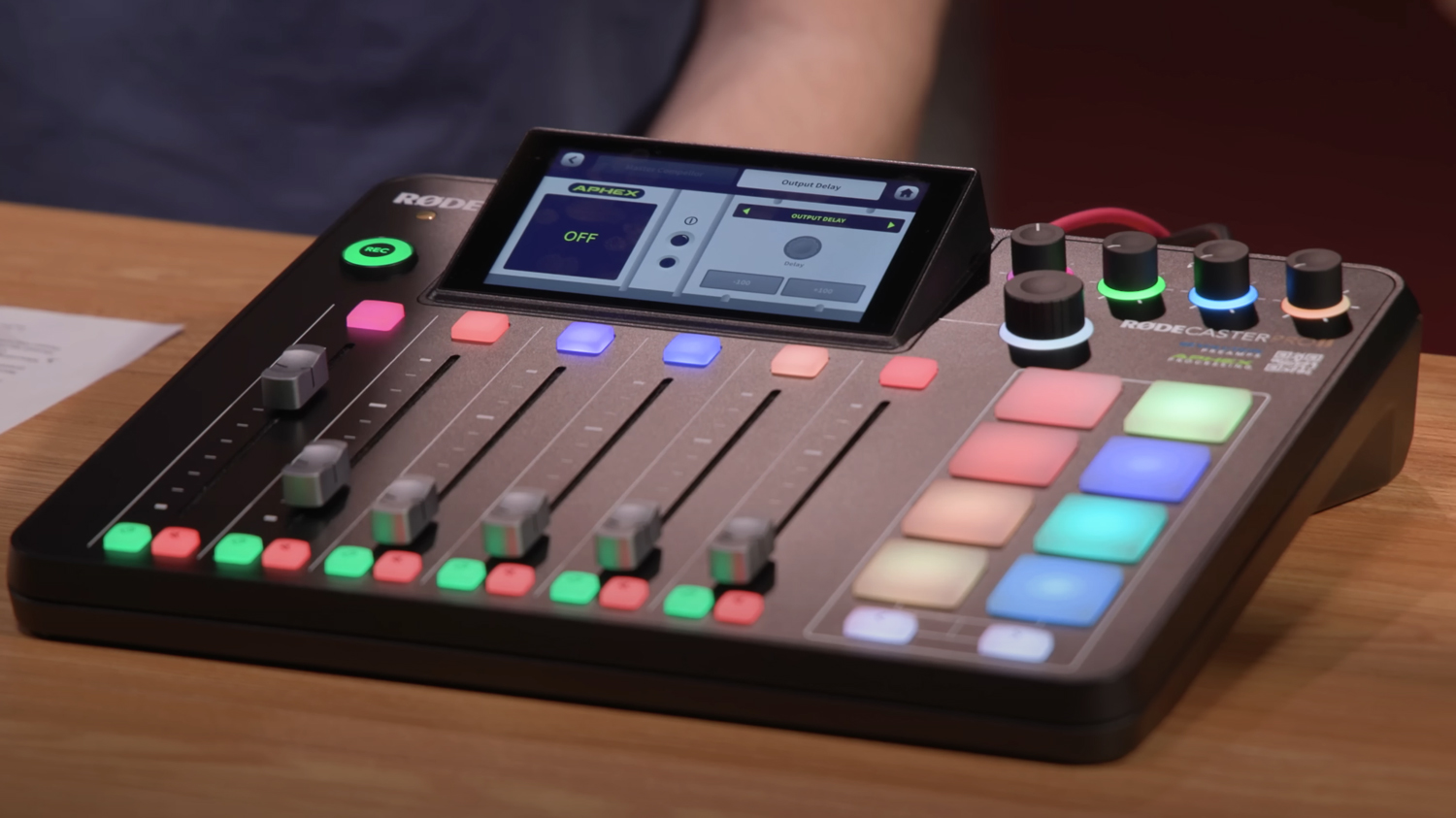
Of course, you need to pair a solid interface with this mic. The RODE RODECaster Pro II is a fantastic option! It has a slew of inputs for mics, various outputs, and also a ton of utility, including multitrack recording to external storage devices. The additional faders, programmable pads, Bluetooth technology, and a whole lot more makes this the perfect centerpiece of your studio.
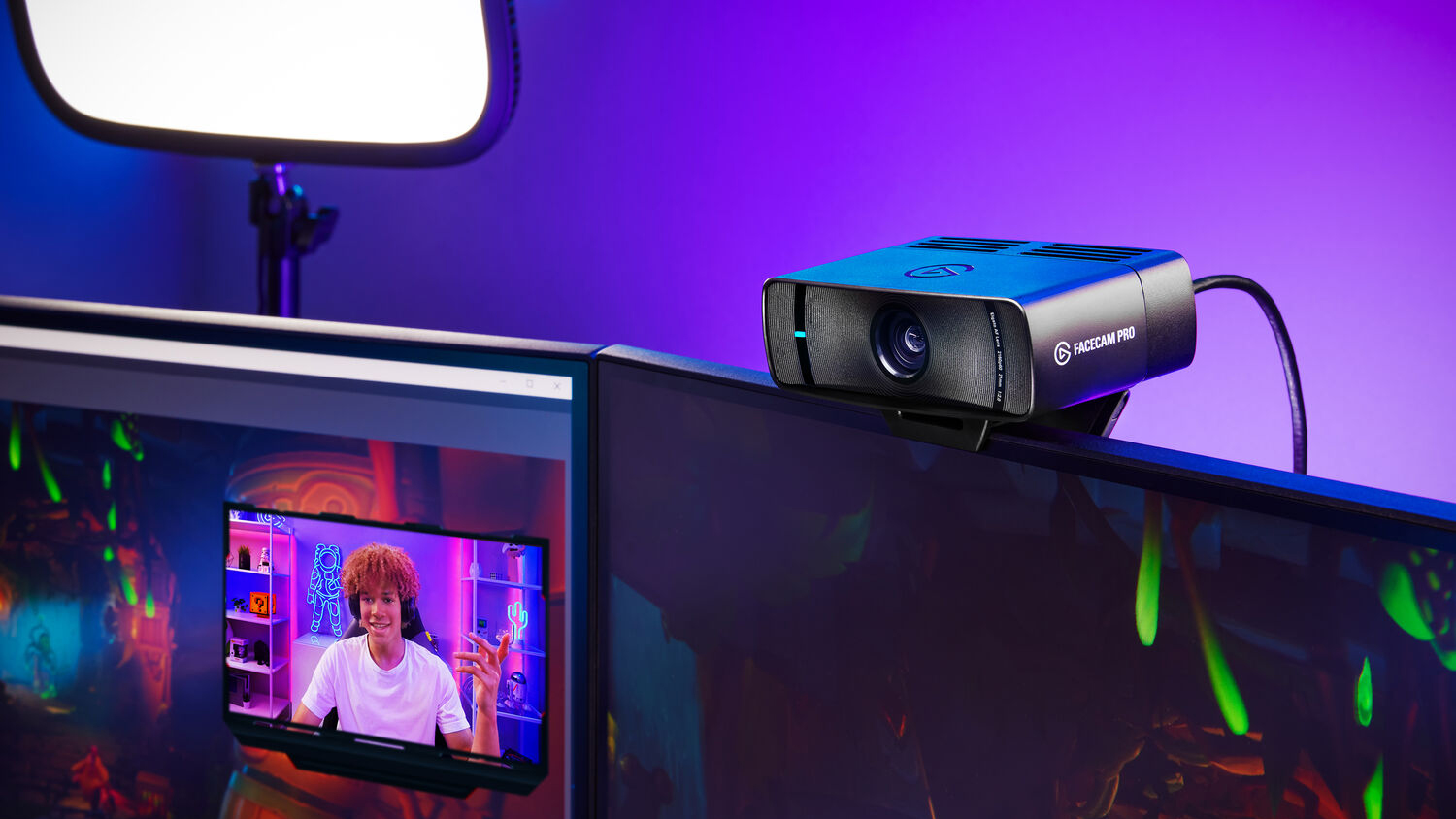
Camera-wise, we have some choices here. You could go with the improved Elgato Facecam Pro 4K Webcam, which delivers true 4K60 performance! You could also take a look at a few other professional cameras like the Hollyland VenusLiv V2 All-in-One Live Streaming Camera, which provides high-quality resolution and can be easily connected to your computer with a device like the Elgato Cam Link 4K Standard.
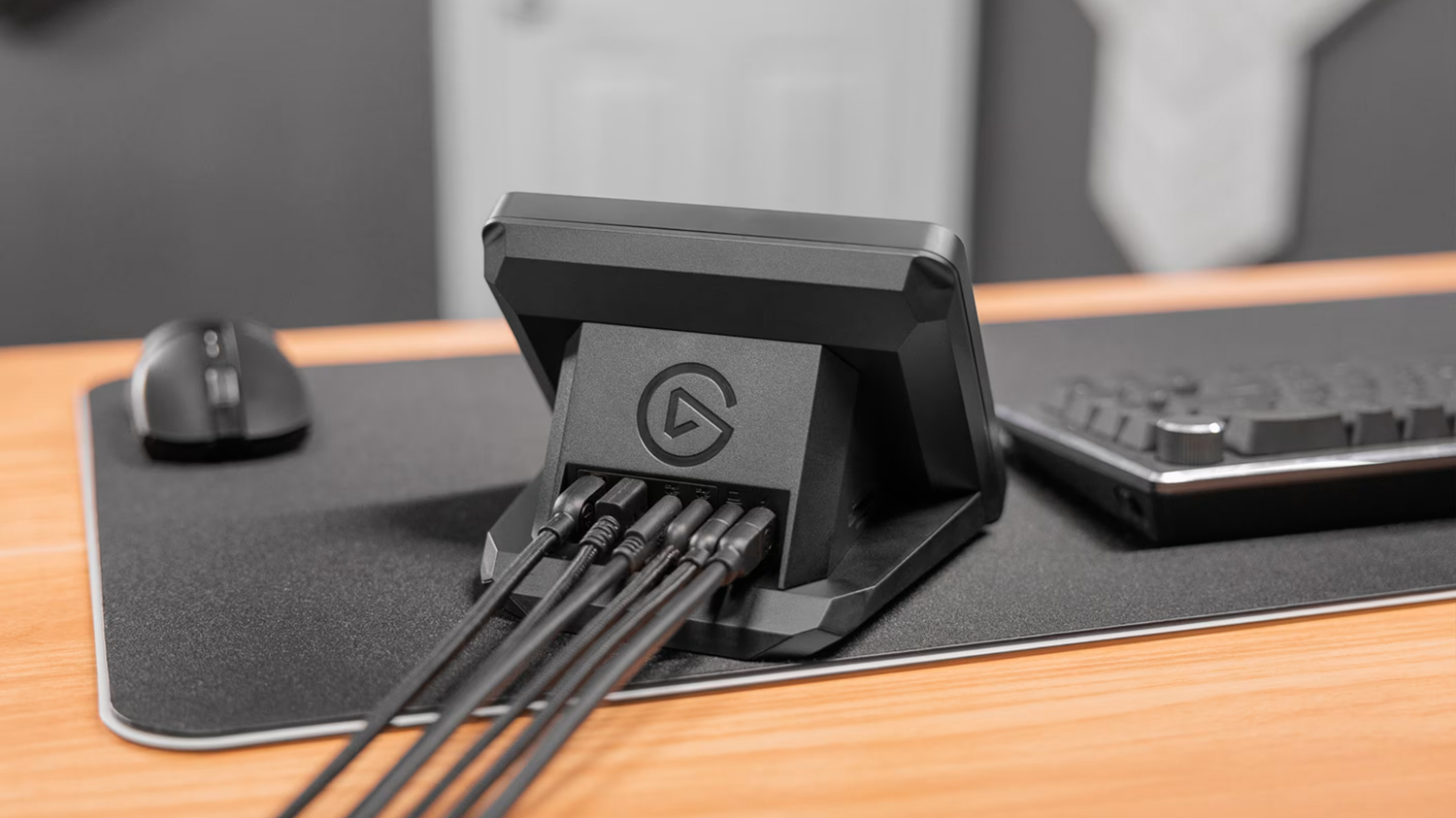
I have brought up Elgato in many cases here, but there is a good reason for it. Their equipment is quite top-notch and has become the standard within the live streaming space, which is why I suggest the Stream Deck+ with USB Hub, which gives you everything you need plus a place to plug in extra cables for additional peripheral support. It also has dedicated slots for SD and microSD cards.
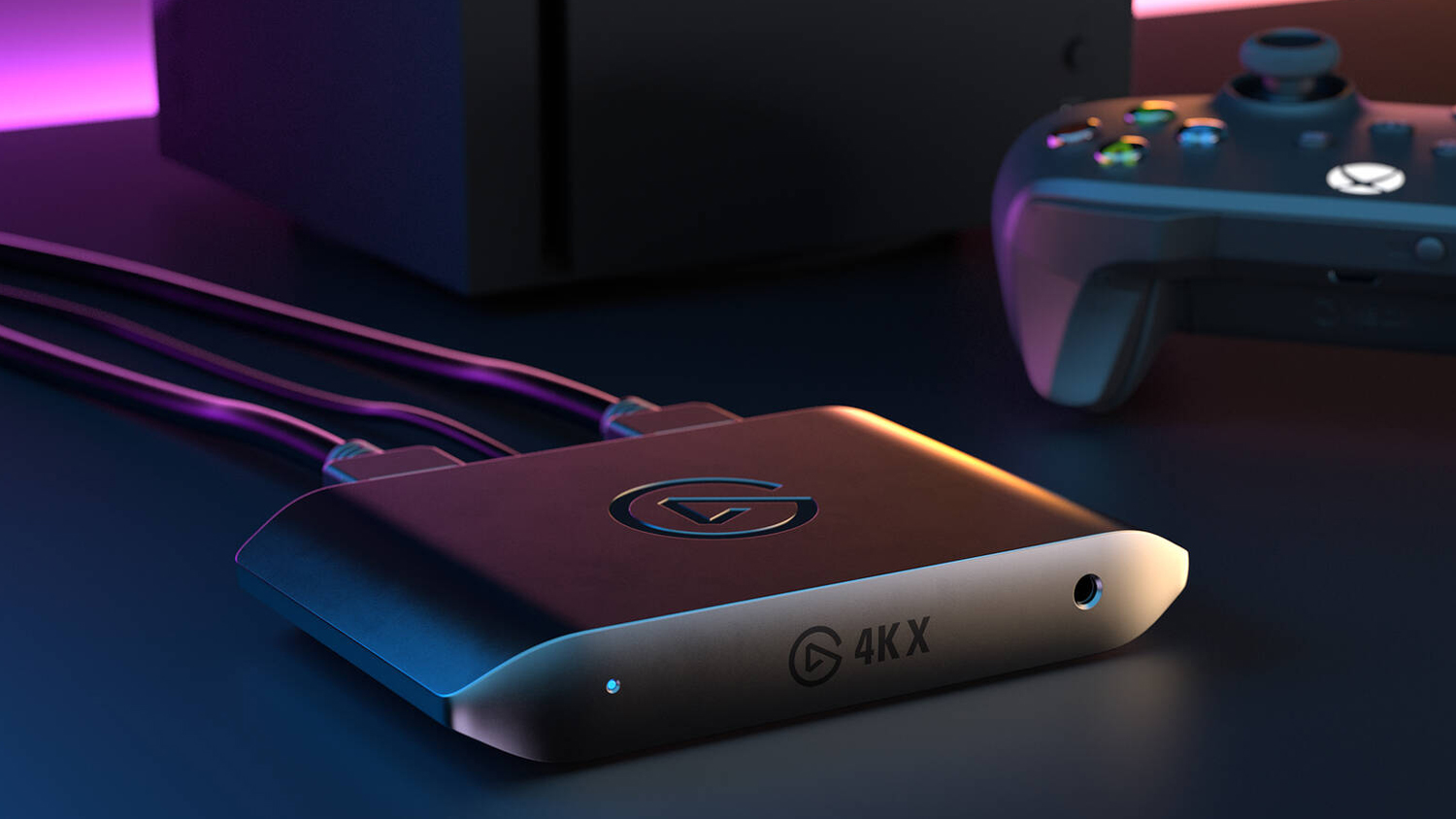
When it comes to capture cards, Elgato is present yet again with its Game Capture 4K X, which improves visuals, offering 4K resolution at 60 frames per second recording and streaming. Of course, you get lossless playback on your own monitor with 4K144 passthrough. It also supports VRR, HDR10, and more!
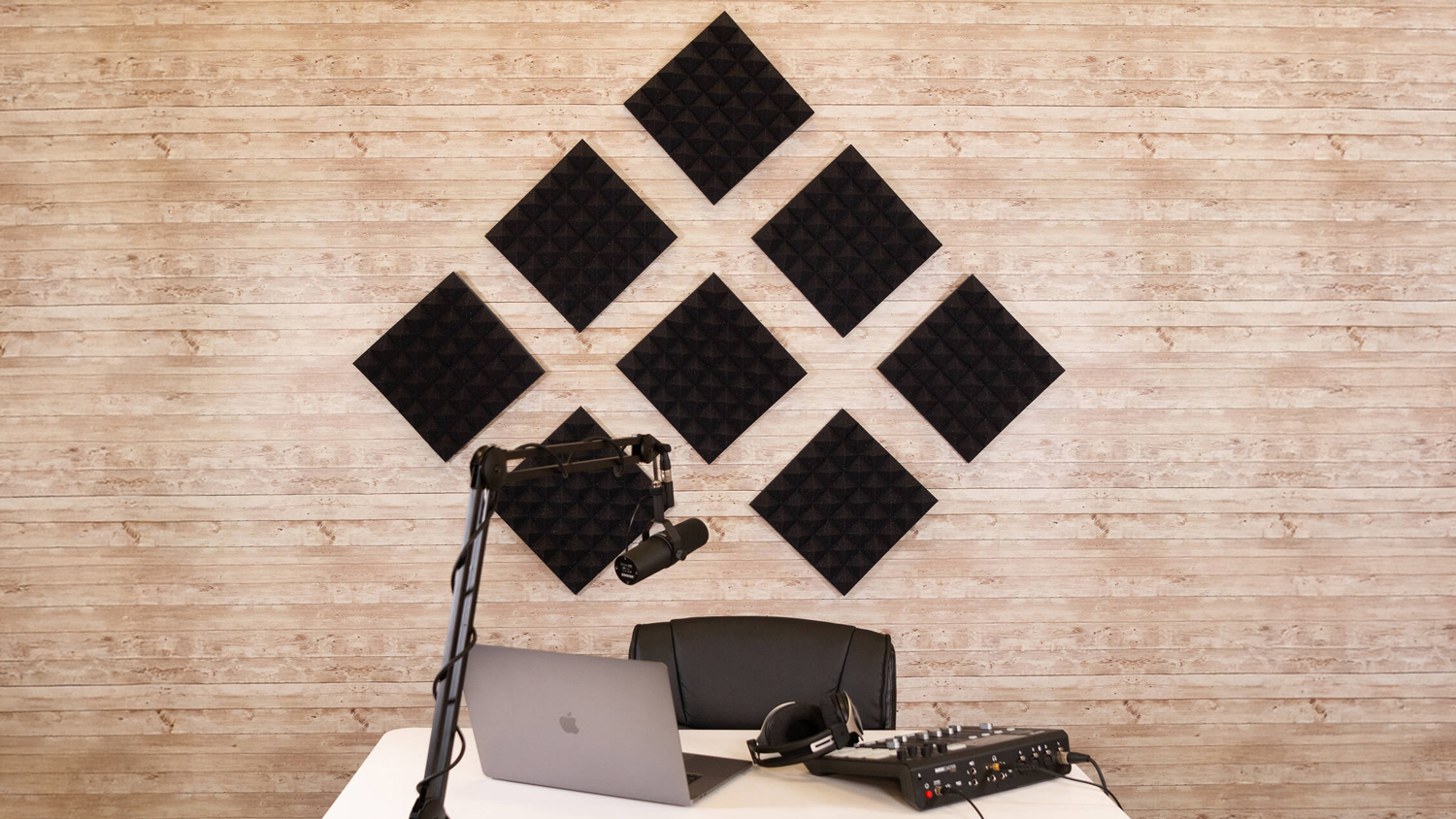
We have already talked about devices like green screens and lighting, but one other consideration you may want to make is having some solid sound dampening pads. If you notice that your sound seems a bit off, a couple of sound panels to help with acoustics. Gator Acoustic Pyramid Panels are a solid choice and can be placed around liberally to make your input audio sound more natural with less interference. You don’t want to pad every surface, but you do want to make sure that you’re not echoing or attracting any sort of unwanted sound.
Conclusion
There you have it—four different types of setups for the streamers of different levels. Whether you are just starting out or looking for some professional-level gear, we have you covered. For more information about each of these devices, please hit the links!
