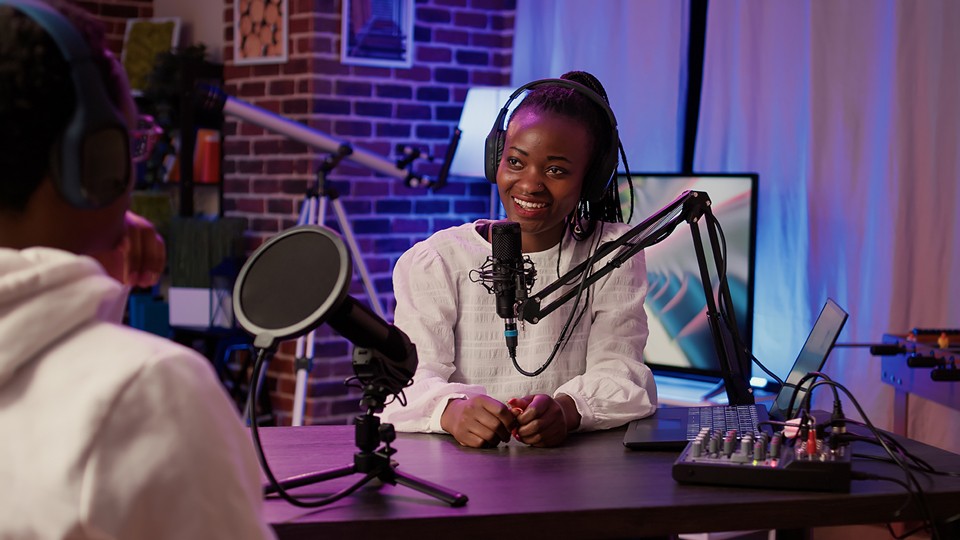
There comes a time in one’s life when you strongly consider starting a podcast with the people around you. No matter what the topic is, you’re going to need some gear. Microphones, cables, audio interfaces, mixers—thinking about all this gear can be overwhelming, but we’re here to help! Whether you are brand new to this wonderful hobby or a seasoned speaker looking to take your podcast to the next level, we have some suggestions for you.
Microphones For Podcasting
There are three general types of microphones for podcasting out there, USB, XLR, and wireless. USB microphones can be easily plugged into a computer. You use the internal settings on your PC to adjust volume, gain, and other elements. Meanwhile, XLR mics require a preamp or an interface of some sort. The benefit of this is how you can fine-tune your experience a bit better as well as support multiple mics simultaneously depending on the interface. If you’re working in a more dynamic setting or just don’t want to have everyone hold the mic or use boom arms, wireless is the way to go.
USB Mics
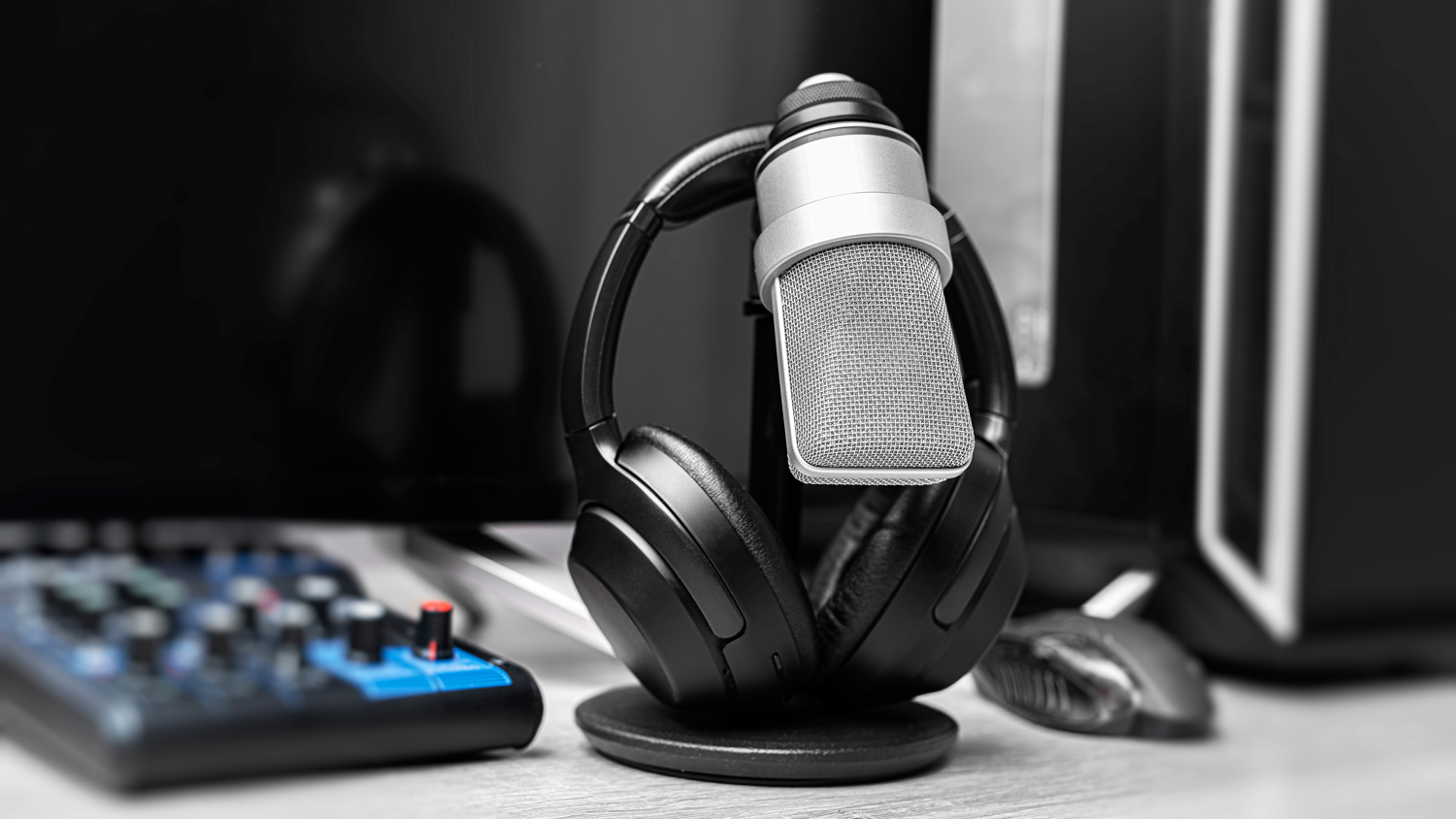
For USB users who are doing their podcast remotely, you can look at options like the ever-popular entry-level mic, the Blue Yeti, which is great not just for podcasting but for overall content creation. It has a built-in stand and has a ton of options built right into the mic itself.
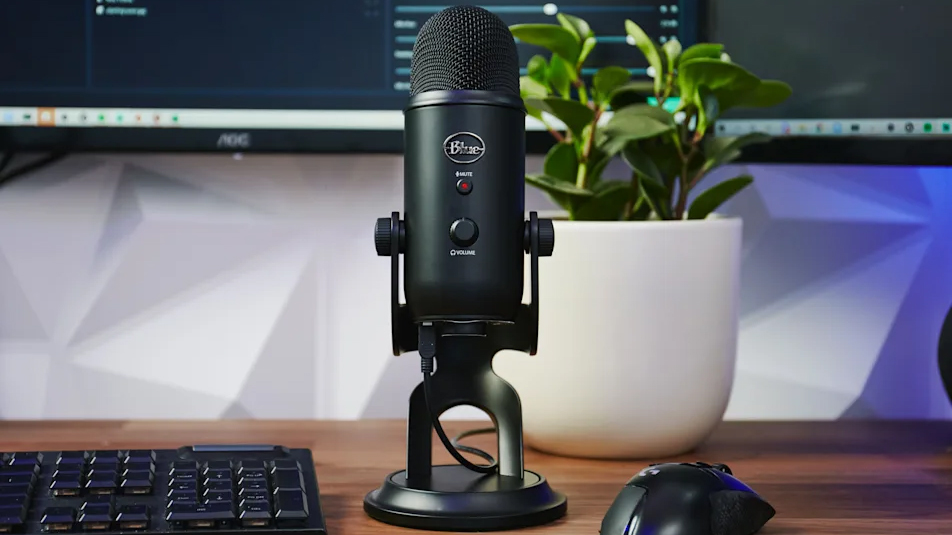
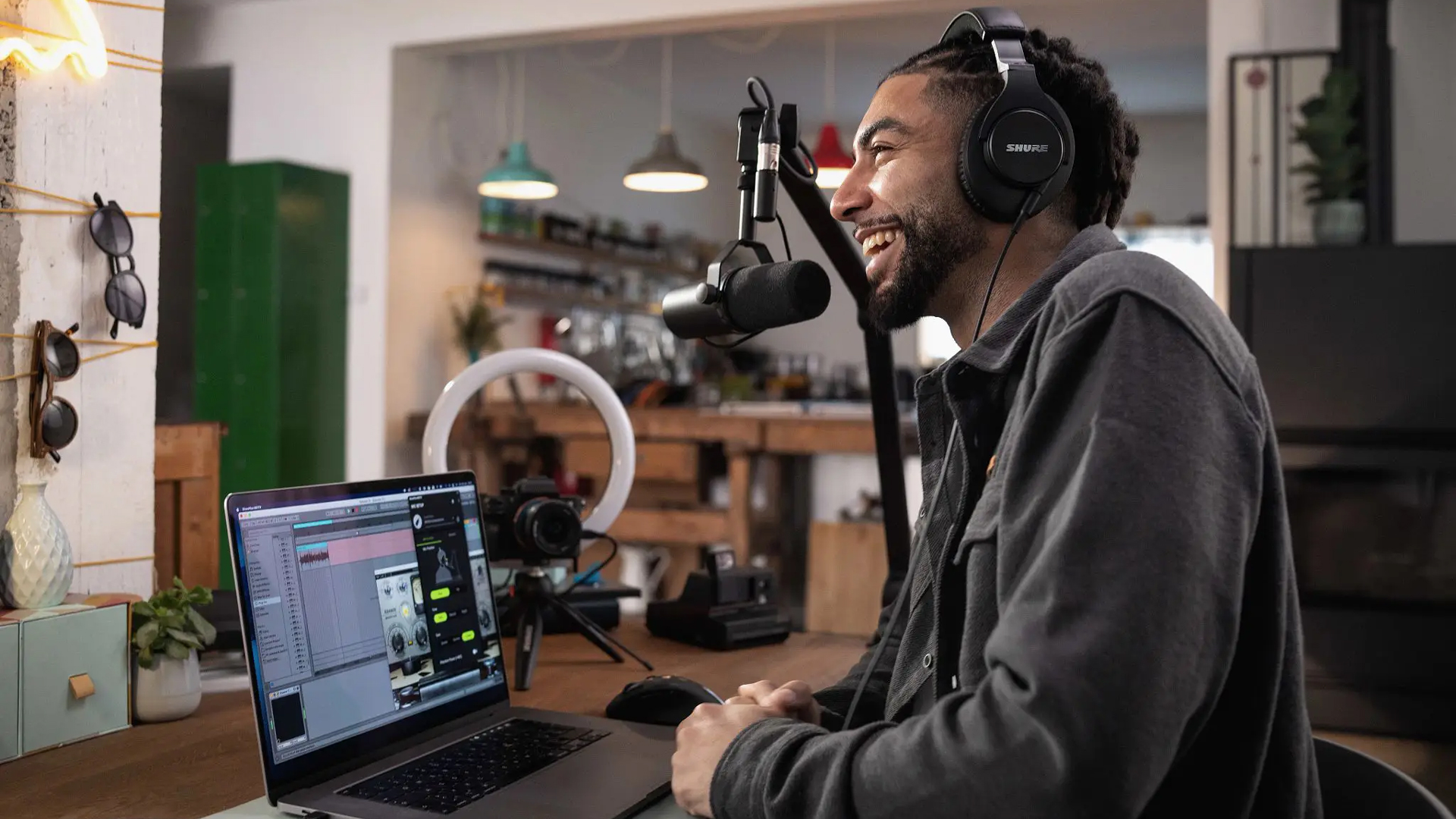
The Shure MV7+ is a bit higher level and is a fantastic mic that delivers high-quality audio and has dual connections so it can connect via XLR with a mixer or interface (more on that later) or to any computer via USB-C cable. I have used both mics over the years of recording and setting up podcasts, and I’ve found both to be reliable, high quality, and easy to use.
Wireless Mics
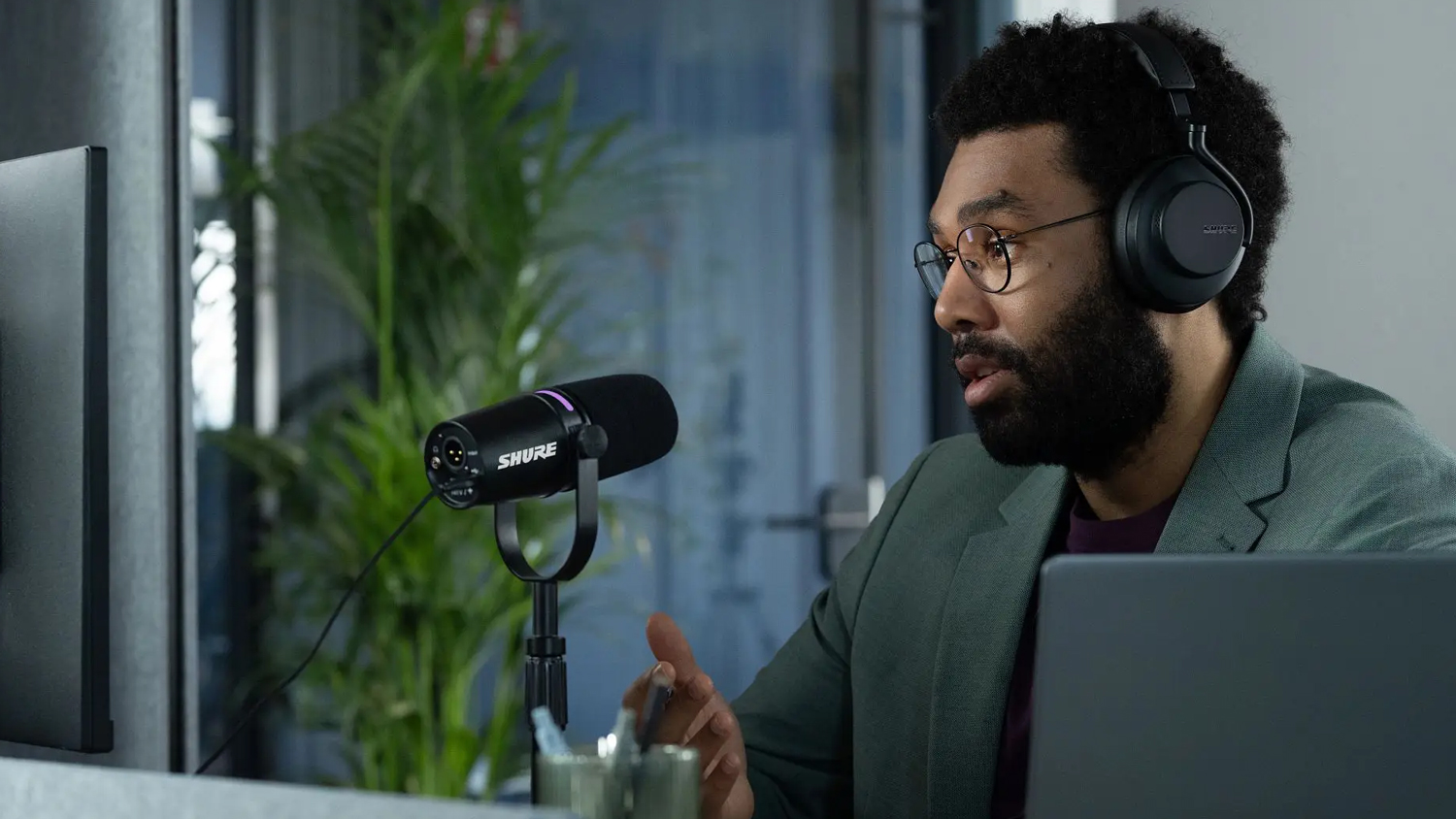
When taking wireless microphones into account, there’s a little bit more to get set up, but there are great options like the Hollyland Lark series of lavalier-style podcasting microphones that can make the process simple.
First things first: How is your audio arriving to your recording device? Is it an audio-only podcast, or are you recording video as well? Are you using a computer or a smartphone to capture your session, using a microSD card in a mixer, or are you recording audio directly into the camera?
Smartphone podcasters should look for plug-and-play USB-C/Lightning connectivity and make sure they don’t need to use any adapters (they just add another point of potential failure)—the super affordable Hollyland LARK A1 is a perfect choice, coming with USB-C and Lightning-style receivers that connect directly to your phone.
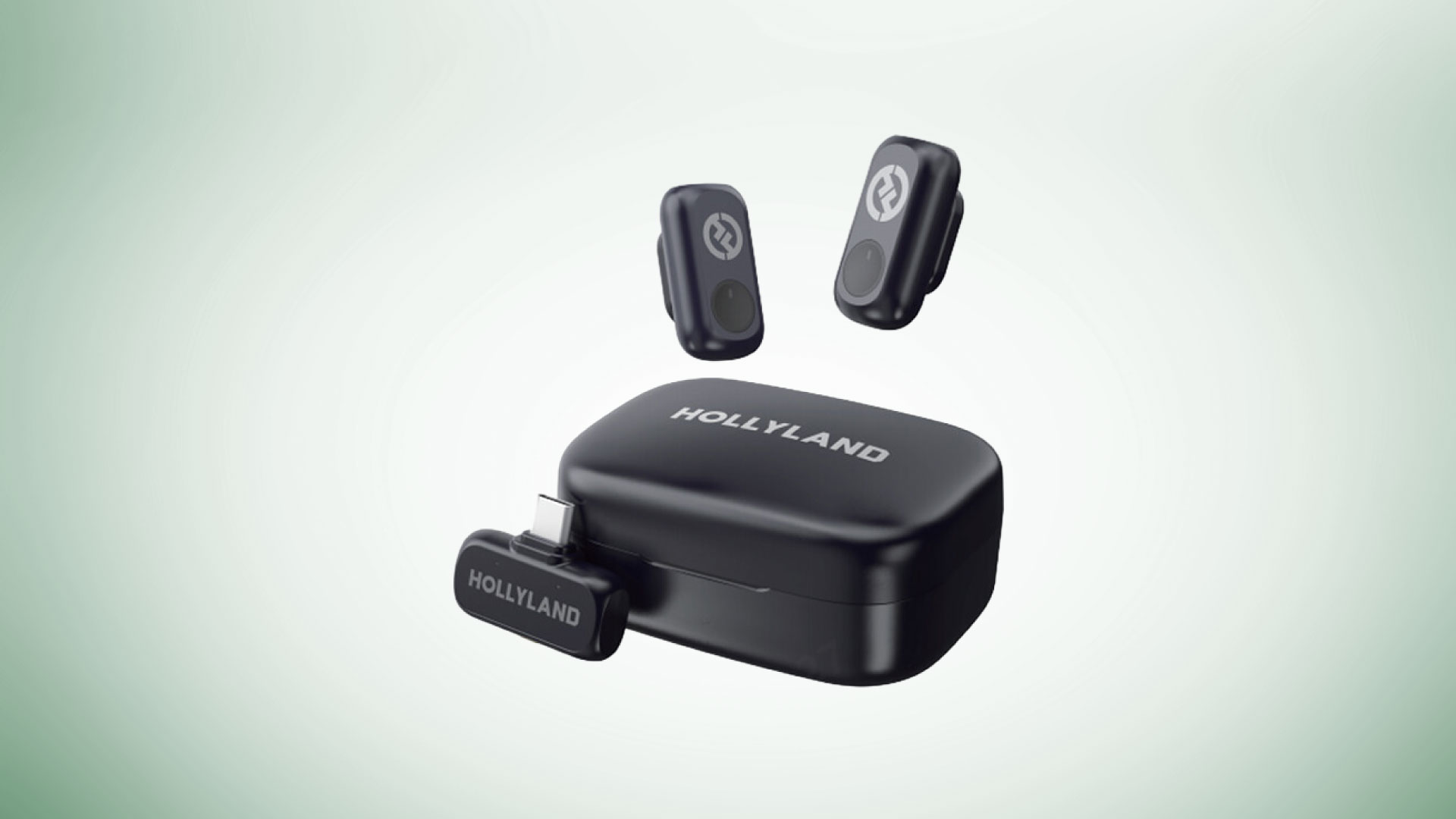
Video podcasters who want to record high-quality audio straight to a dedicated camera might find their solution in a system like the LARK MAX 2. This 2-mic kit comes with a camera-mount receiver that has a 3.5 mm TRS output, which allows you to connect it directly to compatible cameras. (It also includes a USB-C receiver to give you a little more flexibility.) Need to record more than two people? The LARK MAX 2 comes in a 4-person version as well. For those looking for even more receiver options, the LARK M2 and M2S both offer not only a camera-mount receiver and a USB-C receiver, but a Lightning receiver. All of these kits are great choices if you want something with versatility—you can record to a high-end camera in your home podcast studio one day, then take your show on the go and record on your phone the next.
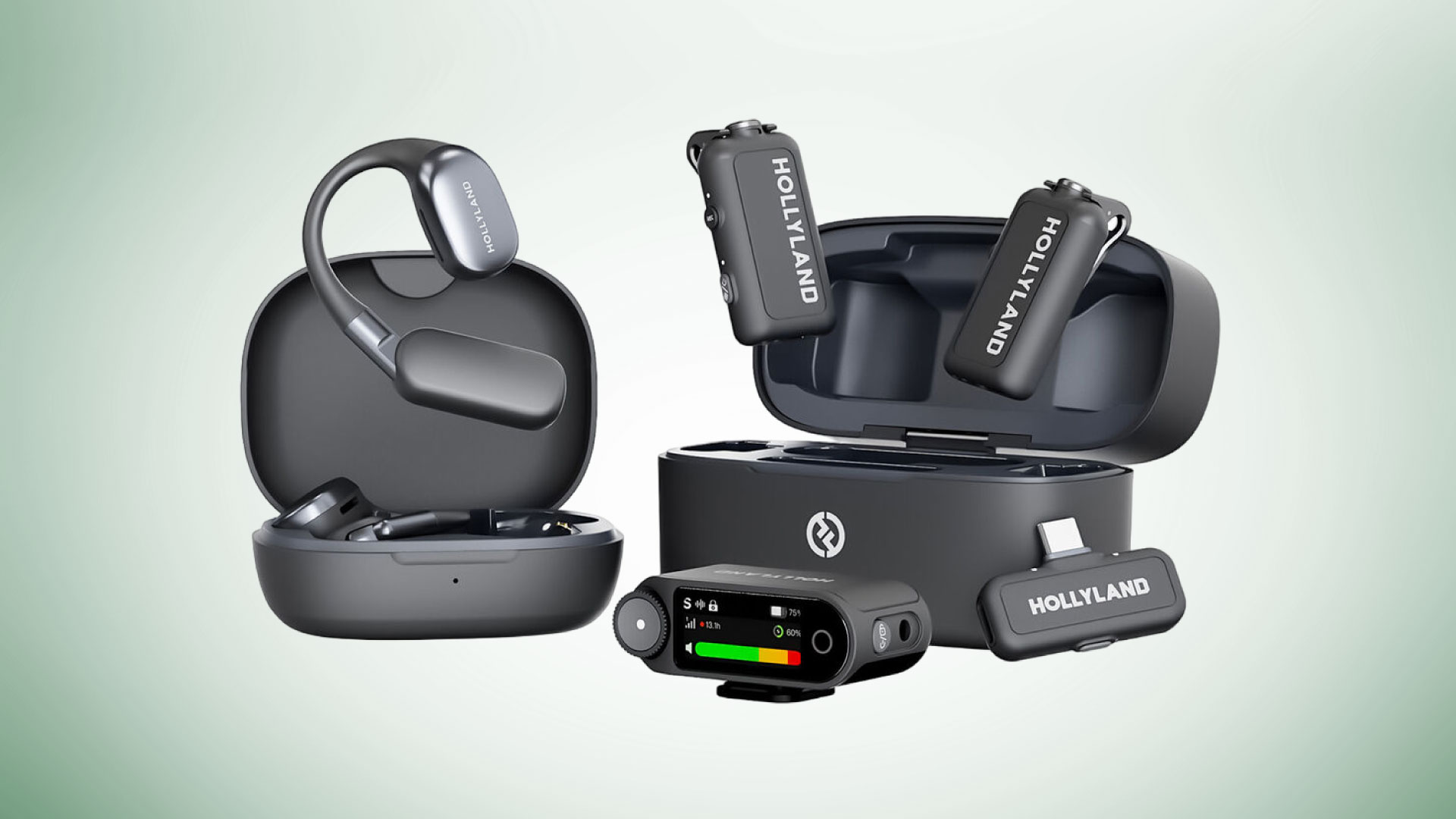
All of the wireless mic systems mentioned here are small and discreet and are capable of no less than 650 feet of range, up to nine hours of battery life, and high quality 24-bit/48-kHz recording.
XLR Mics
When it comes to XLR mics, you have a lot of wiggle room because XLR is so widely adapted. If you’re just getting into the world of XLR microphones, then I would suggest the RODE PodMic. It uses a dynamic capsule and an internal pop filter to produce high-quality sound suitable for all types of podcasts and content creation.
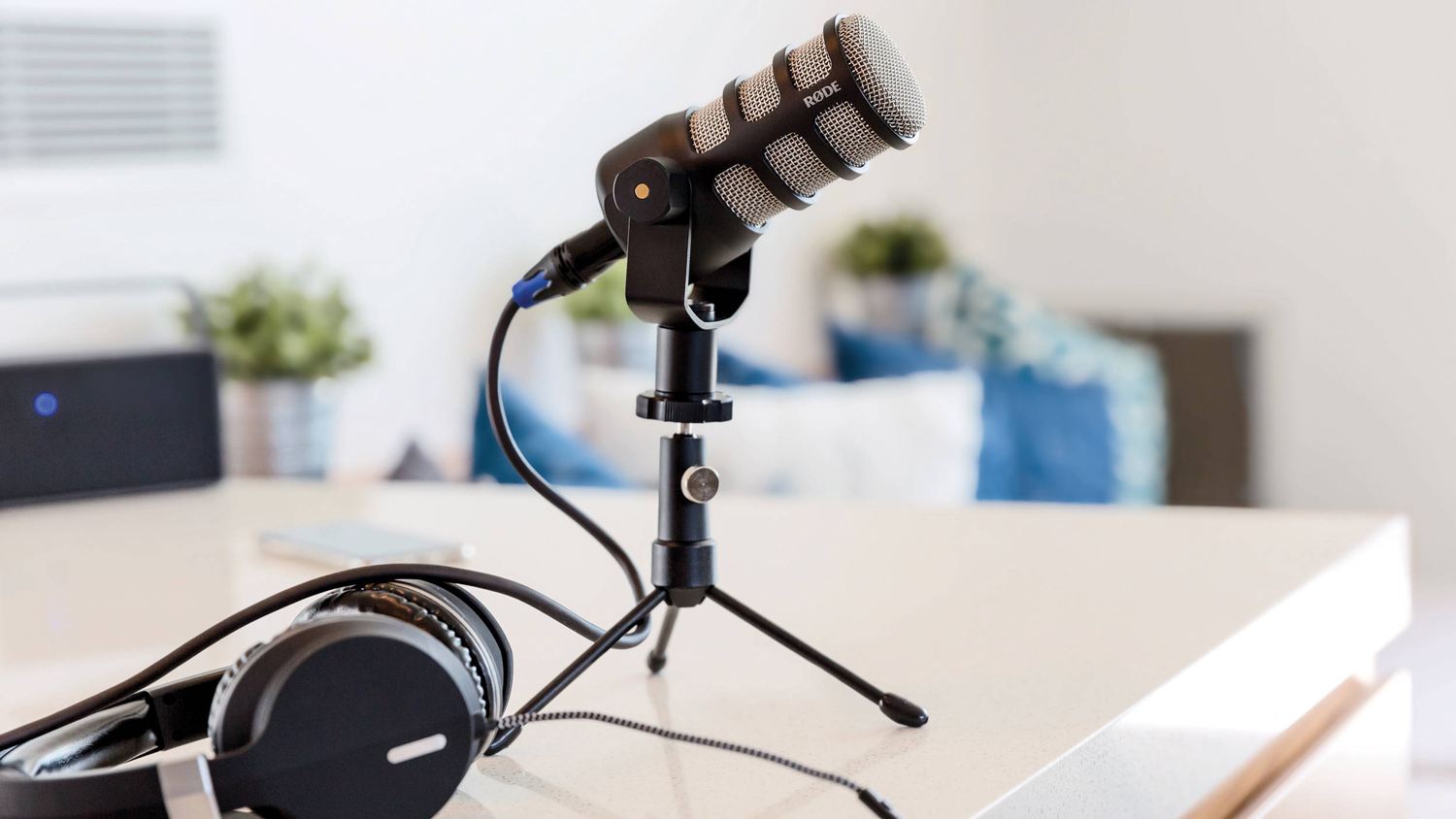
If you are looking for mics with a bit more range and versatility, the RODE NT1 5th Generation is a solid choice. On top of the deeper range, it also features both an XLR and USB-C connector. It truly is the best of both worlds.
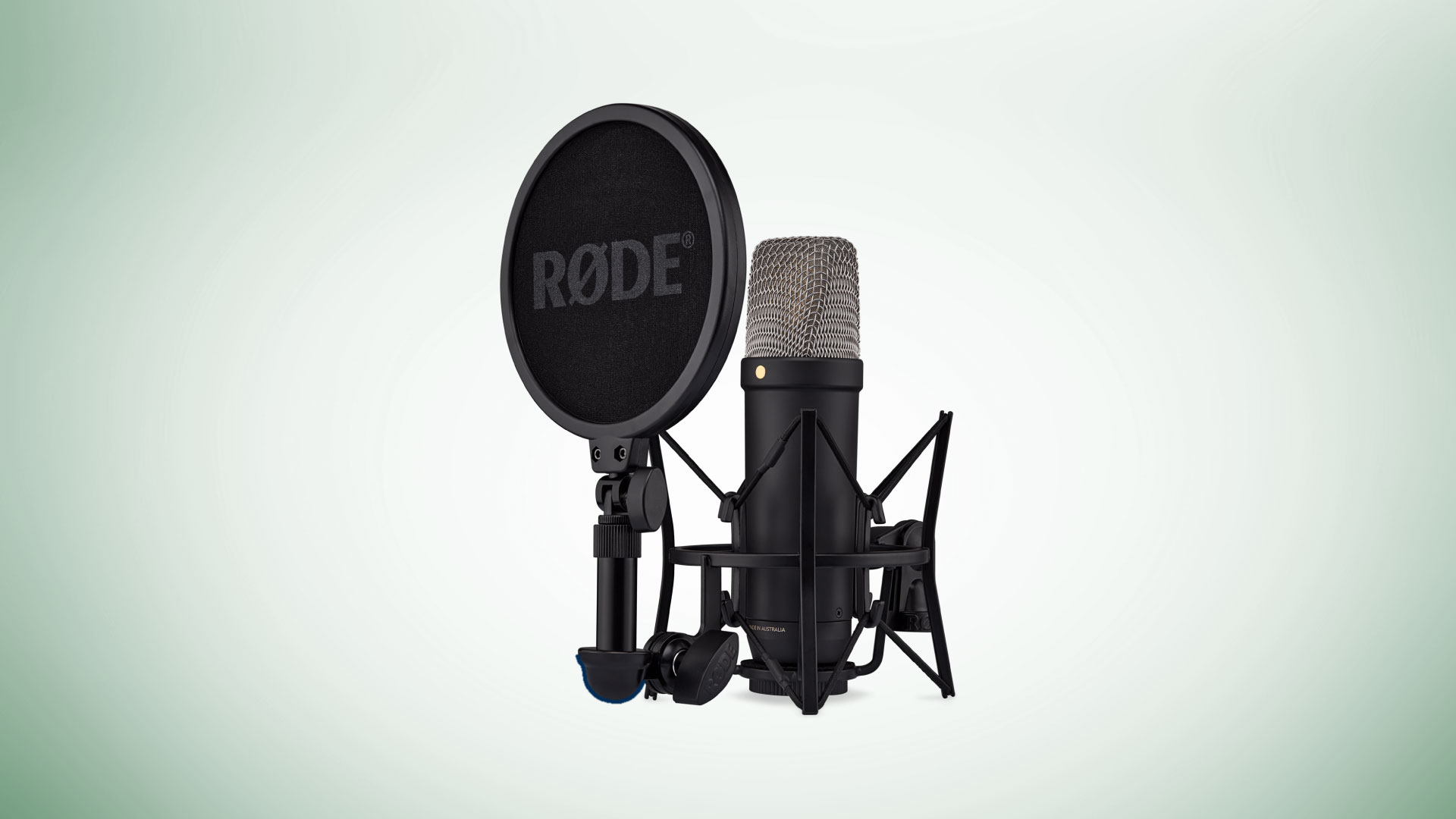
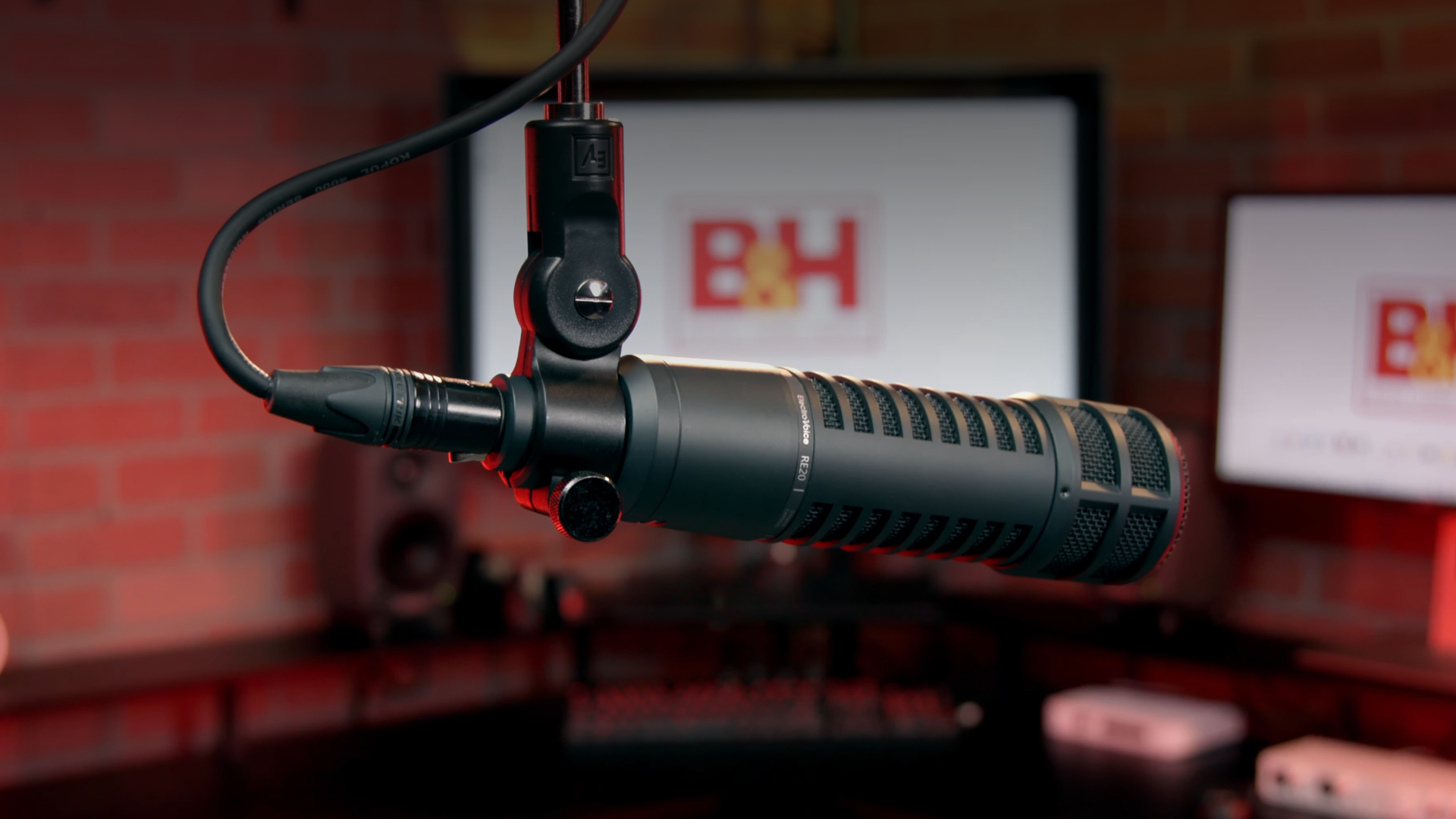
It is impossible to discuss microphones without bringing up the widely praised Shure SM7B and Electro-Voice RE20. They are widely seen all over the world in various in-person and remote podcasts and can be seen in video podcasts from some of the biggest names in the industry. They both feature a dynamic design for great vocal pickup, solid mid-range controls, and a whole lot more—but it is also known to be a very gain-hungry mic, so you’ll need an interface with a powerful preamplifier to get your levels up to the industry standard level.
Interfaces and Mixers
If you are considering grabbing an XLR microphone, you’ll need an audio interface or a standalone mixer. But before you go out and buy one, you need to think about your setup. Is it just you in a remote situation or are you going to have multiple guests? Maybe a solid co-host? In either case, if you’re using an XLR mic, you’re going to need an interface/mixer.
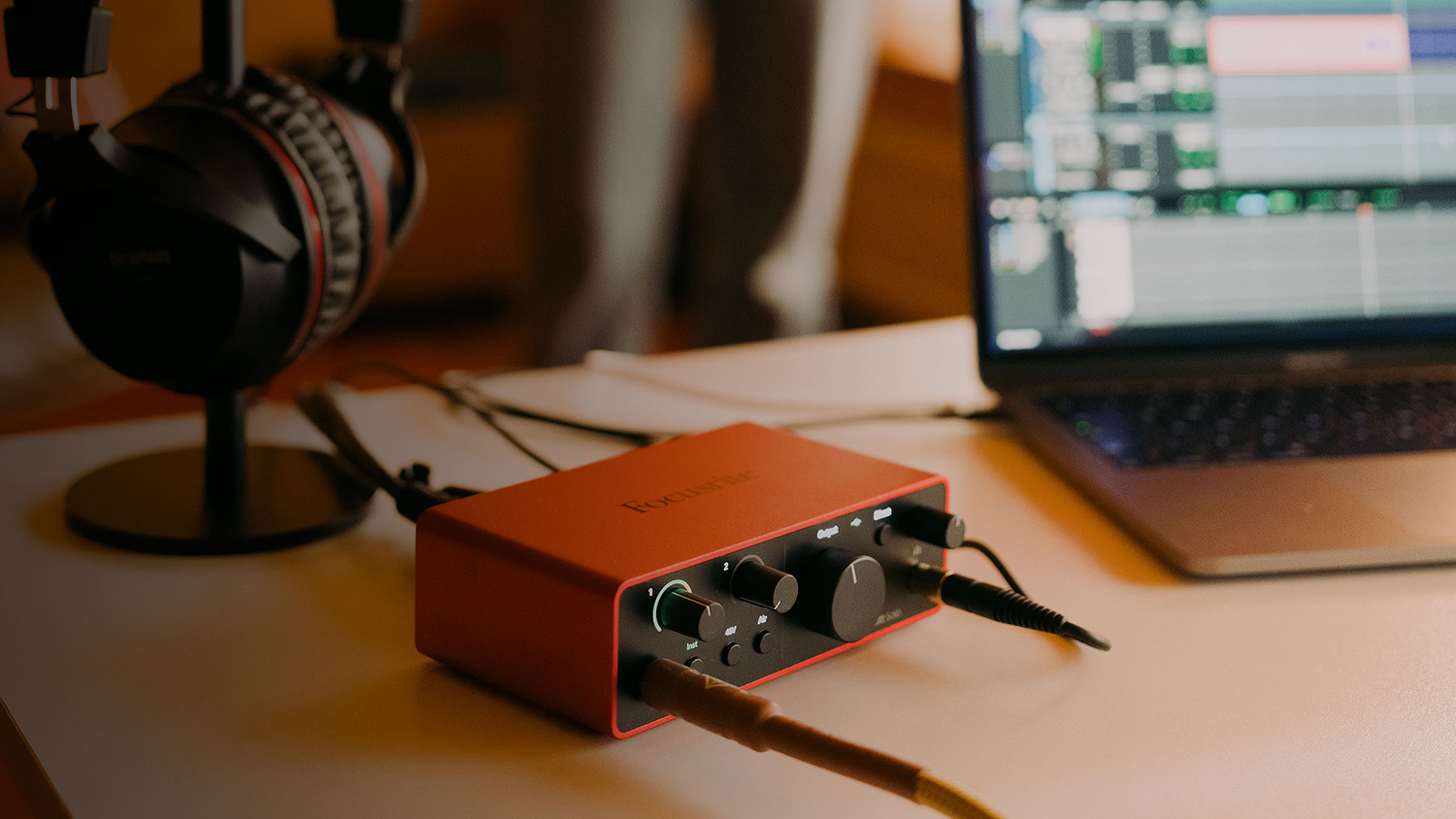
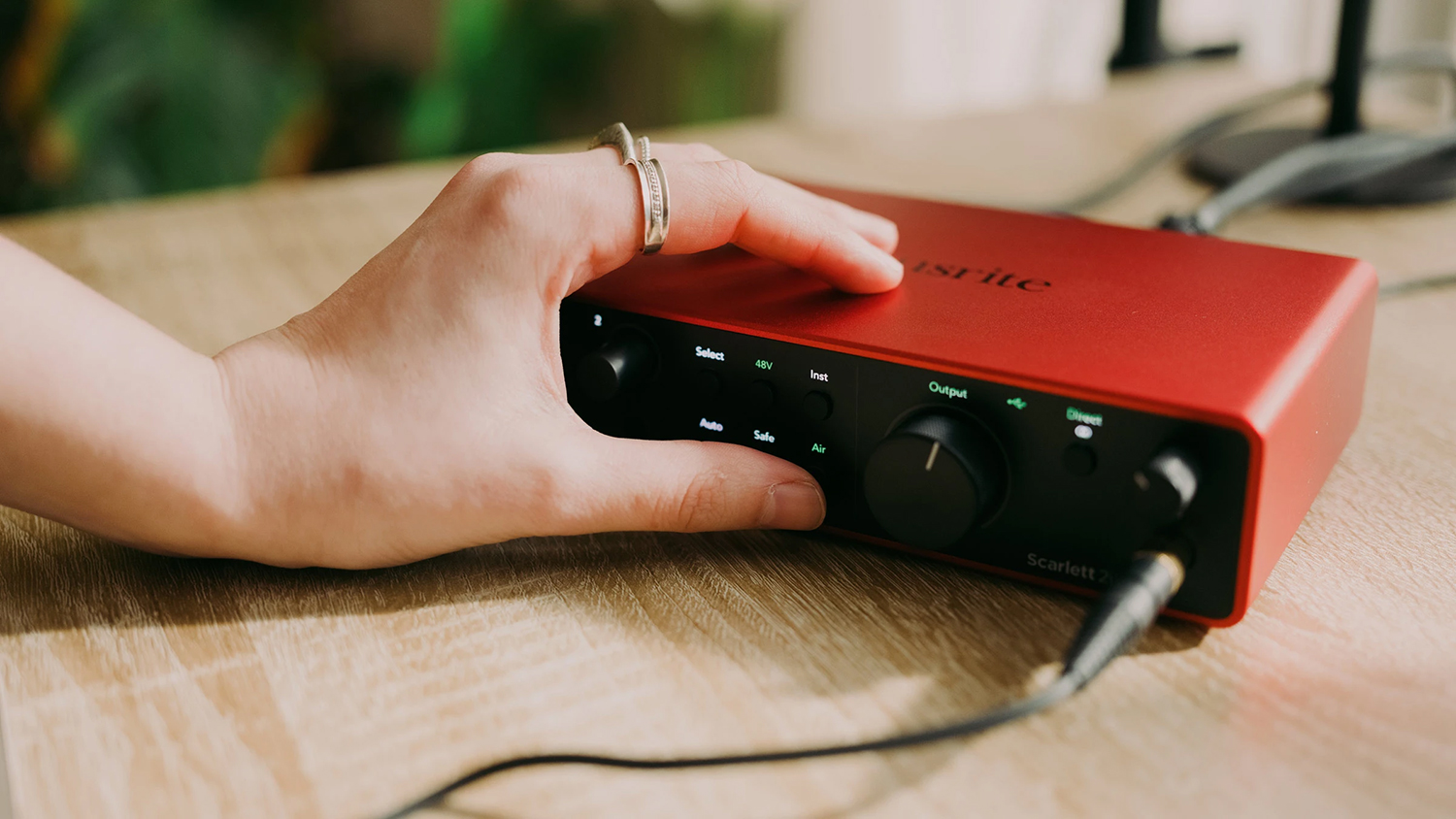
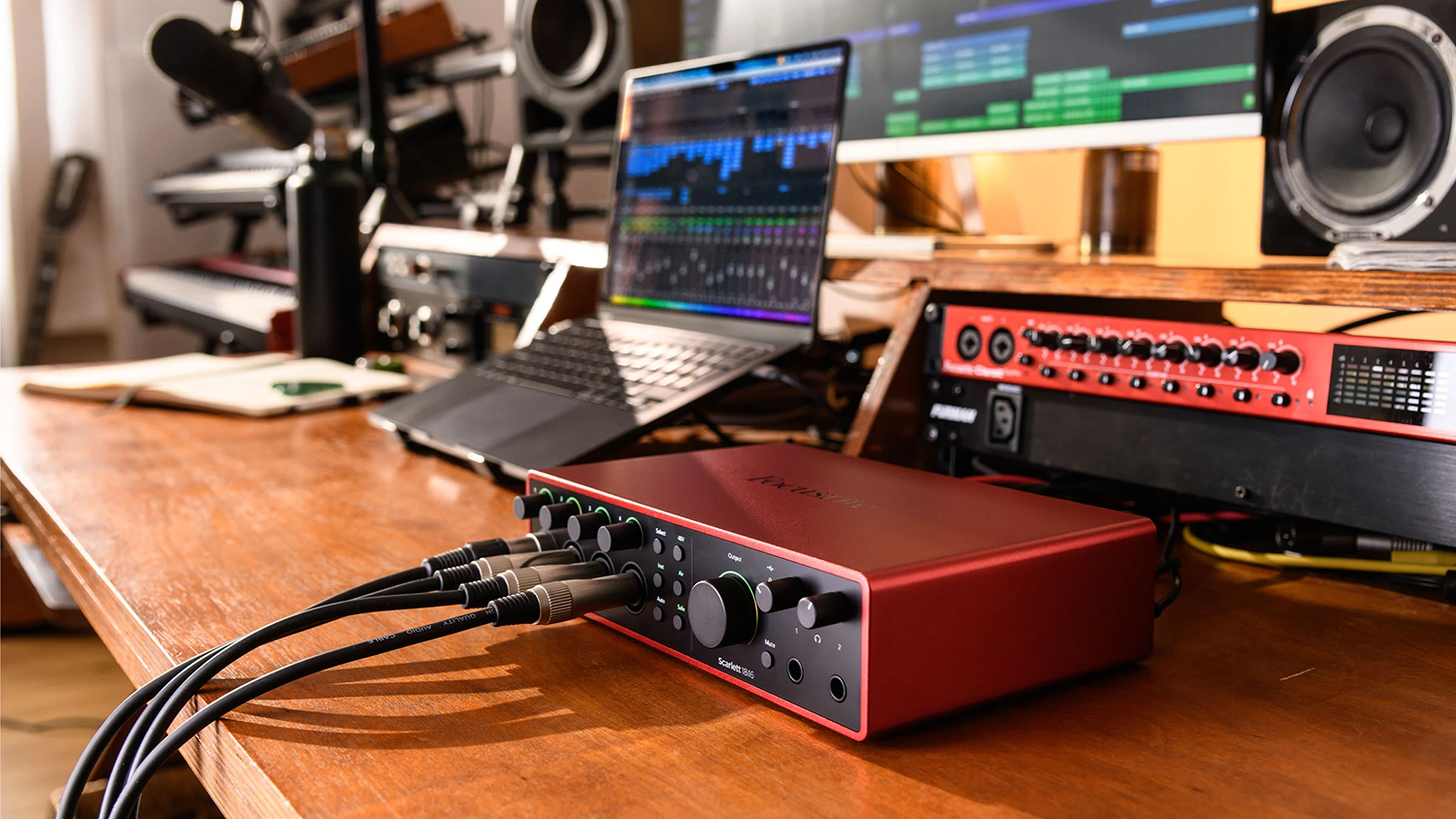
Focusrite’s Scarlett Solo audio interface is a wonderful interface that can easily handle your mic. This particular model is designed for single-mic usage, which is great for remote podcasts. If you want to have the option for scalability in your setup, the Scarlett 2i2 and Scarlett 18i16 are both great solutions for two person and four person podcast respectively. Both are designed for simplicity, so beginners will have a great time when it comes to entering this hobby, and advanced users can take advantage of the 18i16’s digital I/O, including ADAT, S/PDIF, and MIDI.
If you are looking for something more robust and have some extra cash to spend, you should consider getting a podcast mixer. Mixers are much like audio interfaces but with more tactile options and advanced features, such as individual controls for each microphone and headphone, sound pads for audio samples, FX and MIDI, Bluetooth connectivity with “Mix-Minus” to record phone calls, and built-in microSD card slots for recording directly into the device.
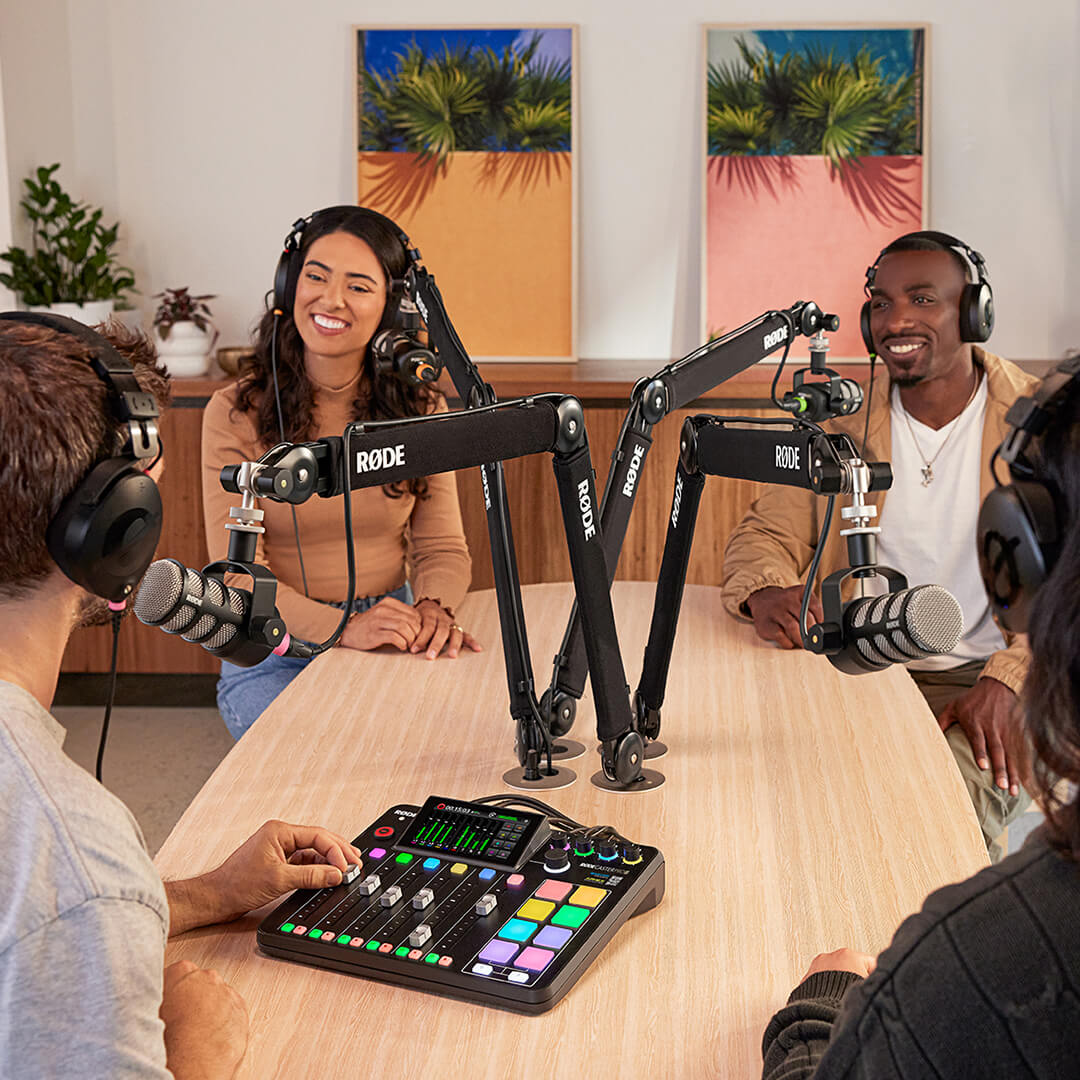
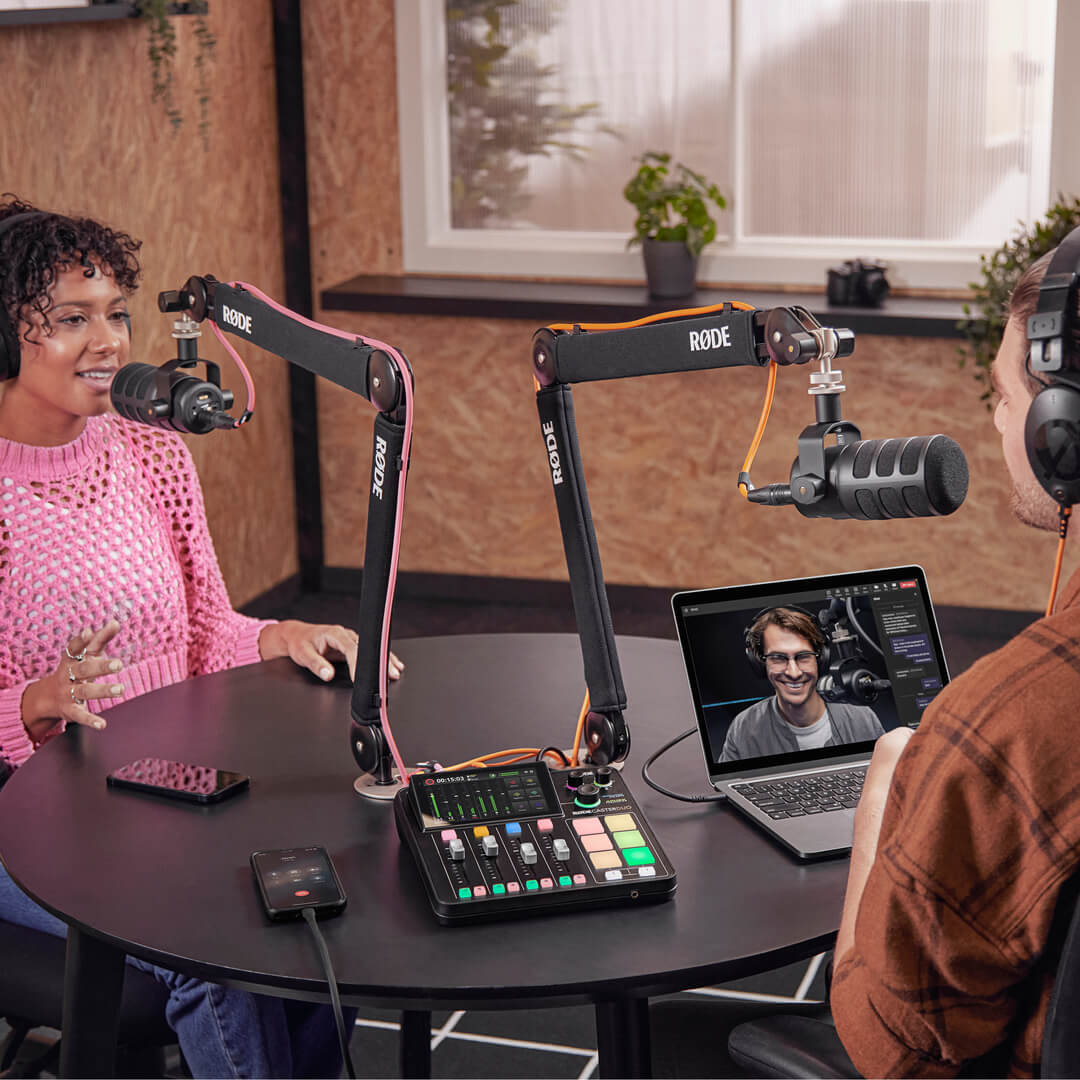
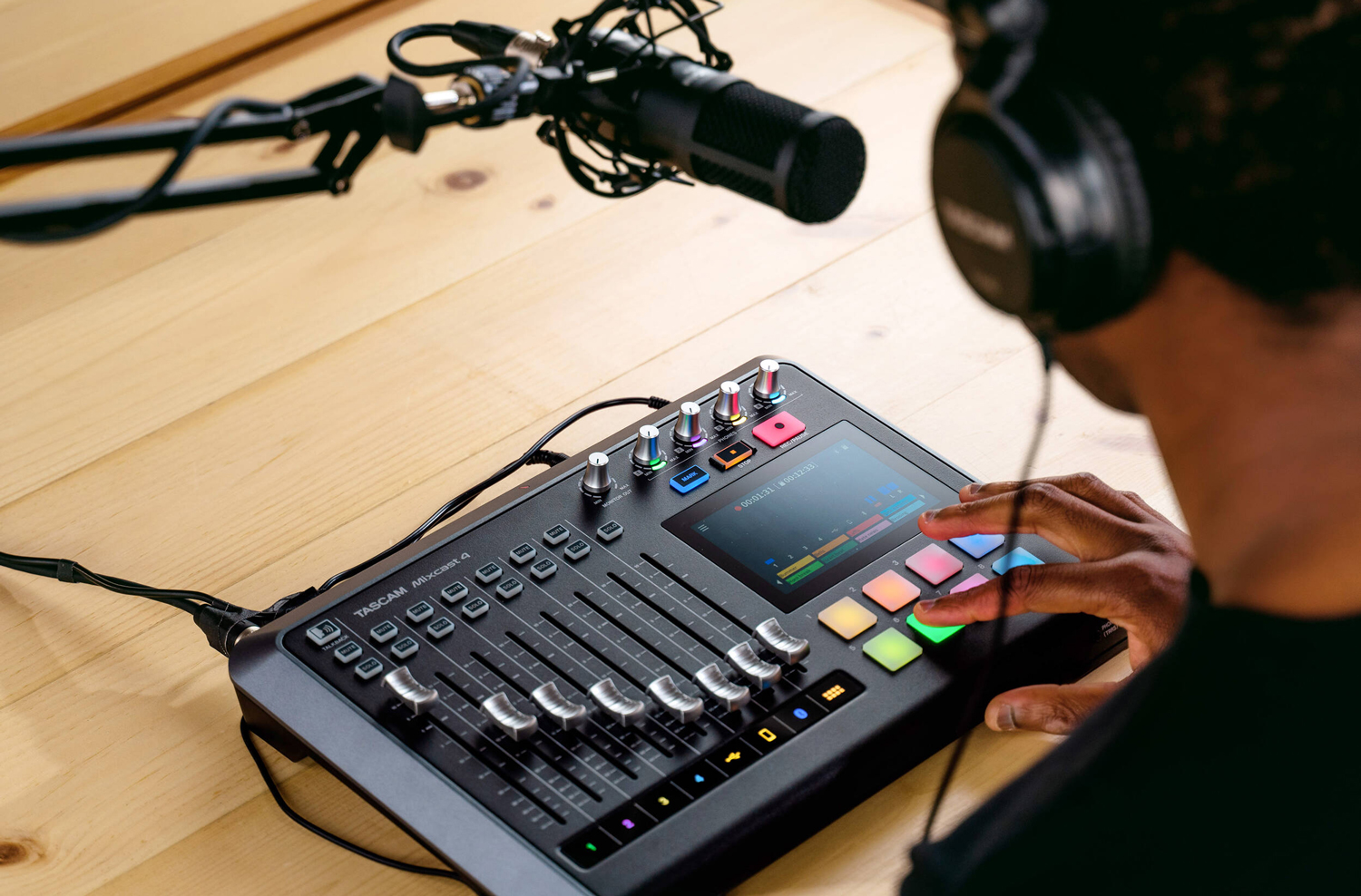
The RODE RODECASTER Pro II and RODECASTER Duo are two of our best-selling podcast mixers with all the above features and more, capable of recording four and two simultaneous speakers, respectively. Another high-level favorite is the TASCAM Mixcast 4, featuring eight faders to control audio levels and TASCAM’s Podcast Editor software.
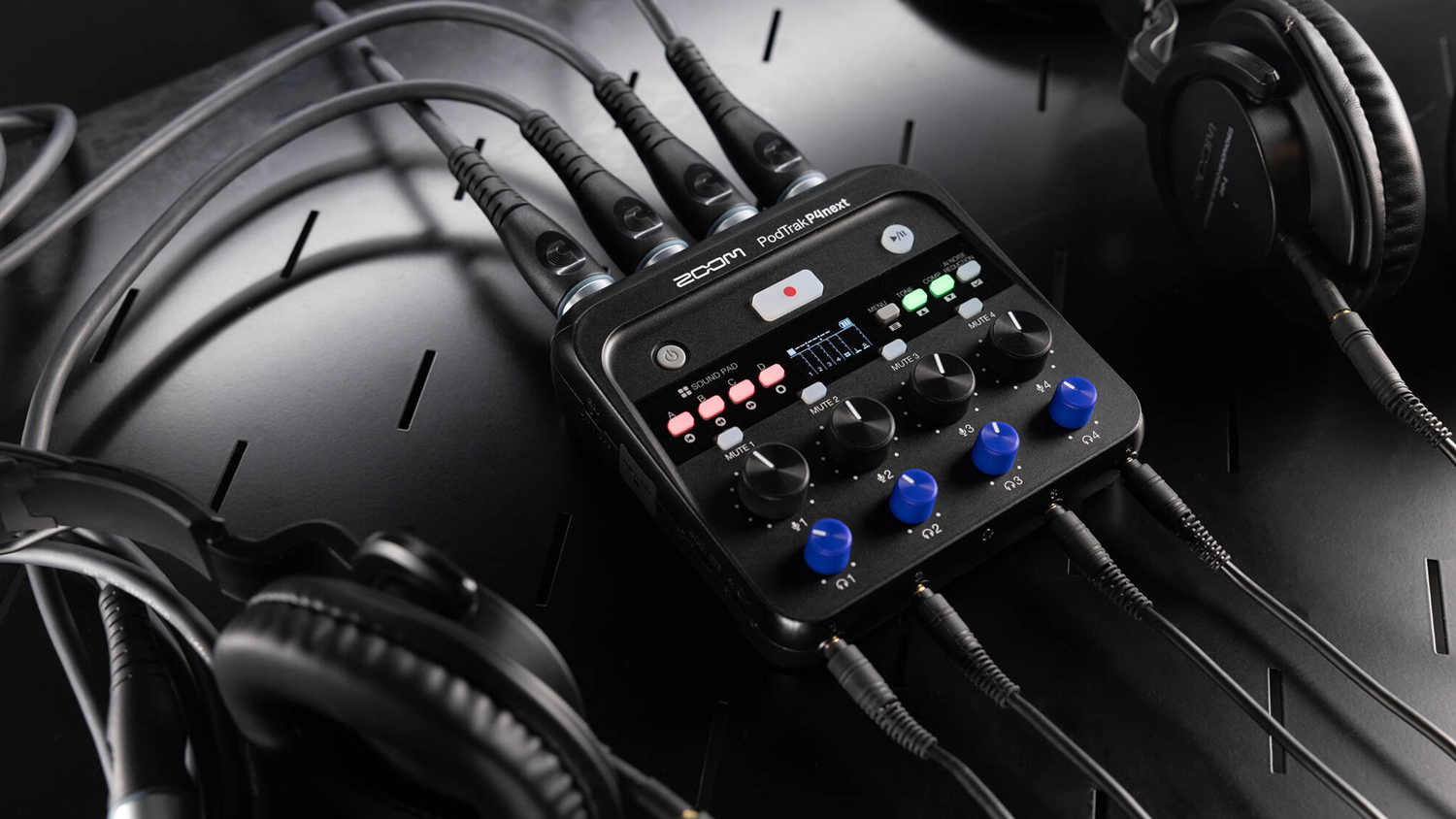
If you’re not looking for all the bells and whistles or want to save a few bucks, there are fantastic options out there that still manage to pack in some cool features. The Zoom PodTrak P4next is a battery- or USB-powered portable podcast mixer capable of amplifying and mixing up to four mic inputs in a small package, managing to squeeze in some extra capabilities with AI Noise reduction, a built-in compressor, and four sound pads.
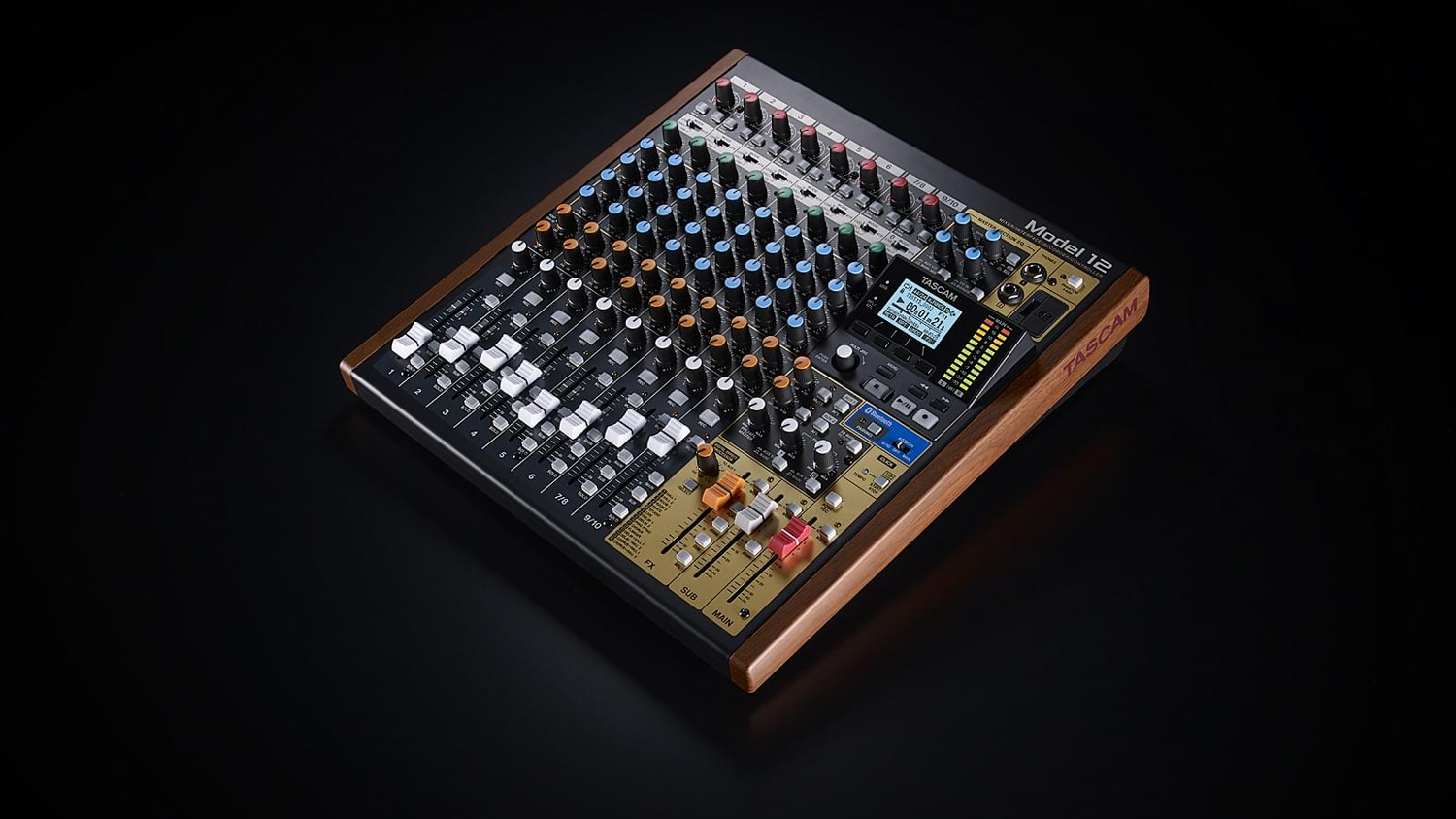
Kicking it up a notch, if you have a ton of guests and you need multiple microphones setup with the most fine-tuning you could get, a true audio mixer is what you’ll need. Experienced audio engineers who like to tinker with every aspect of sound would find the TASCAM Model 12, Model 16, or Model 24 are great options. They are true hybrid mixers with built-in audio interfaces, capable of up to 16 microphone inputs with 48V phantom power, 3-band analog EQ on main channels, built-in FX, USB 2.0 and wireless Bluetooth connectivity, and SDXC media card slots for recording directly to the board. Considering the extensive capability these machines have, the price tag isn’t even that bad!
Headphones
All you really need to make a podcast is a solid mic and maybe an interface. But there are a couple of things you’ll probably want as well that you might not be thinking about. For example, you’ll probably want to be able to monitor your sound to get voice levels and other sound content just right—you don’t want to record a great conversation only to find the audio unusable! So you should consider grabbing a solid pair of headphones.
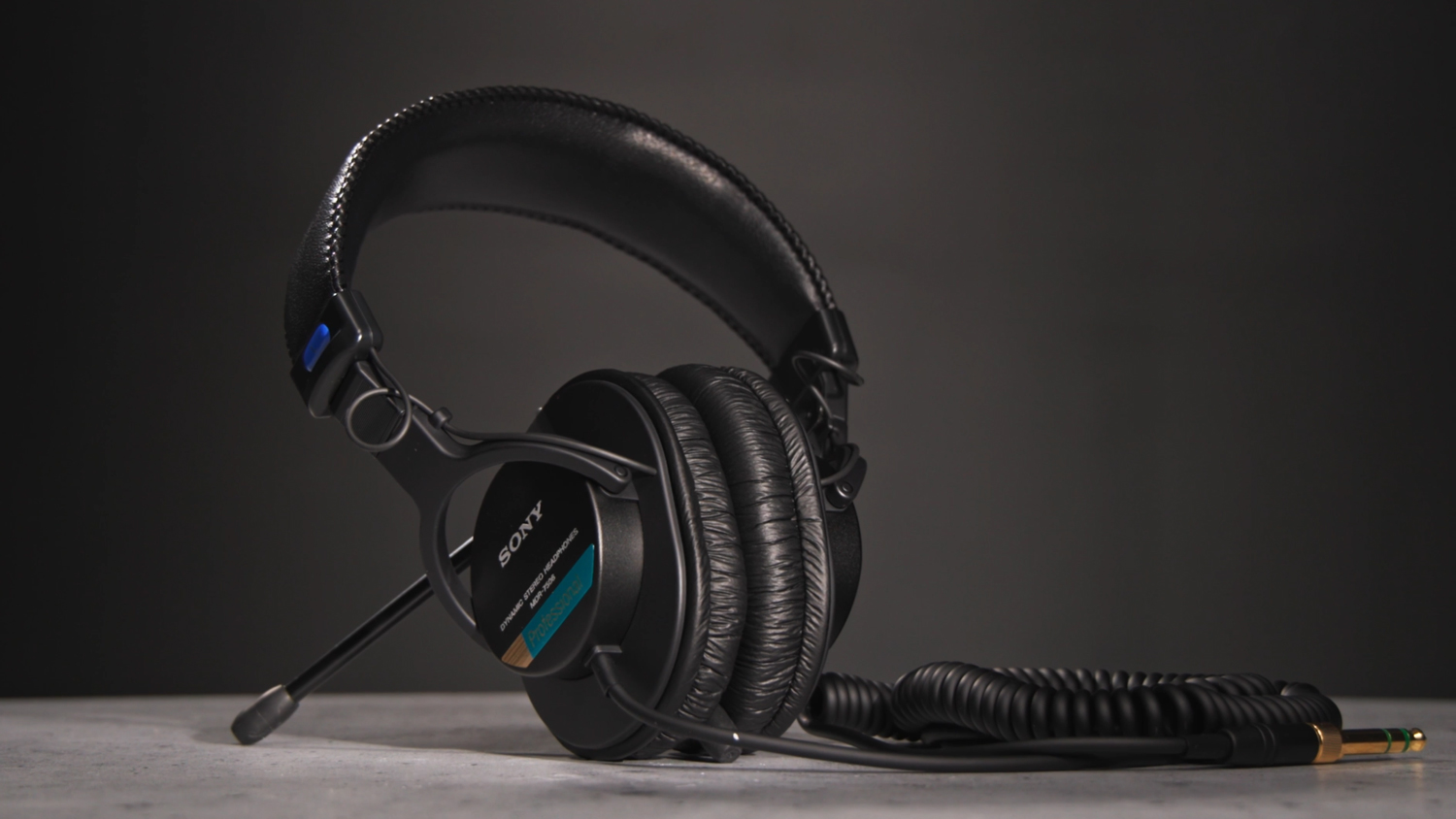
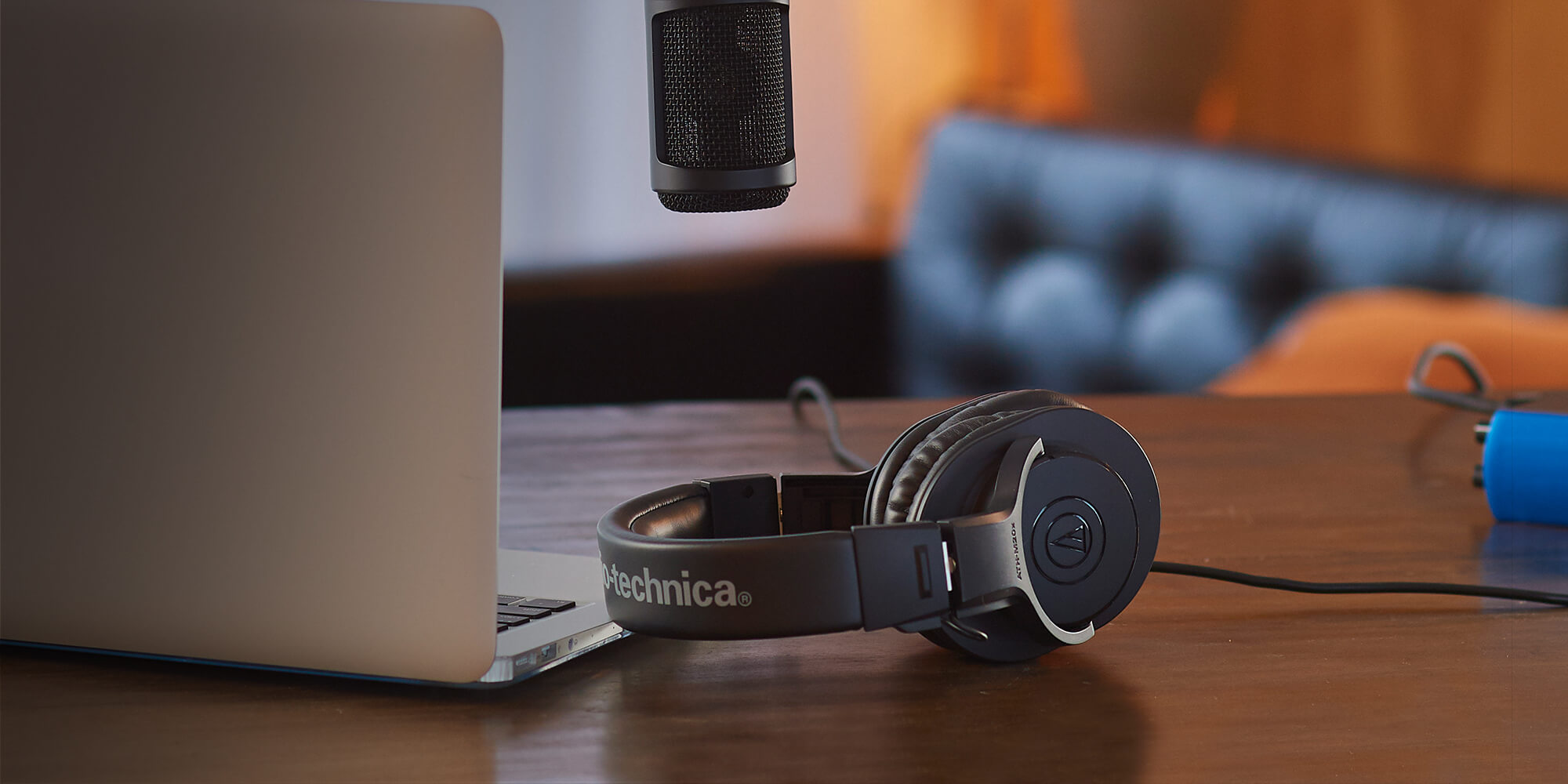
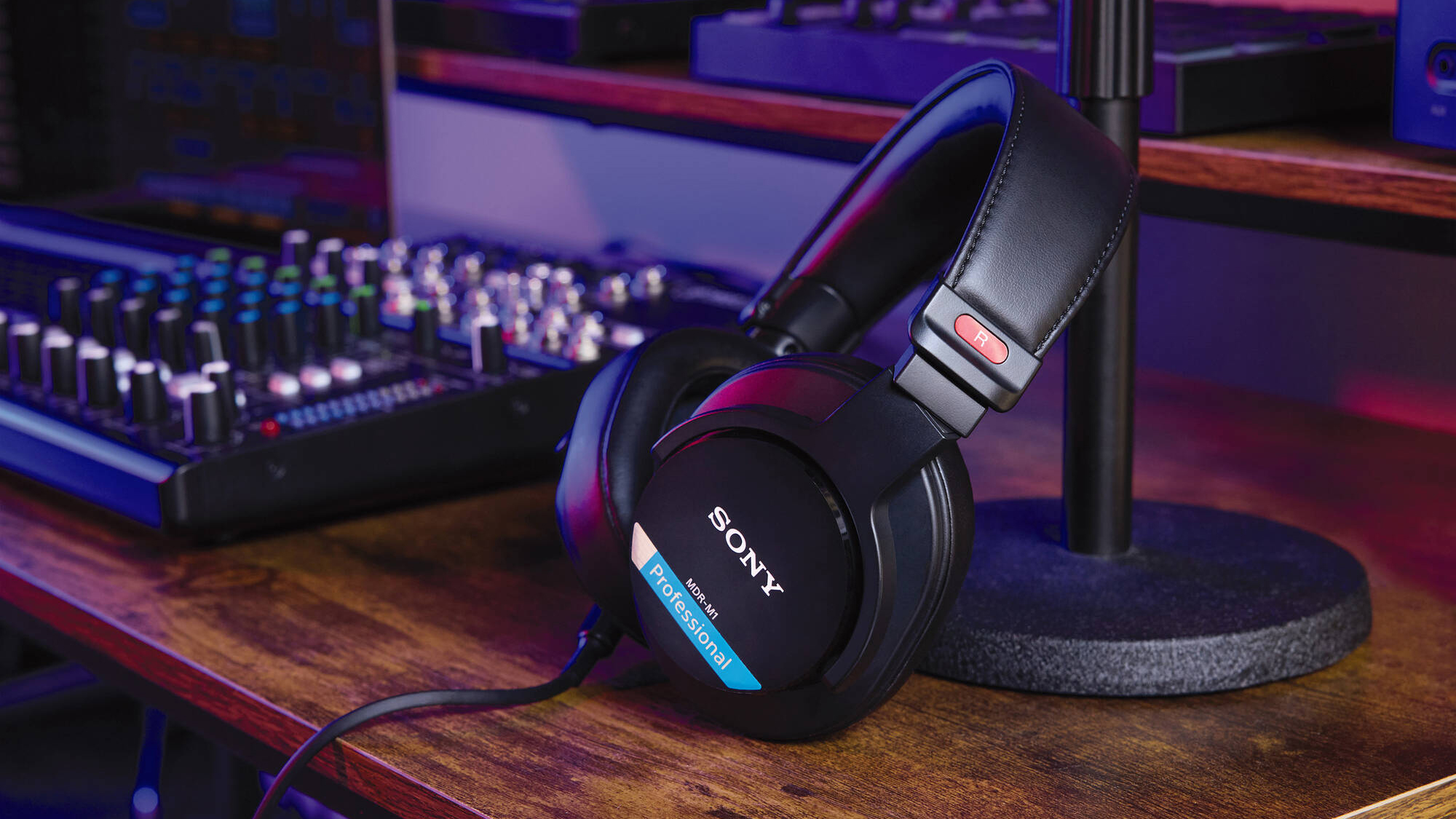
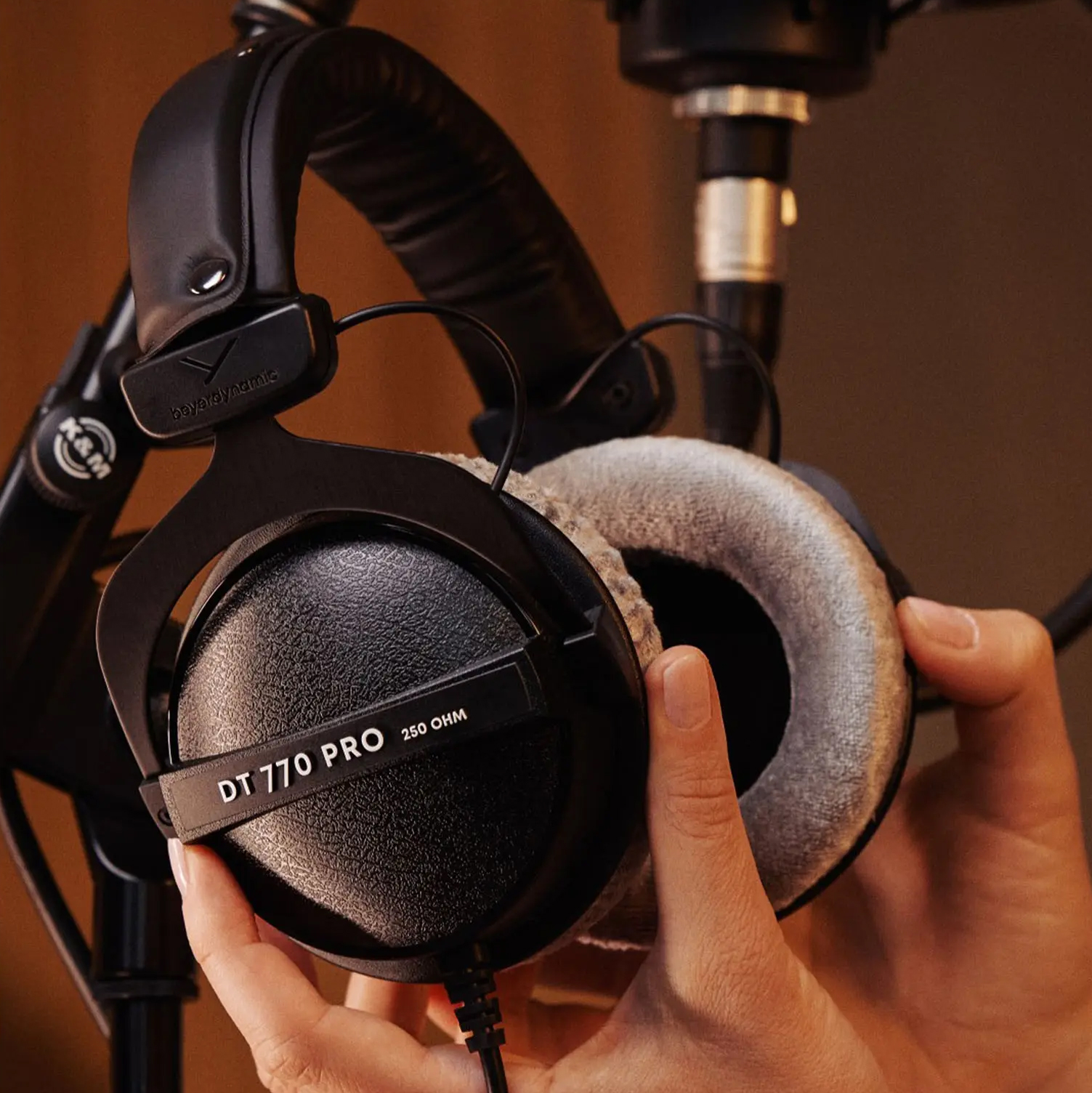
You don’t need anything super special or expensive for podcast monitoring, so just stay within your budget. Some quick classic suggestions include the venerable Sony MDR-7506, solid Audio-Technica ATH-M20x, and if you want to get a little fancy with it, the Beyerdynamic DT 770 PRO X and Sony MDR-M1. But when it comes down to it—unless you’re running a super high production level project—podcast mixing is less intensive than music or broadcast production mixing—just about any pair that connects to your mixer or interface will do!
Mic Arms and Mounts
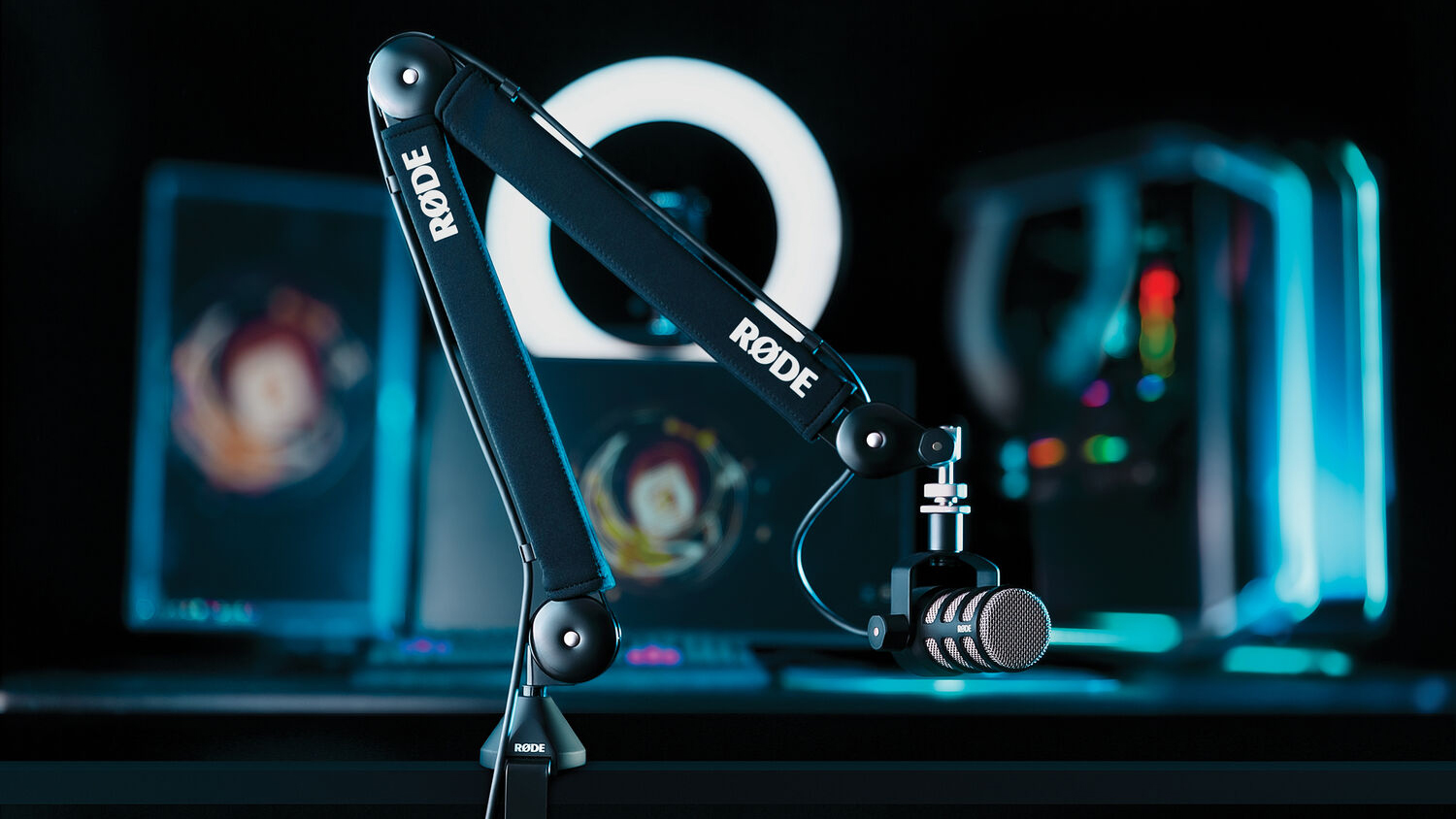
We talked all about mics, but what about how to hold them? This is where the good ole mic arm comes in. They come in two basic styles, high and low profile. High-profile arms are great when you need lots of reach. The RODE PSA1+, for example, offers ample length to make it comfortable whether you are sitting at your desk or clamping it to a set piece.
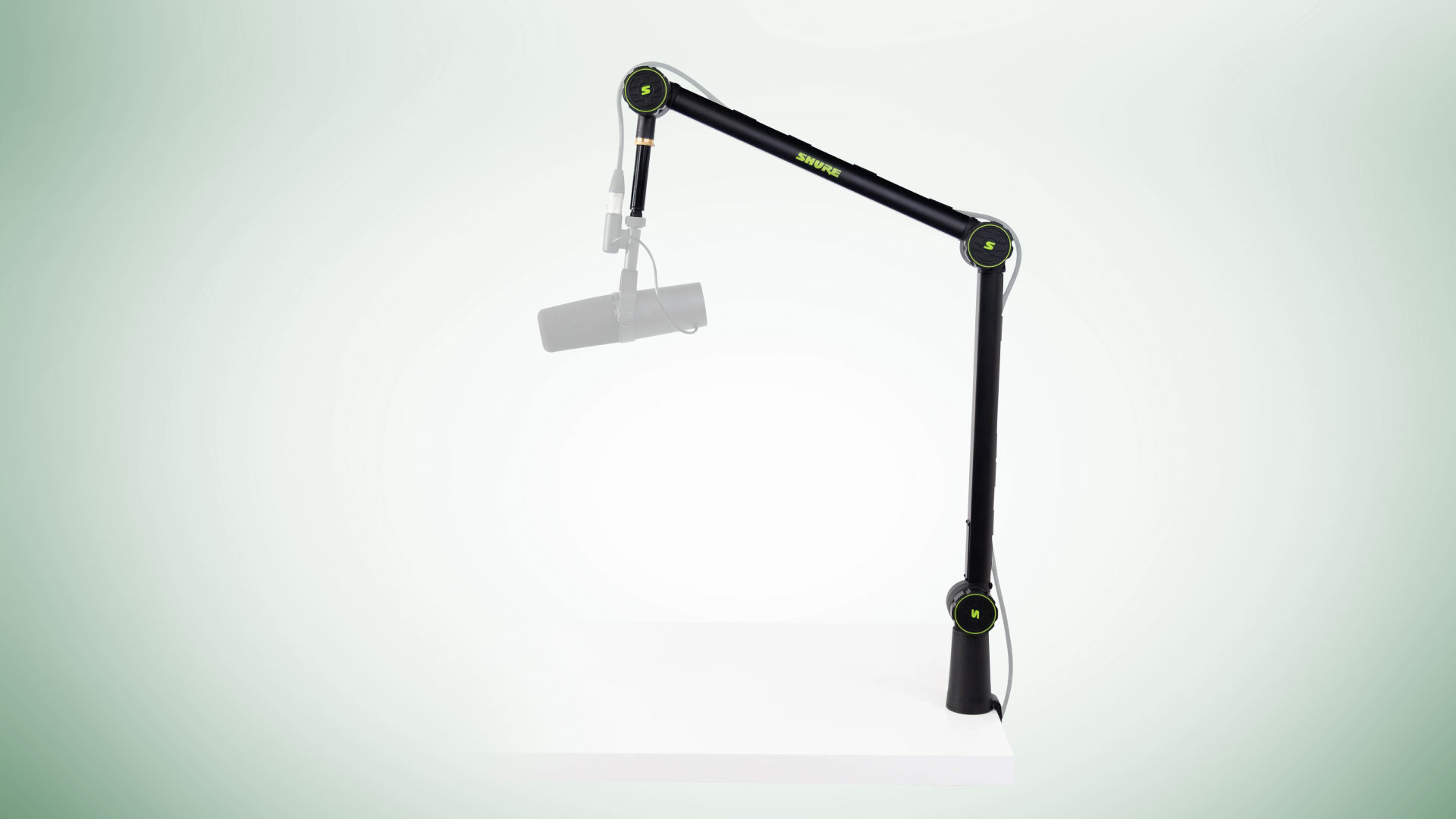
A low-profile arm like the Shure by Gator Low-Profile Boom Arm has a smaller reach and are designed to be out of the way. Because low-profile arms are lower, you can maintain eyelines between guests without anything blocking your view.
Cables
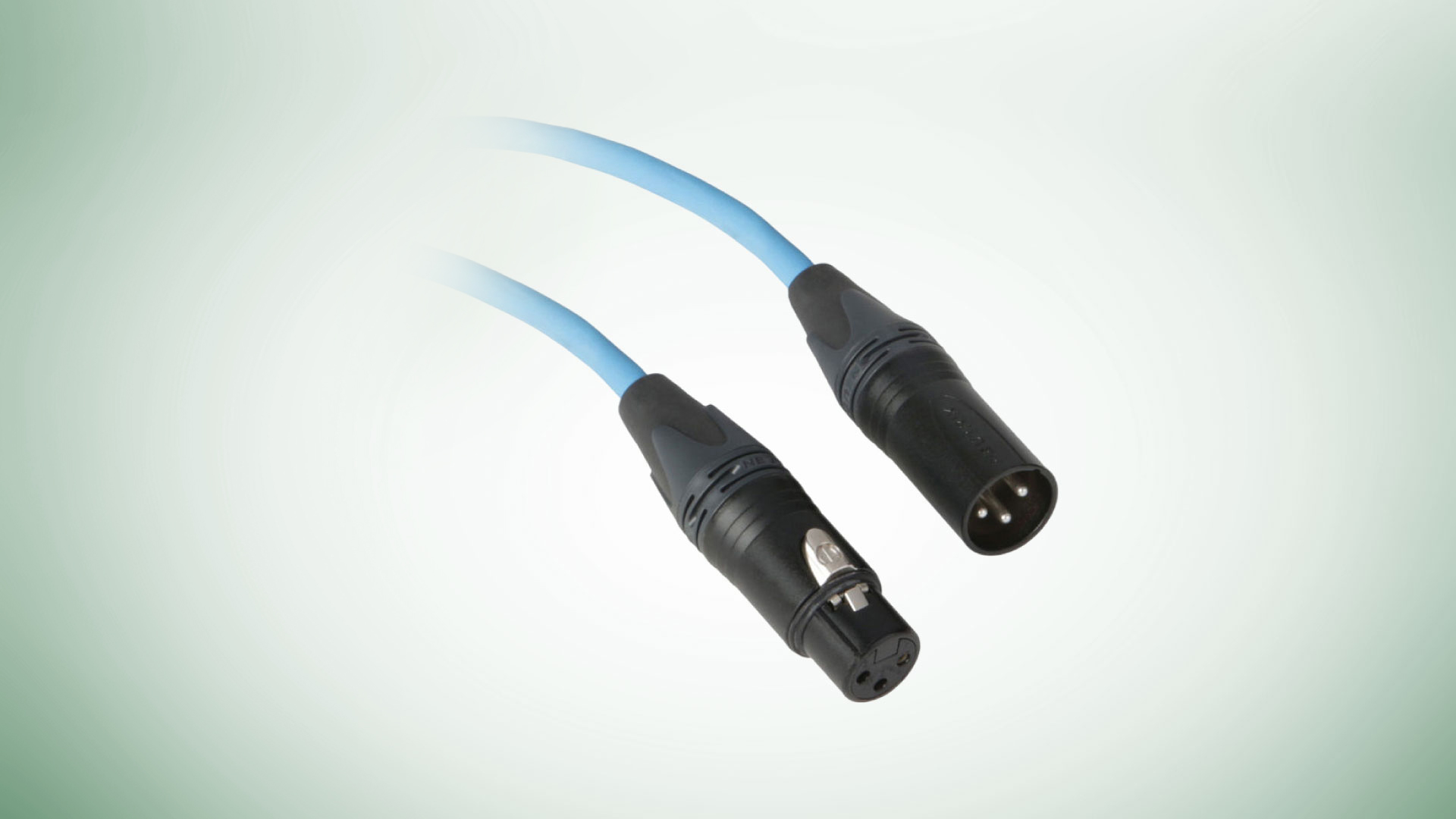
You’re going to need cables to connect your equipment. Most USB mics will include a cable, so you don’t need to worry about that unless length becomes a concern. Most XLR mics and interfaces do not include the necessary audio cable, so you must buy one separately.
Kopul’s Premium Performance 3000 Series Neutrik XLR cables are affordable and reliable cables that offer multiple lengths up to 100 feet and come in a wide range of colors, so you can easily organize your cables. If you’re the kind of person who spares no expense, premium cable manufacturers Mogami and Canare are well regarded in the pro audio industry, and Gator and Monster are always nice middle-of-the-road choices.
Pop Filters
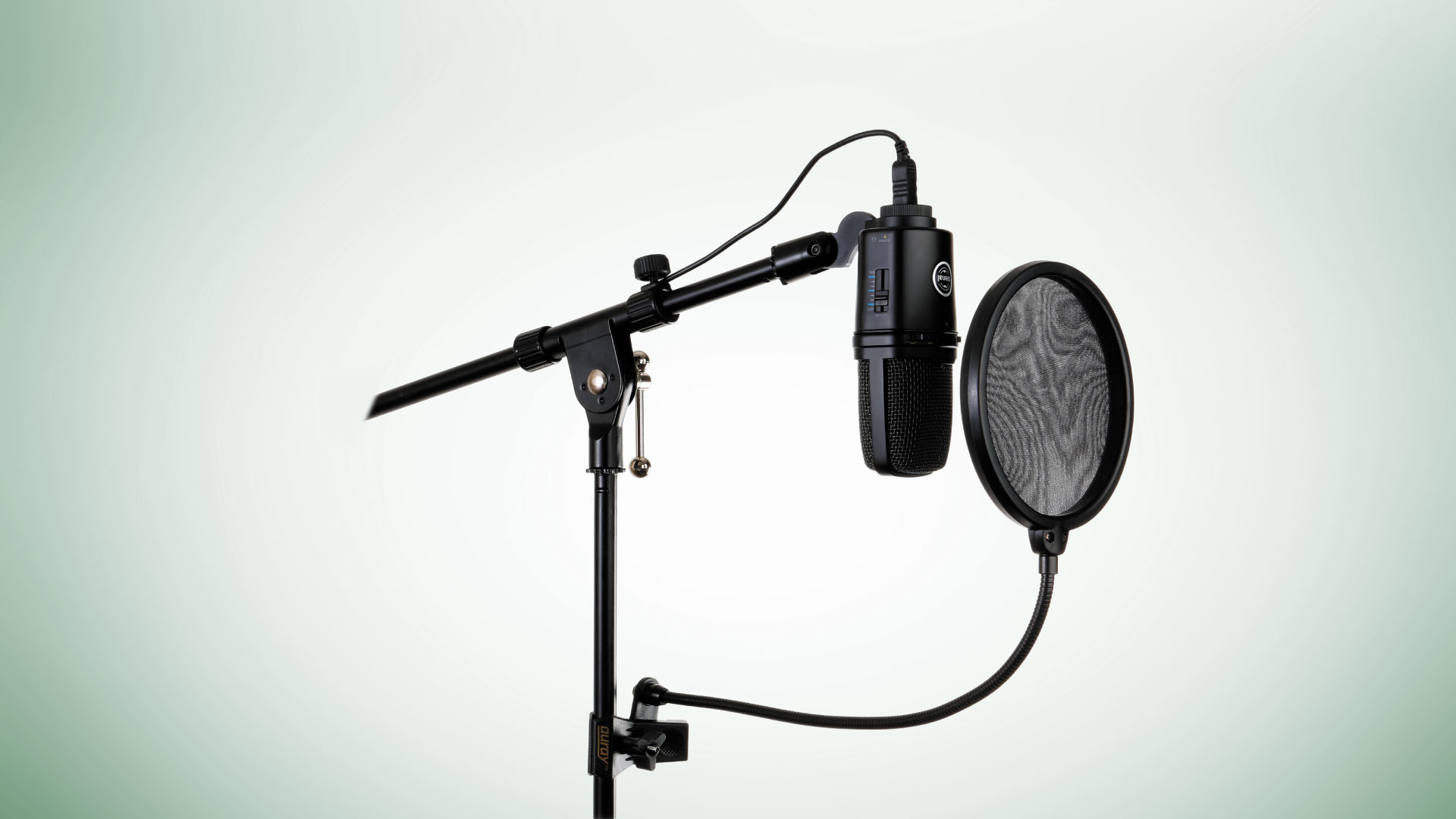
Another great add-on is a pop filter. This helps reduce some of the harsh sounds your voice could put out and dulls them for easy listening. There are a couple of different types out there and some are only compatible with certain types of microphones, but I do like the Auray PFSS-55 because it can clamp anywhere and be adjusted to fit whatever mic you are using. So, if you need to swap mics, you don’t need to worry about finding the right filter again.
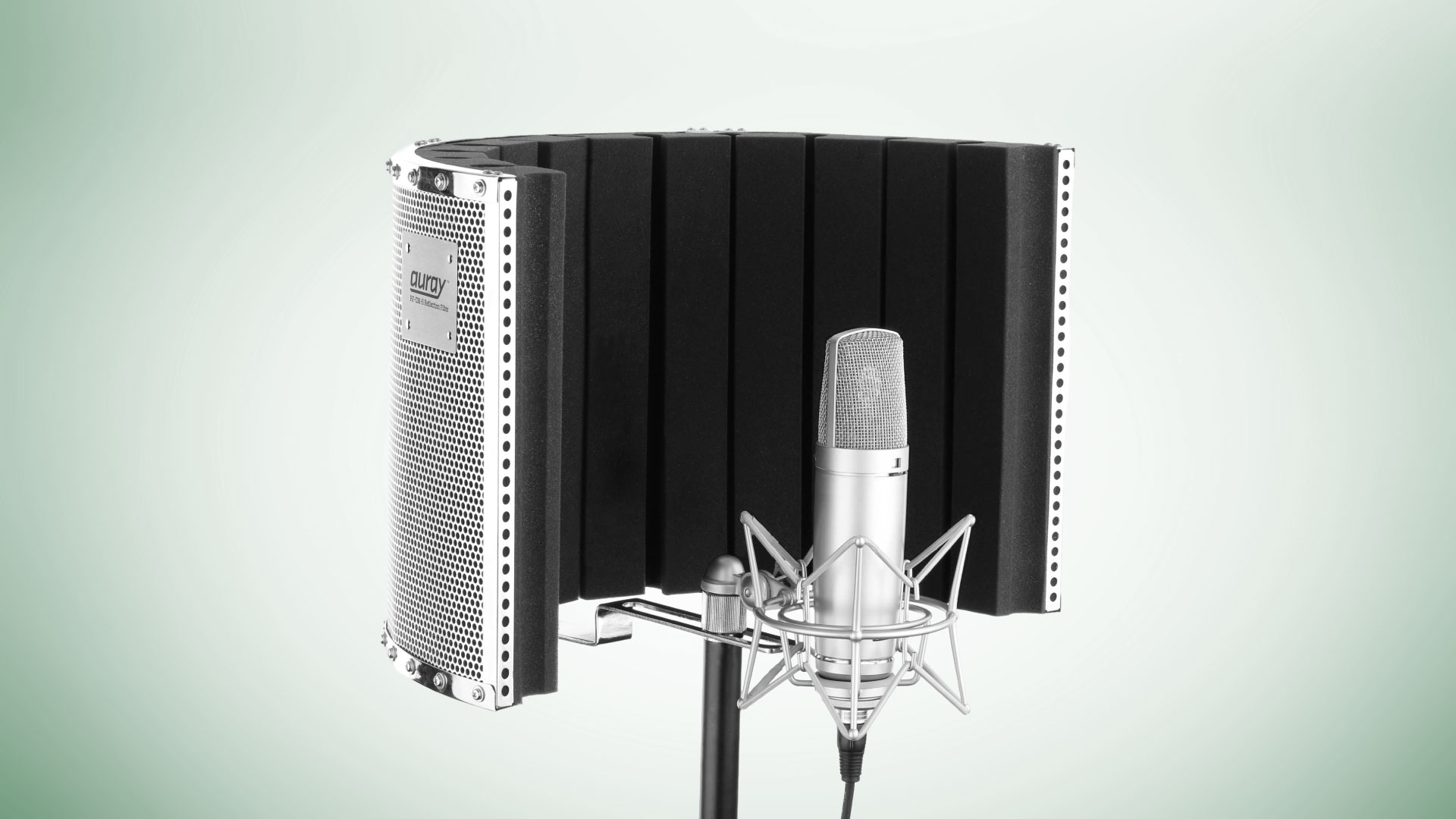
While not necessarily a pop filter, nor is it required, you might find some use out of a reflection filter like the Auray RF-CM-S if you’re doing an audio-only podcast. If your space doesn’t accommodate acoustics all that well, this will help with your audio, especially if you are a solo creator who likes to speak about topics like technology, audio, and maybe even photography.
Cases
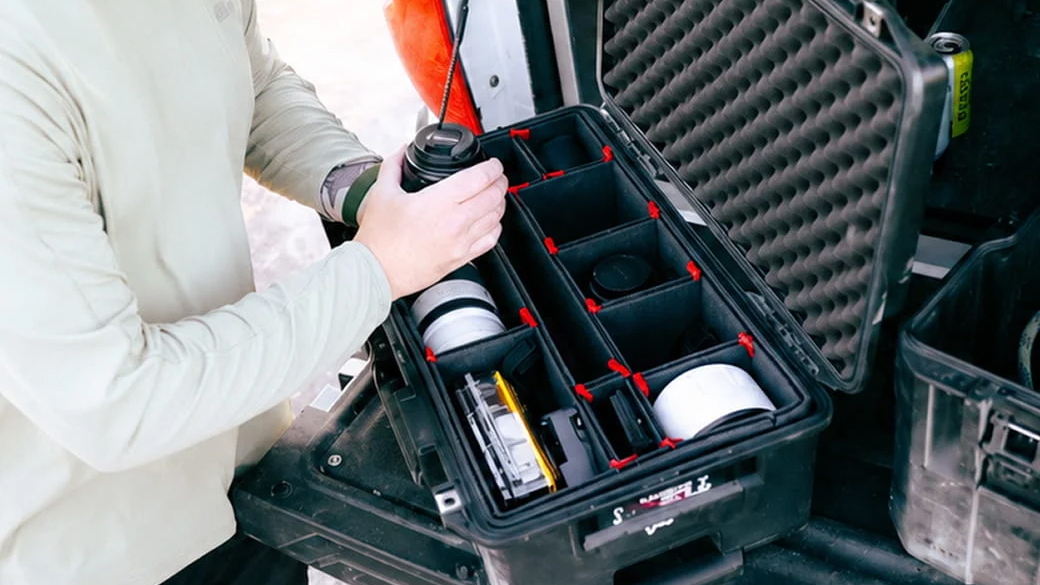
Chances are that you have all this equipment, and you might need to either bring it with you on the go or store it when you’re not recording. This is where the Pelican 1535AirWF case comes in. While there are many cases out there meant for specific items, this one comes with foam that can be easily removed so that you can customize the recesses you need. It also accepts a user-supplied lock for security and features wheels, pull handle, and a whole lot more to help you go from point A to point B.
Conclusion
There you have it, all the essentials you need to start. Whether you are working solo or with others, there is always something that can help elevate your sound. For more information on everything we talked about, make sure you hit the links.
